A complete brand for Civia, VOPI's platform of sovereign AI agents for governments: positioning, principles, personality, logo, colour, type and applications, designed end to end in Figma.
CLIENT
VOPI · Civia
SCOPE
Strategy, verbal and visual identity
YEAR
2026
TOOL
Figma
The mark
A star hidden inside the C.
Guidance and public purpose in one gesture: the empty centre of the C becomes the brightest part of the mark.
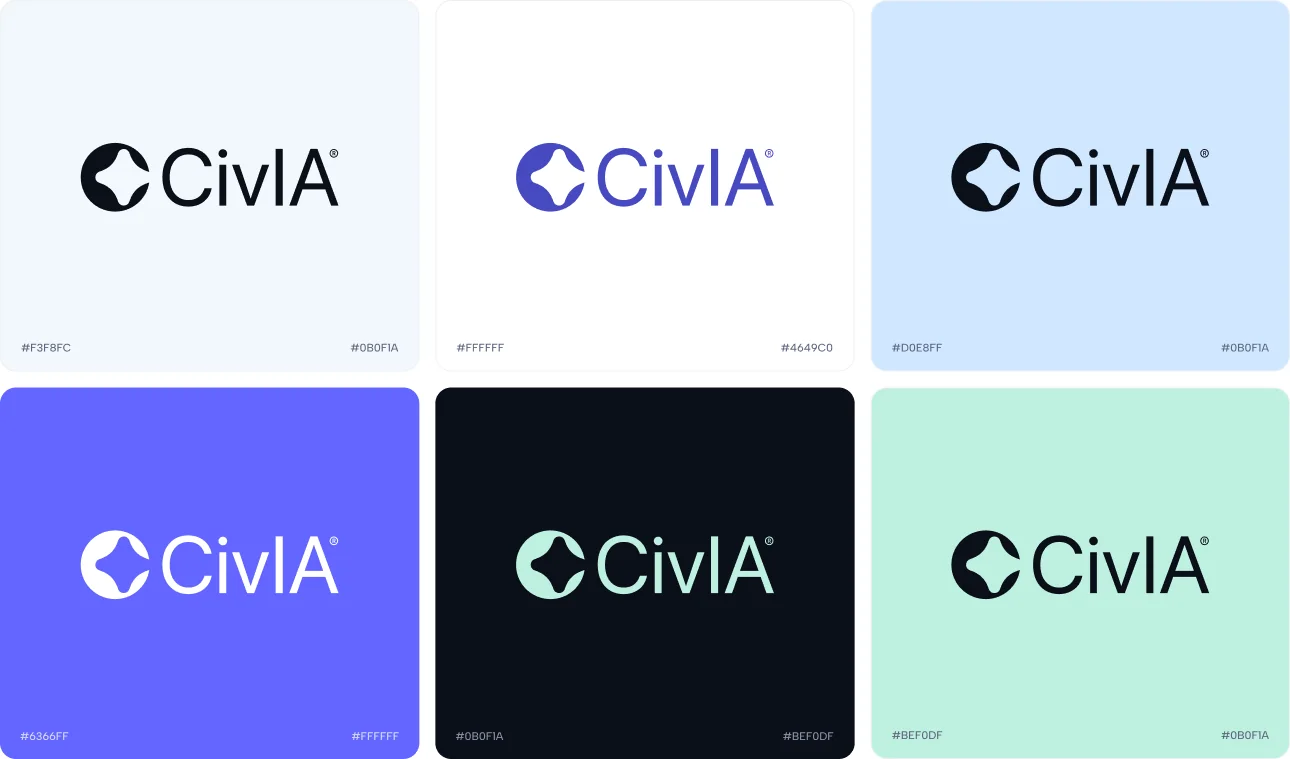
Medium Slate BluePeriwinkleColumbia BlueCeladonRich Black
01 — OVERVIEW
From chatbot vendor to a platform of AI agents
Civia began as a WhatsApp chatbot and campaign product. The rebrand marks its repositioning as a platform of sovereign AI agents for the public sector: many specialists, coordinated in one experience, that serve citizens, support civil servants and keep everything on record.
POSITIONING STATEMENTFor governments that need to serve more people with the same team, Civia is the platform of sovereign AI agents that takes on repetitive service and gives time back to civil servants, because it is auditable, runs under Brazilian sovereignty and speaks the citizen's language. Not a chatbot, but a body of coordinated specialists.
PositioningPurpose, vision and missionBrand principlesPersonalityLogo systemColourTypographyApplicationsSocial media kit
02 — STRATEGY
Why Civia exists
Purpose
Beyond selling software: shorten the distance between citizens and the State, so public services arrive fast, clearly and for everyone, without anyone having to understand bureaucracy to be served.
Vision
A public sector where the first answer is immediate and the final decision is human, with sovereign, auditable Brazilian AI taking care of everything in between.
Mission
Give governments a platform of AI agents, many specialists coordinated in a single experience, that serves citizens, supports civil servants and keeps everything on record.
Functional
Serves citizens 24/7 across channels, resolves repetitive requests and routes the rest to the right person.
Operational
Shorter queues, less rework, fewer on-call shifts. Civil servants stop copying protocols and start supervising agents.
Emotional
Citizens feel heard and respected; civil servants feel supported, not replaced.
Institutional
Legitimacy through data sovereignty, legal compliance (PL 2338 and LGPD) and a complete audit trail.
03 — PRINCIPLES
Five rules every decision answers to
01Humans decideMeans: AI resolves and recommends; sensitive decisions stay with a person. Doesn't mean: hiding the AI or pretending everything is human.
02Show the trailMeans: every relevant action is logged and the source is visible. Doesn't mean: cluttering the citizen's screen with legal jargon.
03Clarity above allMeans: if the citizen didn't understand, the brand failed. Doesn't mean: talking down to people or giving up precision.
04Sovereignty without fanfareMeans: security and "made in Brazil" are structural, shown with a light touch. Doesn't mean: flag-waving or loud patriotic seals.
05Many, but oneMeans: agents have their own personality within one coherent experience. Doesn't mean: every agent turning into a loose visual sub-brand.
04 — PERSONALITY
How Civia sounds
Warm, but not overly familiar
Talks like someone who wants to help, without forcing friendship or using nicknames with someone looking for a public service.
Clear, but not simplistic
Translates bureaucracy without erasing the information citizens need to act.
Trustworthy, but not cold
Shows its trail and sources naturally. Security reassures; it doesn't intimidate.
Optimistic, but not naive
Believes public service can be good, acknowledges its limits and says when a human is needed.
Brazilian, but not parochial
Sovereignty and real Portuguese, without jingoism or green-and-yellow clichés.
05 — LOGO
A star hidden inside the C
Negative space reveals a four-pointed star inside the "C". The empty centre becomes the element with the most meaning: the clarity that appears once complexity is organised.
The star stands for guidance and public purpose. Amid too much information, demand and possible paths, Civia helps people find what matters and understand the next step.
The circle brings unity, and its opening connects that intelligence to the outside world: a platform that takes in context, organises knowledge and offers direction, with human judgement kept at the centre.
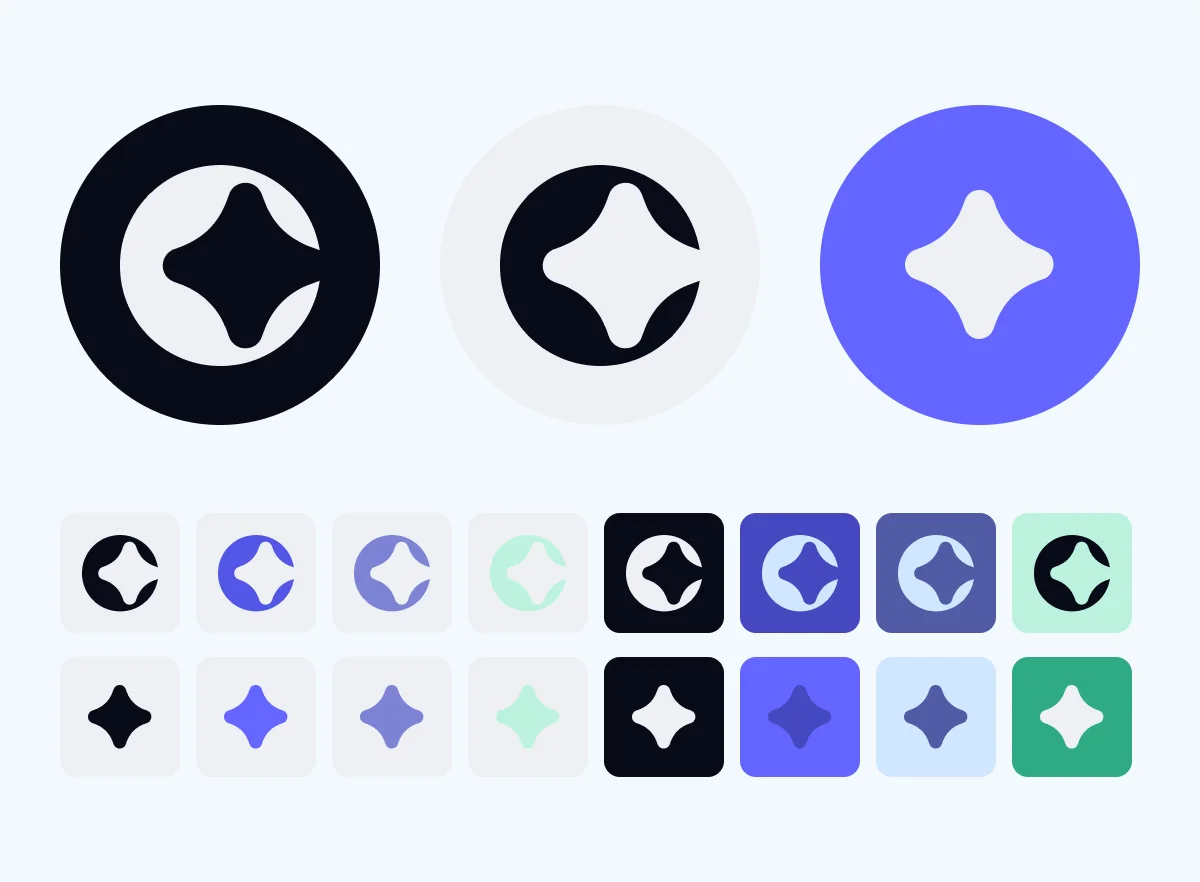
Approved colour combinations for the wordmark.06 — COLOUR
Institutional trust, contemporary tech
The palette pairs the trust expected of a public-sector platform with a current technology language. Neutrals keep interfaces clear even when there is a lot of data.
Medium Slate Blue#6366FF
Periwinkle#B6B9FE
Columbia Blue#CFE7FF
Rich Black#090B18
Celadon#BDF2DE
Proportion of use
60% Neutral27%10%
Neutrals carry the interface, Rich Black gives it structure, Medium Slate Blue brings the brand's energy, and Periwinkle, Columbia Blue and Celadon (3%) step in as support.
07 — TYPOGRAPHY
Two sans serifs, one voice
Aabc
Albert Sans LightAlbert Sans RegularAlbert Sans MediumAlbert Sans SemiboldAlbert Sans Bold
Primary · Albert Sans
A modern, versatile typeface built for legibility and refinement in any application. Clean lines and balanced proportions convey trust and a contemporary feel, joining simplicity with visual impact.
Aabc
Nunito Sans LightNunito Sans RegularNunito Sans SemiboldNunito Sans BoldNunito Sans ExtraBold
Secondary · Nunito Sans
A highly legible sans serif for both digital and print. Its rounded forms and soft strokes feel welcoming yet professional, ideal for interfaces, presentations and long-form reading.
Government that answersAgents on duty
08 — APPLICATIONS
The brand out in the world
Browser tab and favicon.
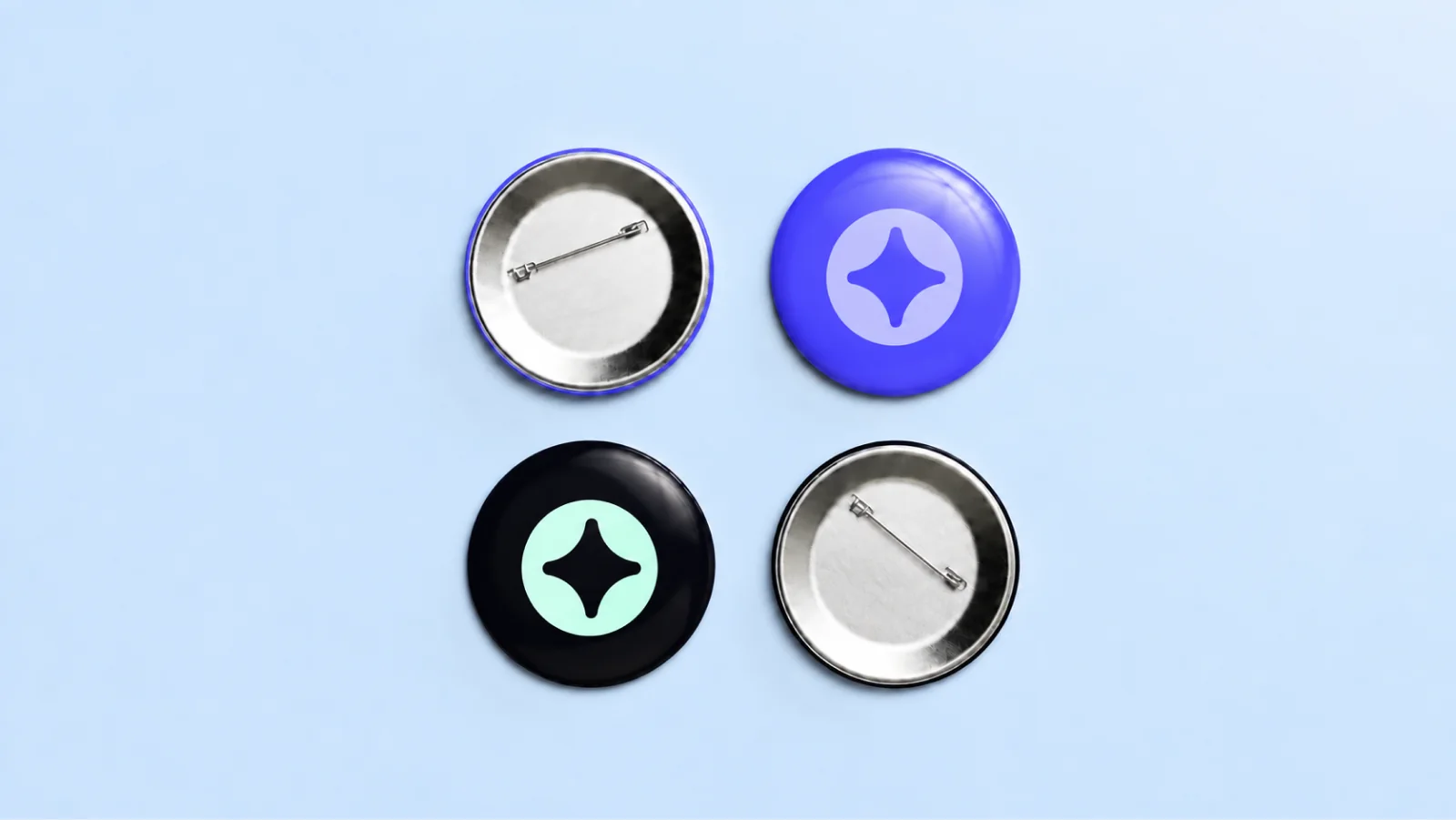
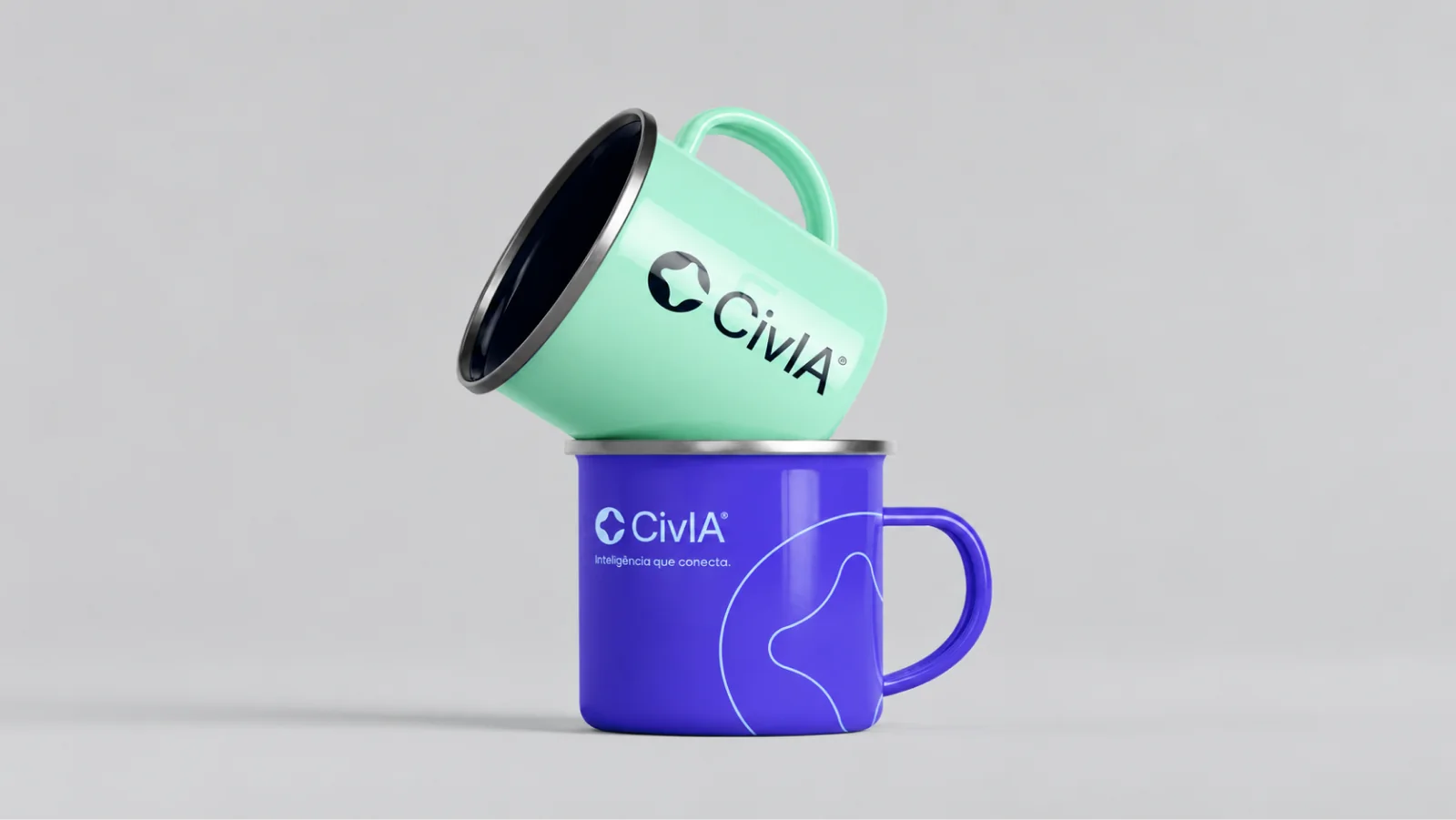
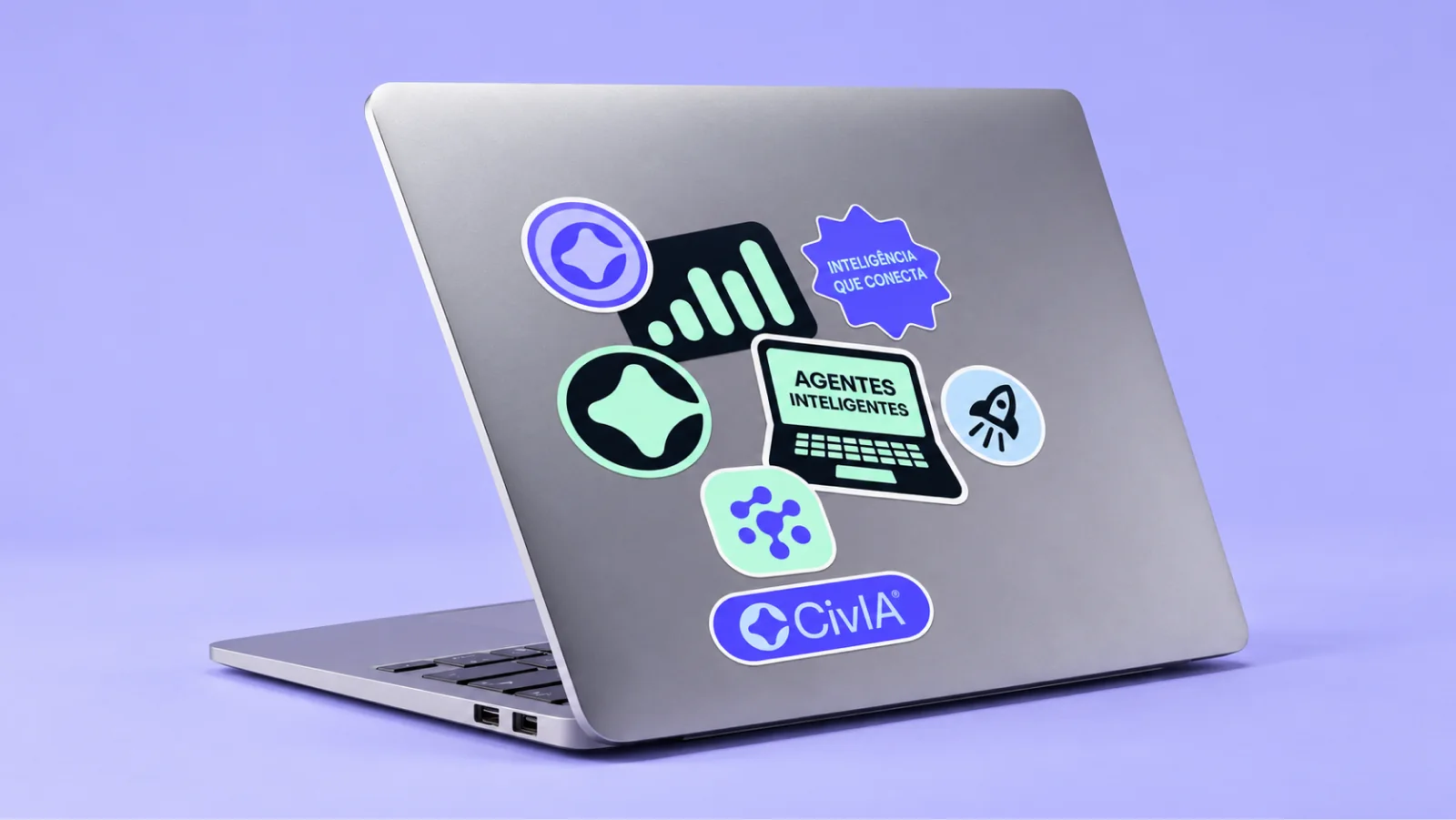
App icon on iPadOS.Pin badges.Enamel mugs. The tagline reads "Intelligence that connects."Sticker set, including "Intelligent agents".
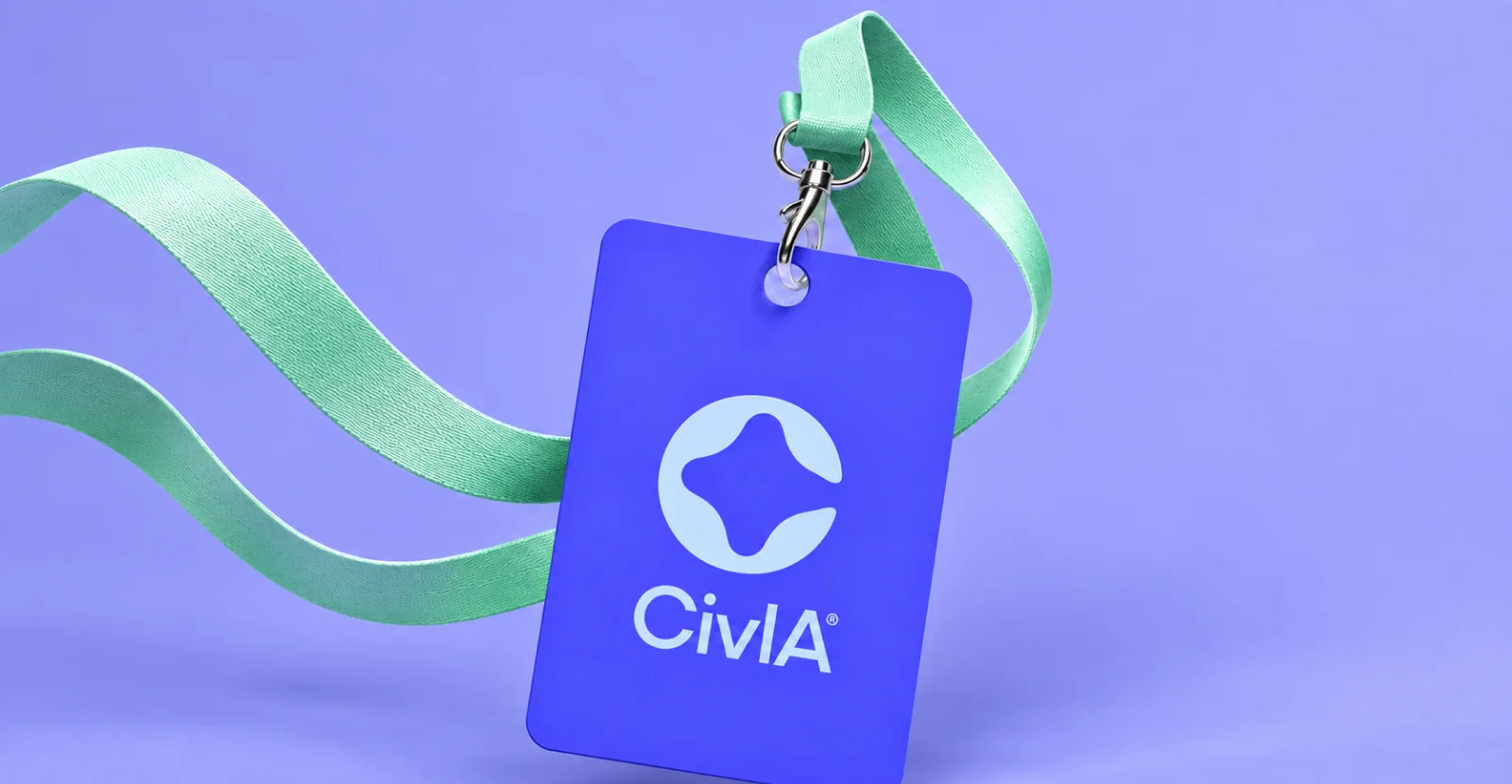
ID badge and lanyard.09 — SOCIAL MEDIA
A kit for every channel
Avatars, profile covers, posts and badges that keep every agent and channel recognisably Civia. Copy is in Portuguese, written for Brazilian citizens.
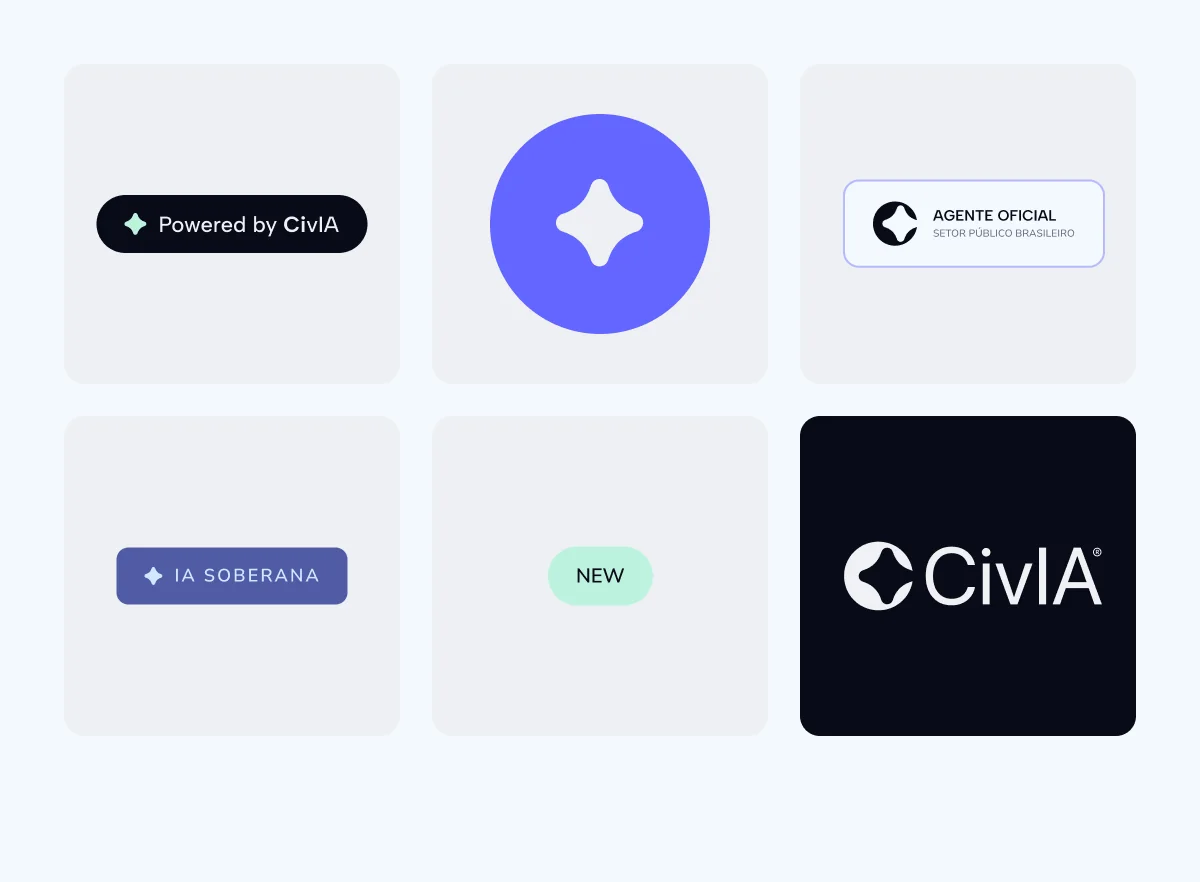
Avatar system.Badges and labels, such as "Powered by CivIA" and "Official agent".
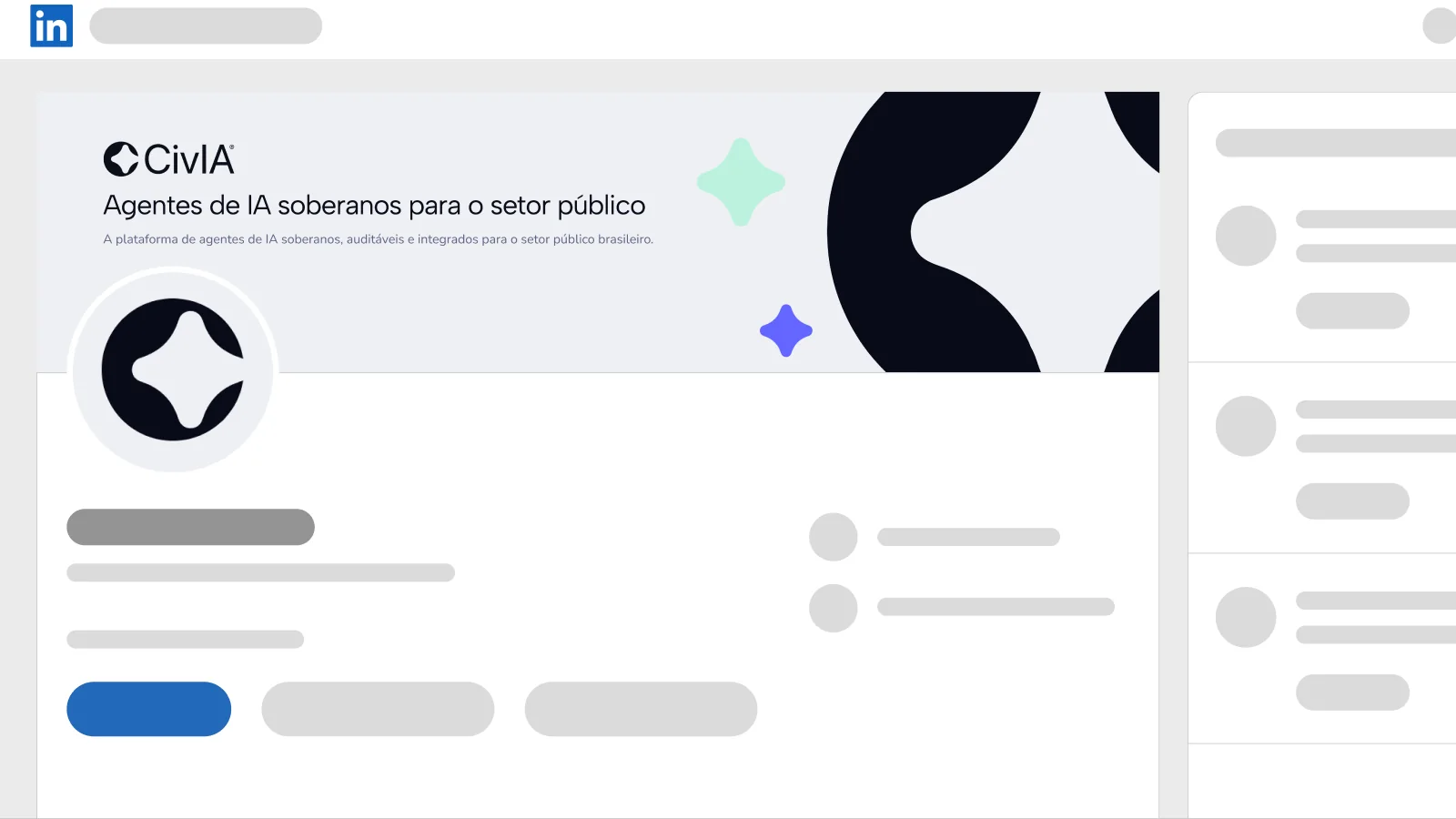
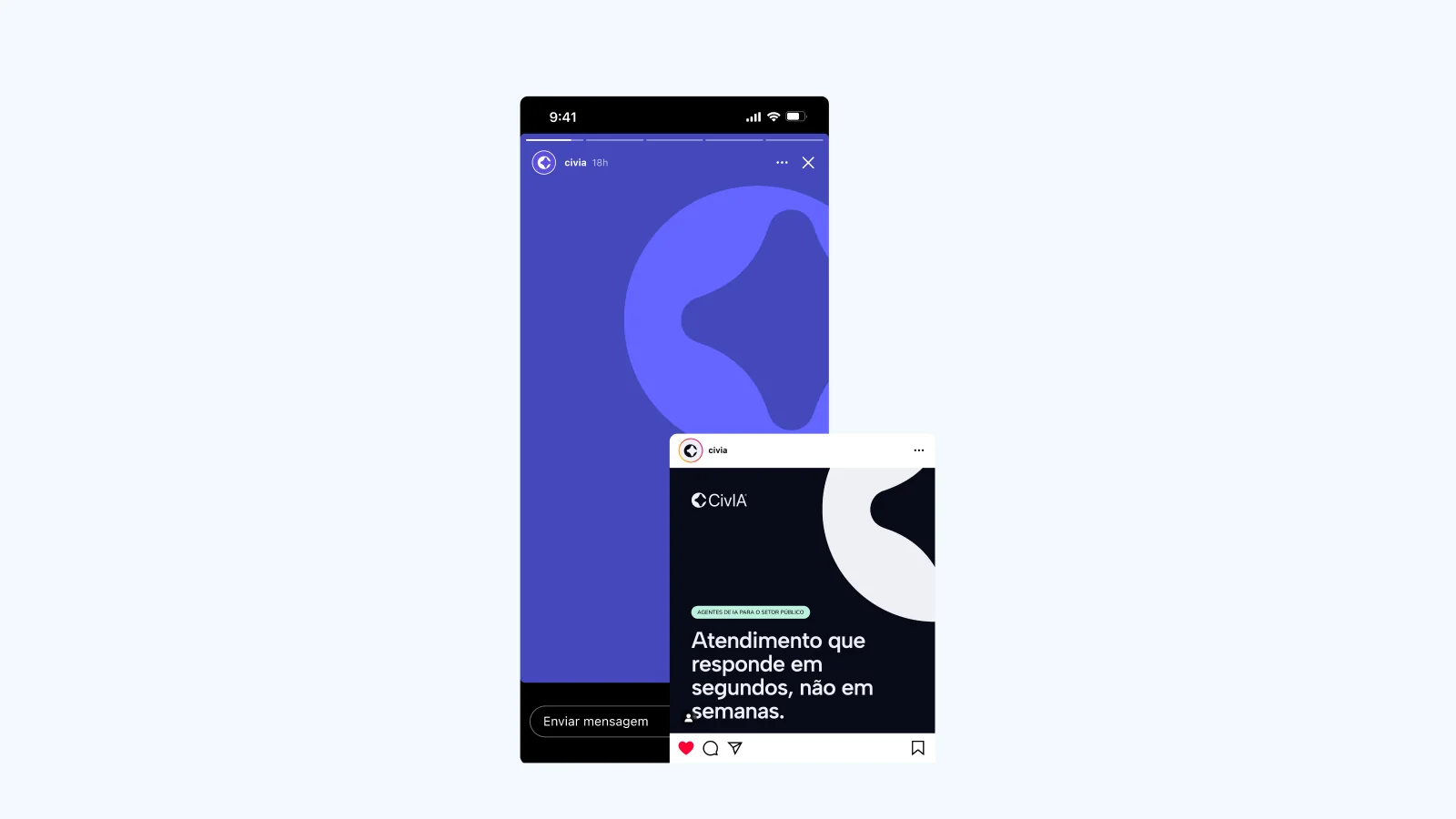
LinkedIn page. The cover reads "Sovereign AI agents for the public sector."Instagram story and post: "Service that answers in seconds, not weeks."
More projects coming soon
AI PRODUCT · DESIGN ENGINEERING · 2026
NOD
A support desk where the AI does the work and people give the nod.
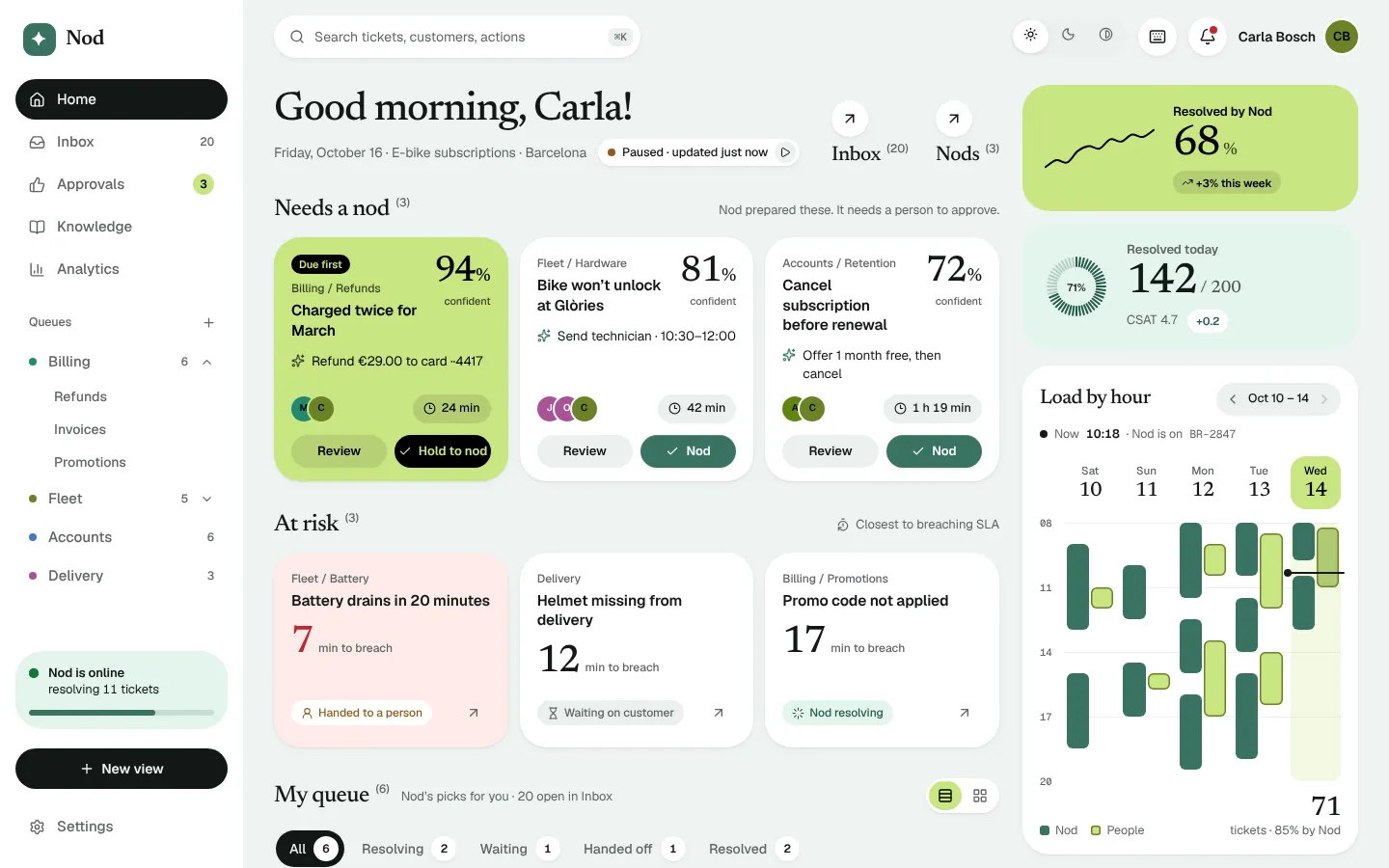
Nod is an AI customer-support workspace. I designed it, built Kiln, the design system under it, and shipped it as a working React and TypeScript app: six screens, three colour modes and a live simulated desk.
Most AI support products sell deflection: the agent answers, the ticket closes, a number goes up. The interesting work is the rest. A refund over a limit. A cancellation. A technician visit. Those decisions carry money or risk, and a company will only let an AI near them if a person stays in the loop without becoming the bottleneck.
Support ops is dense, real-time and full of states: timers, queues, hand-offs, undo. It is the kind of interface where design decisions and engineering decisions are the same decision, which is why I chose it.
HOW MIGHT WE…let an AI agent resolve support tickets on its own, while giving people a fast, deliberate and visible way to approve the decisions that carry money or risk?
The answer is a workspace built around one small verb. Nod, the AI, prepares an action with its reasoning and sources. A person gives it a nod. The nod is fast enough to do forty times a day, deliberate enough that nobody approves €290 by accident, and visible everywhere the ticket shows up afterwards.
Nod does the work. People make the calls that matter. One design system holds it together, in code and in Figma.
02 — GOALS
Four rules that decided most of the arguments
1Risk sets the friction
Low-risk actions approve on one tap. Anything that moves money needs a press-and-hold. The interface should cost exactly as much attention as the decision deserves.
2Show the reasoning, not the confidence
A percentage is not an argument. Every proposal lists the steps Nod took and the sources it read (Billing, Stripe, the refund policy), each one checkable.
3One state, many views
A ticket approved on the dashboard is approved in the inbox, the conversation, analytics and the audit log. One patch map, applied everywhere, so the app never disagrees with itself.
4Minutes, never seconds
SLA timers round up to the minute. A ticking seconds counter creates urgency the work does not have and makes the page impossible to read.
03 — DESIGN SYSTEM
Kiln: five decisions in, every token out
Kiln is my design system. Its theme is a handful of choices (brand colour, highlight colour, neutral tint, radius, two typefaces), and a TypeScript engine derives everything else in OKLCH, for light, dark and high contrast.
One engine, three places
The same code runs in the Kiln playground, the Figma variables exported from it and tokens.ts in the app. Move the brand hue and the accent ramp, tinted neutrals, soft fills and data-viz scale all move together.
Stroke-free
Surfaces separate by tint and soft shadow, which keeps dense screens calm. High contrast is a first-class mode, not a filter: it brings outlines back, because that is what the mode is for.
Components read tokens
ThemeProvider writes the derived tokens as --k-* custom properties. Components only ever read those, so every screen has light, dark and high-contrast versions without a mode-specific rule.
Figma variable
CSS property
Light
Dark
HC
Semantic / bg
--k-bg
eef4f2
0b0f0e
ffffff
Semantic / accent
--k-accent
3a7361
73ac99
134437
Semantic / highlight
--k-highlight
c8e581
bcd874
c2df7b
Status / danger
--k-danger
c2272d
f59189
8e171d
Data viz / data-cat-5
--k-data-cat-5
b65a14
ef8f52
773a0c
04 — CORE FEATURES
Six screens, one state
Each screen was framed in Figma first, then built against the frame. The notes under each one are the engineering decisions a static design cannot show.
Feature 1
Inbox
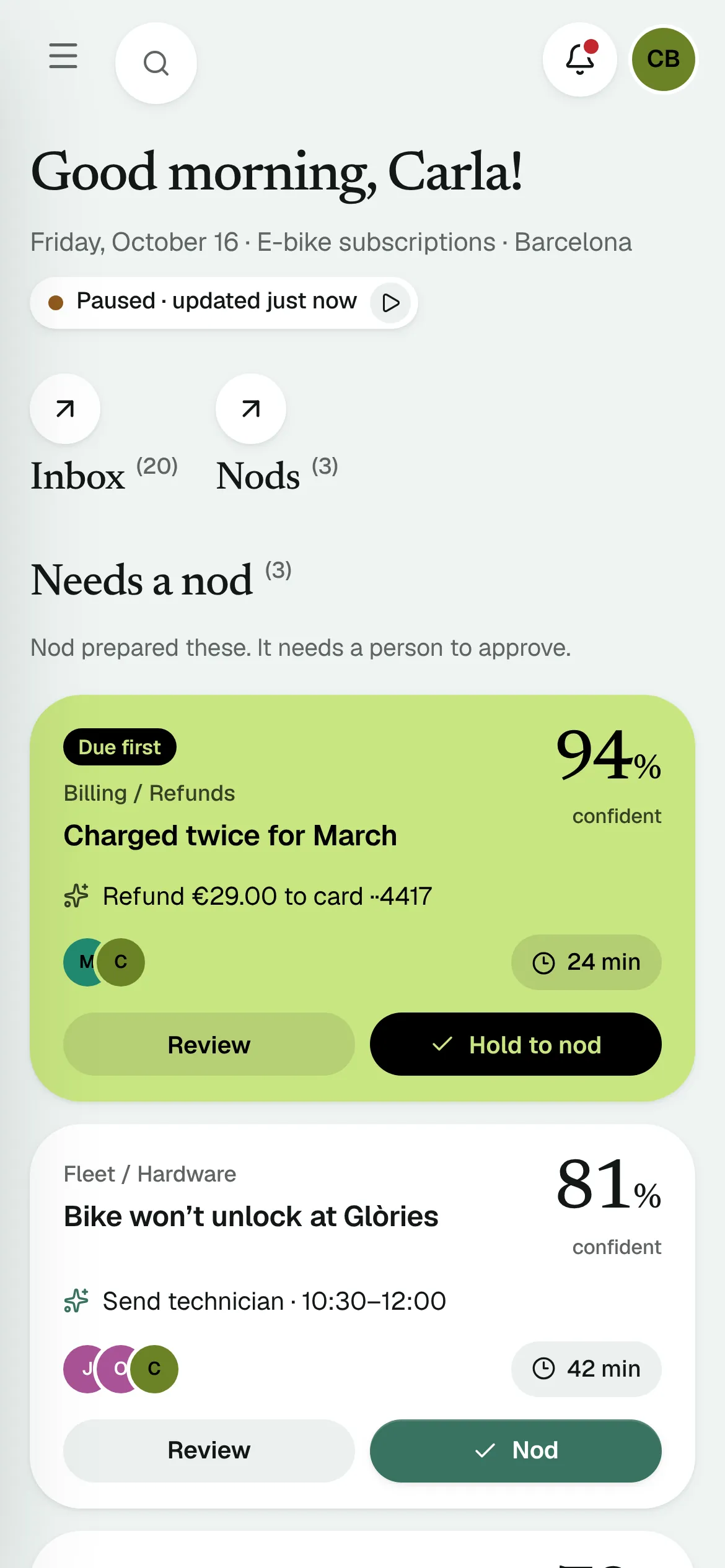
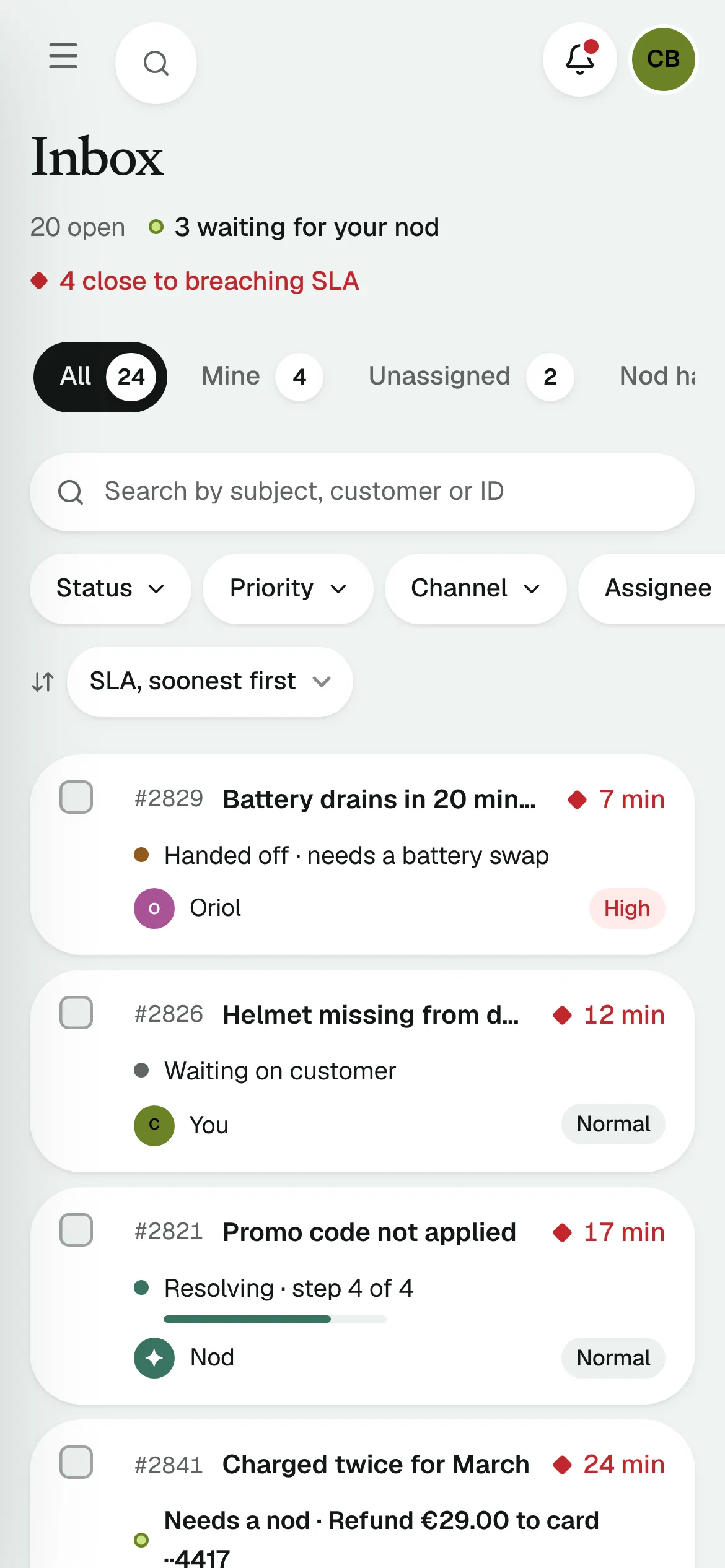
Every ticket with what Nod is doing about it. Views (All, Mine, Unassigned, Nod handling, Needs a nod), search, filters, sort, and bulk actions with undo.
Status is a sentence
“Needs a nod · Refund €29” tells you what to decide before you open the row. The AI column is text with an icon, never a colour dot alone.
Table becomes cards
Below 640 px the same rows render as cards. One component, one data shape; the CSS does the reflow, so there are never two inboxes to keep in sync.
Keyboard throughout
J / K move, X selects, Enter opens, Esc clears. Bulk actions use the same reducer as single ones.
Feature 2
Conversation
The thread, Nod’s reasoning as steps with their sources, and the action waiting for a decision: approve (hold), edit the amount or reject. Take over, hand back, snooze, reply, note, or ask Nod to draft.
Reasoning you can audit
Each step names its source: Billing, Stripe, the refund policy article. A person checks the chain, not a confidence score.
Edit, don’t reject
Changing €29 to €20 keeps the context and logs an event in the thread. Most “wrong” proposals are nearly right.
Why Nod asked
The hand-off is explained in plain words: over the refund limit, low confidence, no article covers it. The guardrail that caused it is one click away.
Feature 3
Knowledge and guardrails
Knowledge. Gaps first: real questions Nod couldn’t answer, linked to their tickets.
Guardrails. What Nod may do alone, previewed against last month’s refunds.
Rules are data
autoApproves(rules, proposal) is a pure function, tested on its own. The same function decides in the test console, the conversation and the save bar.
Unsaved changes guard
The editor drawer asks before it closes on a dirty draft, and focus never jumps.
Test console
Type a rider’s question and see how Nod would answer, with the articles it would cite, or why it would hand off. It never answers from drafts.
Feature 4
Analytics
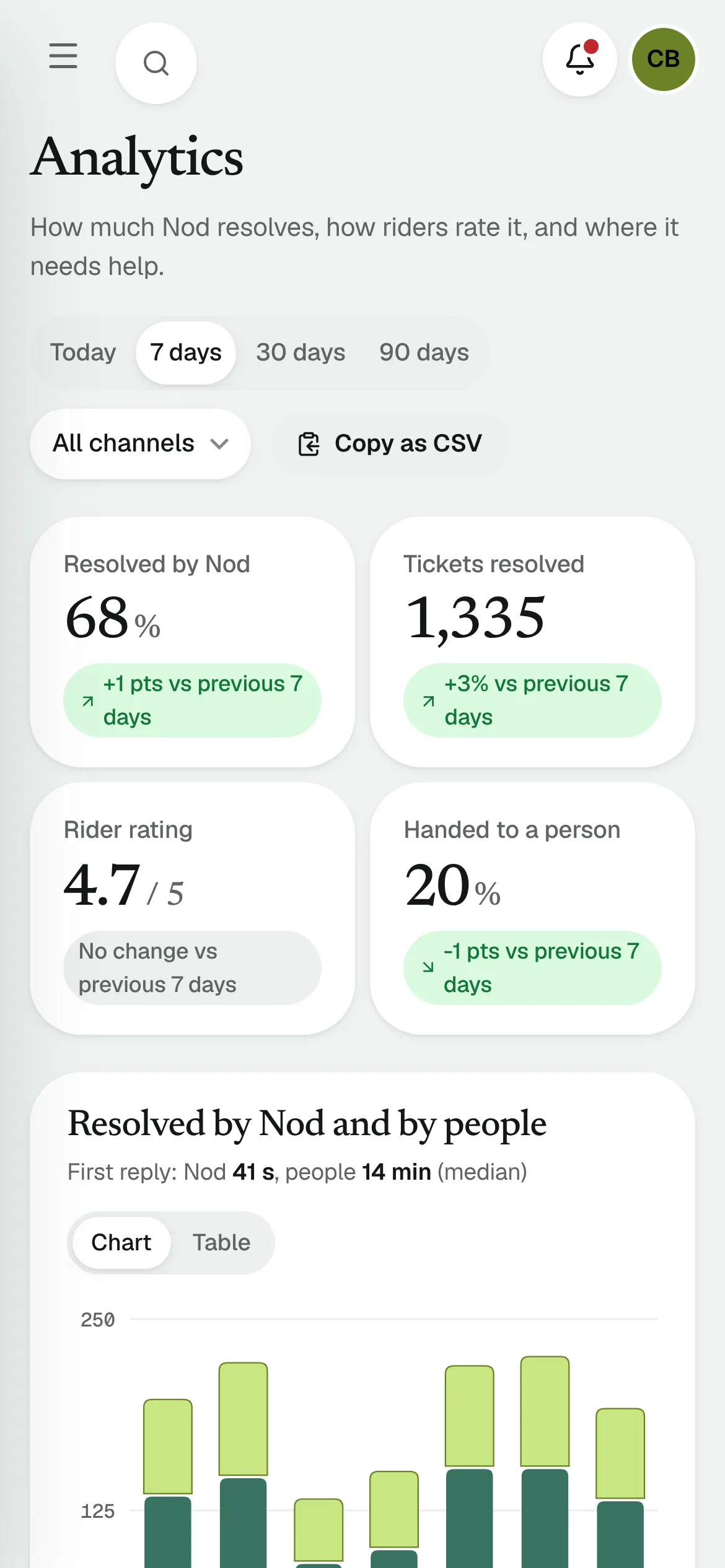
Resolution, rating and hand-off rate against the previous period, for today, 7, 30 or 90 days and any channel. Every chart has a table view and copies as CSV.
Deterministic data
A seeded PRNG generates the series, so the numbers match the dashboard, survive reloads and can be asserted in tests.
Partial and empty, designed
Today shows filled bars for past hours and dashed outlines for the rest. A channel Nod doesn’t cover yet gets an empty state that leads to Settings.
SVG, hand-drawn
No chart library. Bars, lines, crosshair and tooltips are a few hundred lines of SVG, to control every colour and label.
Feature 5
Settings
Team and roles, invites with validation, a permissions matrix, a per-channel switch for Nod, and an audit log that records every change as it happens.
The last admin
The app refuses to demote or remove the only active admin and says what to do instead.
Changes write their own log
Saving guardrails diffs old against new and writes “changed the refund limit from €20 to €25”.
Cross-screen effects
Connect a phone line here and the Analytics empty state for Phone changes its sentence.
Responsive
Phone width
Phone width is not a separate design. The same components reflow: the inbox table becomes cards, the mode switch moves into the drawer, charts go full width, and nothing scrolls sideways.
Details
Peek and command palette
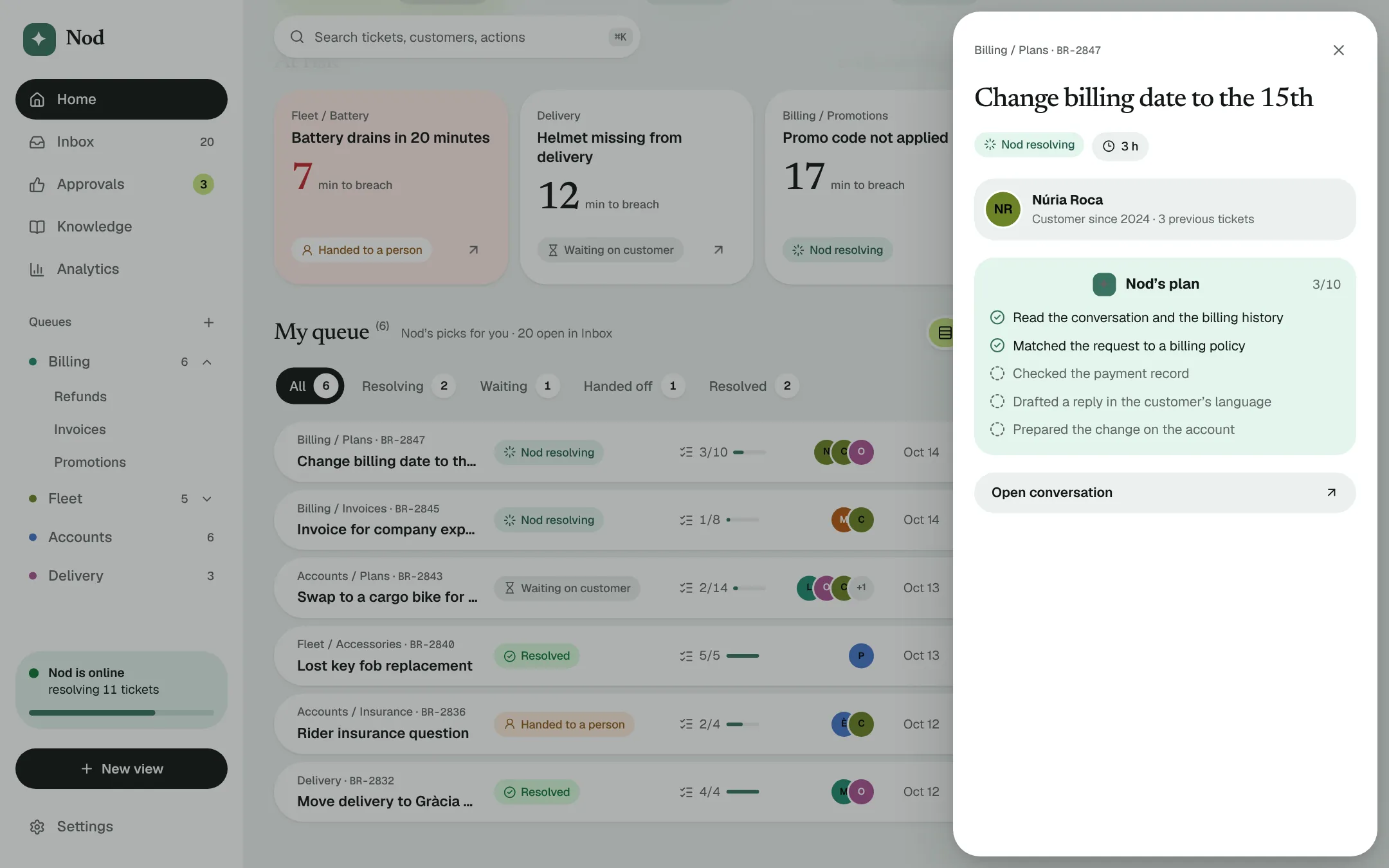
Ticket peek. Nod’s plan and proposal without leaving the dashboard.
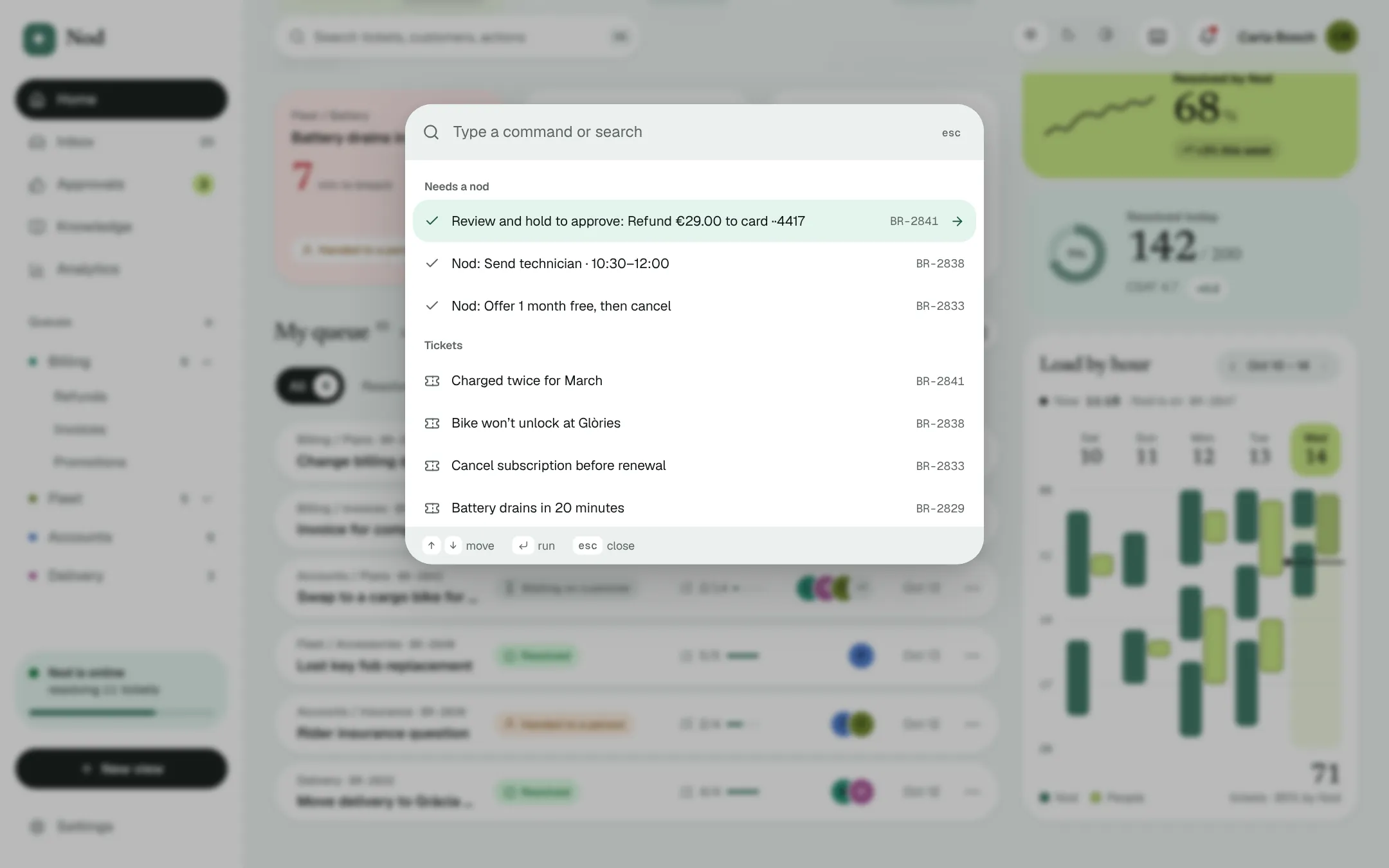
Command palette (⌘K): approve, open a ticket, switch mode or simulate going offline.
05 — FIGMA TO PIXELS
The frame and the build, one on top of the other
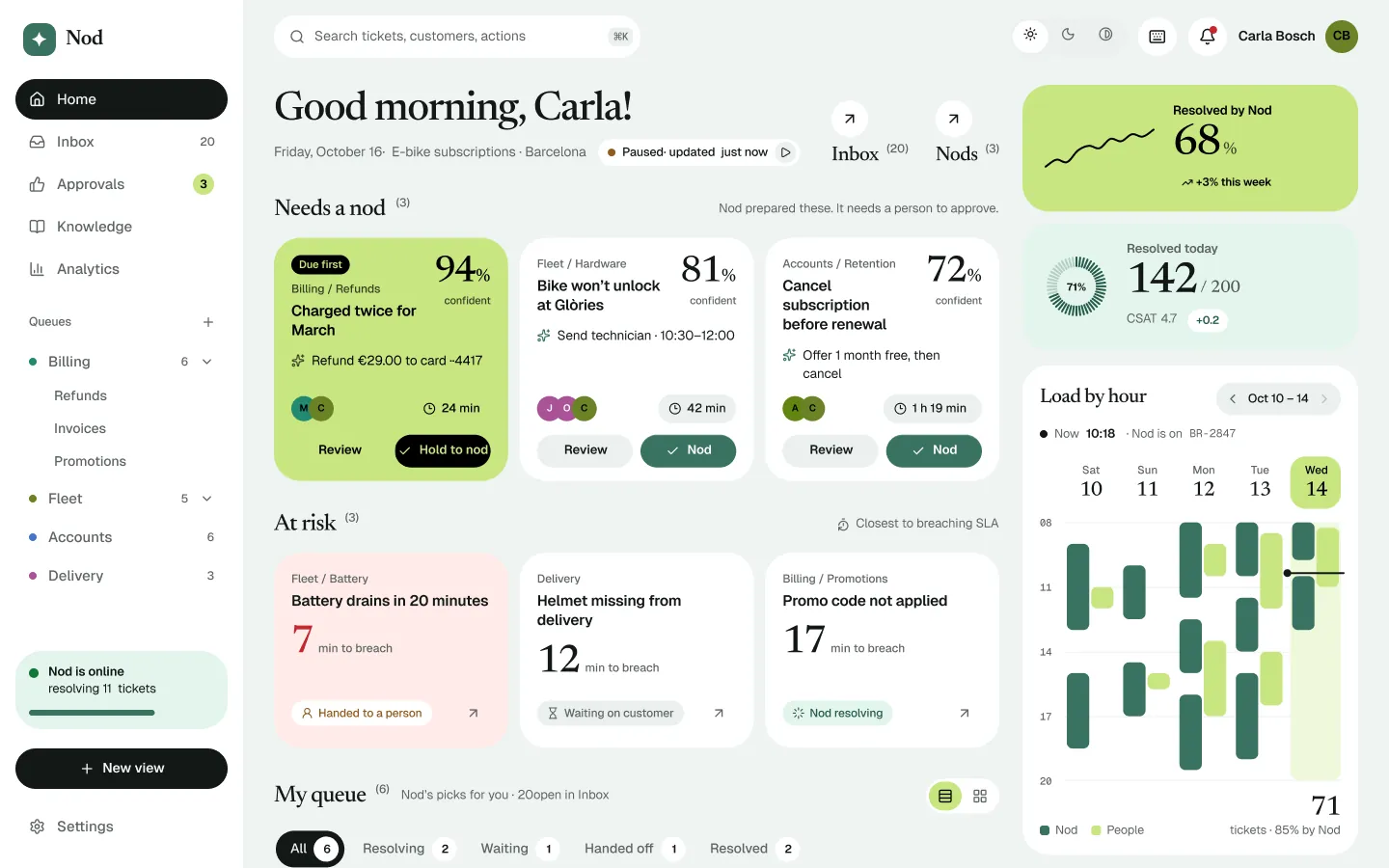
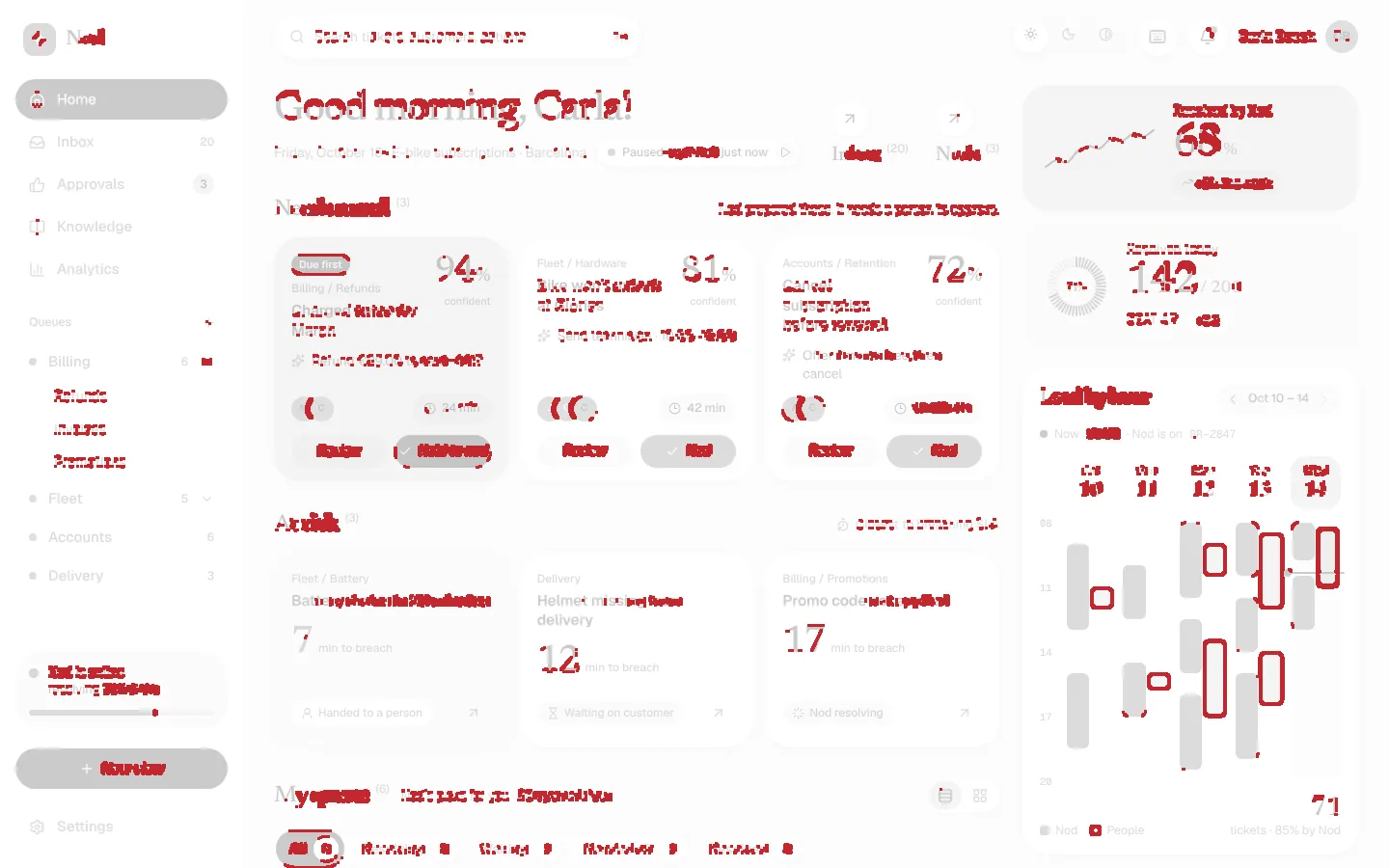
Design and code only stay the same if you can measure the distance between them. This is the dashboard in Figma and in the browser, at 1440 px, with a pixel diff between the two.
{{ cmpNote }}
Figma frameBrowser
98.5%
of pixels match within 32/255 per channel after a 1 px blur, which removes font-rendering noise.
96.8%
match pixel for pixel with no blur. The red is text anti-aliasing and rounded corners.
697
editable layers in the frame: 167 text, 156 vectors, 367 frames. No bitmaps.
How the two stay the same
The usual flow is Figma once, code forever, and the two drift within a month. I run it as a loop in both directions.
01Tokens travel firstKiln’s engine writes the same 45 tokens to --k-* custom properties in the app and to a Figma variable collection with Light, Dark and High contrast modes. Switching mode in either produces the same screen.
02Screens travel as layersA script walks the running dashboard’s DOM, measures every box, text run and icon, and rebuilds it in Figma as editable frames, real text and vector icons, with every matching fill bound to its variable.
03Then the diff decidesBoth sides render at 1440 × 900 and are compared pixel by pixel. The first pass found two misses, both fixed in the frame. What remains is how two renderers draw the edge of a glyph.
06 — ENGINEERING
Where design and code were the same problem
Hold to approve
One tap is right for “send the help article”. It is wrong for “refund €290”. The button needed friction that scales with risk, works with a mouse, a finger and a keyboard, and is honest about what happens when you let go early. The answer is a fill: hold for 900 ms to approve; let go early and it drains back in 250 ms, so you can see you were close.
Try it with the pointer, or Space. Let go early and it drains back.
Which actions need the hold is one regular expression over the proposal text, so the rule is visible and testable instead of a flag someone has to remember to set. The accessible name says “Hold to nod: …” because the audit flagged that the visible label and the name disagreed.
A desk that moves while you watch
A support desk is never still, so the demo isn’t either. The desk is a reducer: every 5 to 8 seconds an event plays (a ticket arrives, a plan step completes, an at-risk ticket is won back). On top sits a single patch map of everything a person did. Every view reads the desk through the patch, which is the only reason six screens can agree.
Time left, in words people use
The first version counted seconds: impressive for ten seconds, then noise. Now everything rounds up to the minute and reads the way a person would say it. “0 min” would be a lie for a ticket with 40 seconds left, and “1 h 0 min” is something nobody says.
export const fmtLeft = (s: number) => {
  const total = Math.ceil(s / 60);
  const h = Math.floor(total / 60), m = total % 60;
  return h ? (m ? `${h} h ${m} min` : `${h} h`) : `${m} min`;
};
SecondsBeforeAfter
400:401 min
611:012 min
138023:0023 min
360060:001 h
474079:001 h 19 min
7199119:592 h
Chart colours that survive colour blindness
The obvious choice, accent for Nod and the second data-viz hue for people, looked fine to me and failed the check: the two greens were under the ΔE threshold for normal vision, and worse for deuteranopia. The bars now keep the highlight fill with a darker edge, so the shape reads even when the hue doesn’t, and the line for people moved to Kiln’s orange (ΔE 18.3 normal, 8.9 colour-blind).
Accessibility as a loop, not a pass
Every screen runs through axe-core in Playwright, in light, dark and high contrast, at desktop and at 390 px, after every change. The number to beat is zero. What it caught was mostly structure, not contrast.
FindingFix
Avatar initials under 4.5:1 on data-viz fillsNew on-data-cat tokens picked by contrast
role="tabpanel" on a ulWrapped the list in a div that carries the role
Card headers became banner landmarksheader → div inside cards
Dimmed offline text fell below contrastGrayscale only, no opacity
Hold button name ≠ visible labelName is “Hold to nod: …”
Selects nameless once the label hid on phonesaria-label on sort and channel selects
Keeping it light
Framer Motion earns its place, but its full feature set isn’t needed to paint the first frame. Loading its features after mount took the initial JavaScript from 122 KB to 104 KB gzipped. Decorative motion is CSS, one shared clock drives every countdown, and Lighthouse reads 100 for performance on desktop.
07 — PROCESS
Figma first, code as the source of truth, AI in every phase
Kiln exists in Figma as a full system, and Nod’s screens were framed there first. The frame is where I argue with myself about hierarchy; code is where I find out whether it survives real data, real states and a 390 px screen. I used AI throughout, as a pair rather than a shortcut: it never skips a phase, it makes each one faster.
01Frame itDesign the screen in Figma on Kiln components. Decide the states up front: loading, empty, offline, error, phone.
02Build against the frameThe frame is the spec and the tokens are the only colours. AI drafts the first pass; I review every line that touches layout or state.
03Make it trueWire it to the shared state so it agrees with every other screen, and add tests for the logic that was hard to get right.
04AuditTypeScript, Vitest, then Playwright: click through the flows, run axe in three modes and at phone width, screenshot everything.
05Look at itOpen the screenshots and the live app and ask what is wrong. There is always something. Fix it and run the loop again.
The most useful thing AI did was make the audit cheap enough to run every time. A full axe pass across every screen and mode used to be an afternoon; here it is a one-minute script, so findings were caught the day they were introduced.
08 — LEARNINGS
What designing and building the same thing taught me
Fidelity is a number, not a feeling
The frame and the build looked identical until the first pixel diff found two misses. Measuring the gap turned “matches the design” from a claim into a check.
Accessibility is mostly structure
I expected contrast failures. Almost every finding was a wrong role, a stray landmark or a label that disappeared on phones.
Precision is not clarity
The seconds counter looked impressive and read as noise. Design for the decision a person has to make, not for the data you happen to have.
What I would test first
The hold-to-nod friction is argued, not proven. With a real support team I would measure how often people let go early, and whether 900 ms feels deliberate or just slow.
More projects coming soon
PUBLIC SAFETY · GOVTECH · 2026
MOTORISTA SEGURO
Empowering drivers with immediate access to emergency assistance.
An official mobile safety app built with the Public Security Department of the State of Piauí (SSP-PI), Brazil, so drivers facing danger can get help immediately and discreetly.
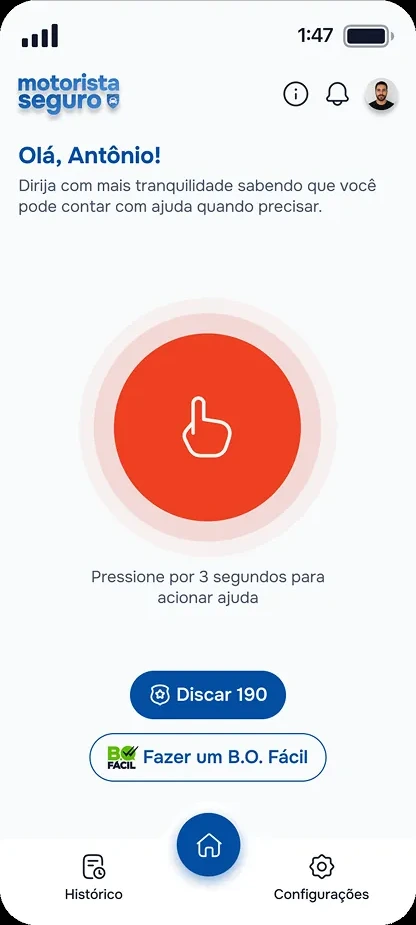
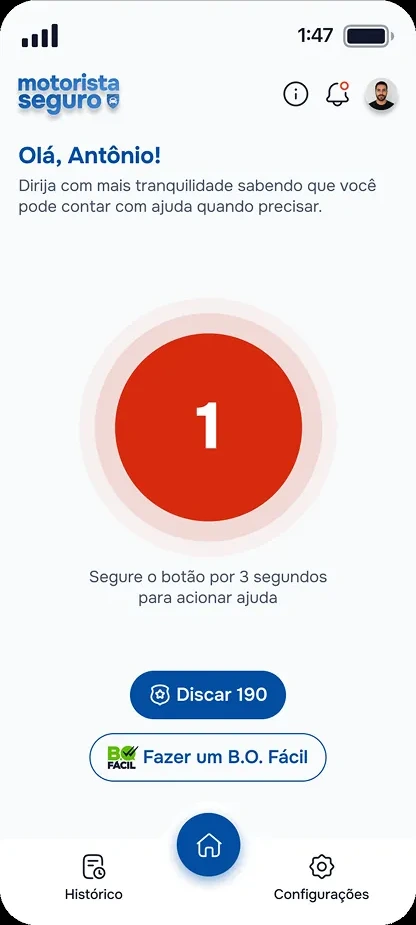
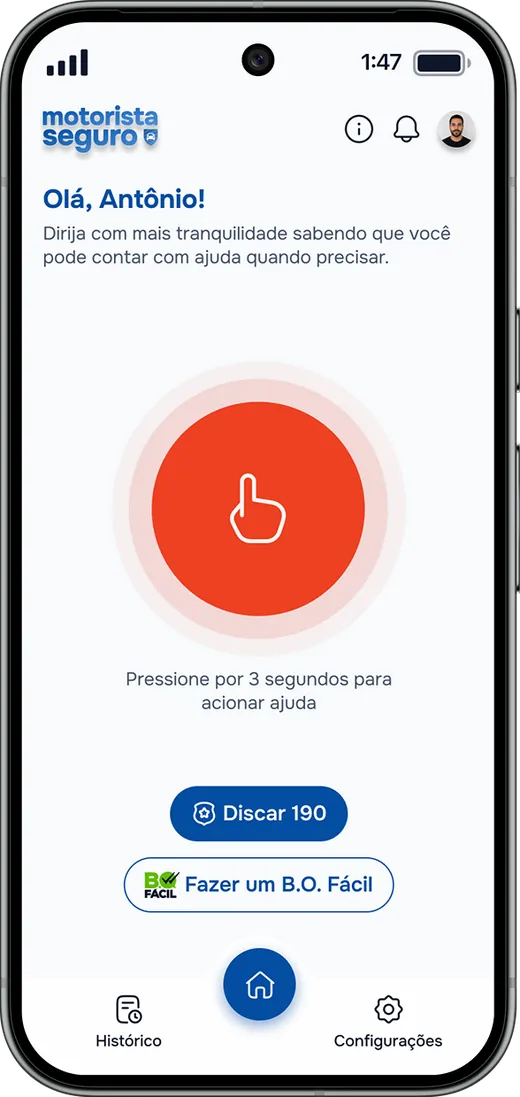
1PressOne large target on the home screen, reachable without looking.
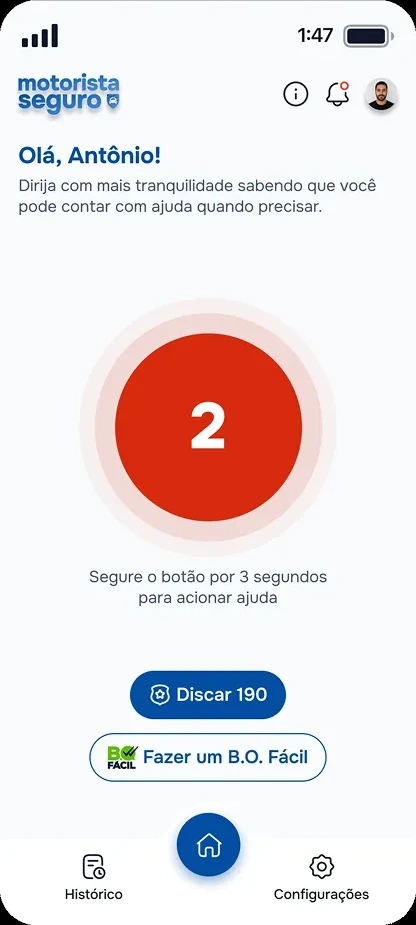
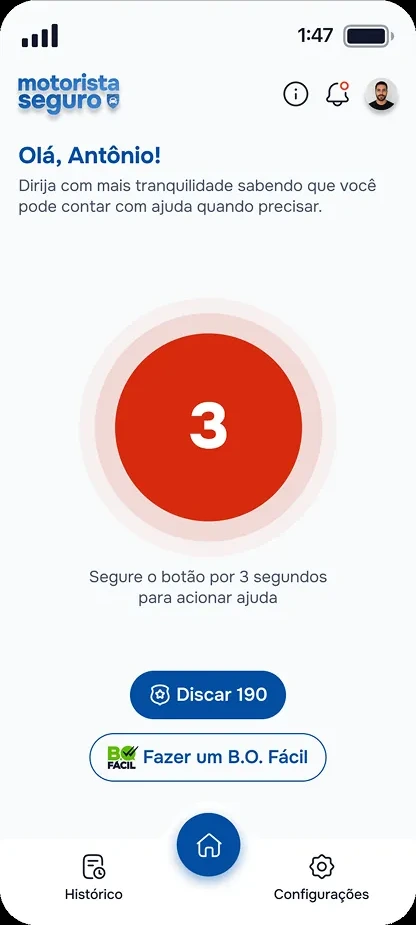
2Hold for 3 secondsA countdown on the button, so nothing is sent by accident.
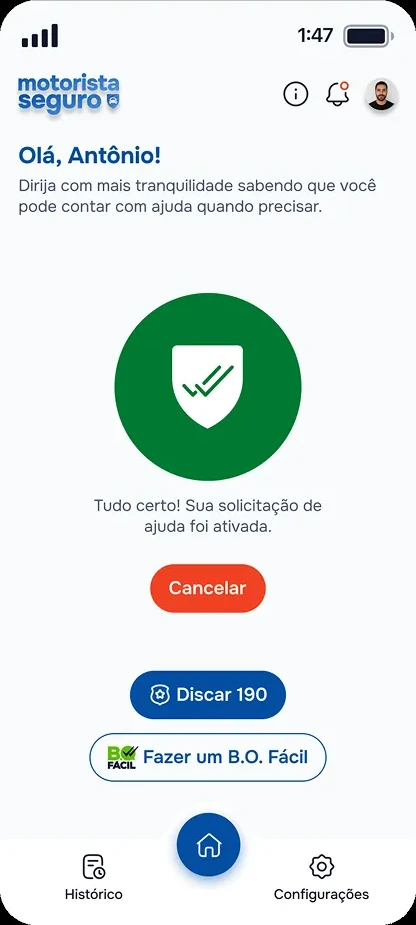
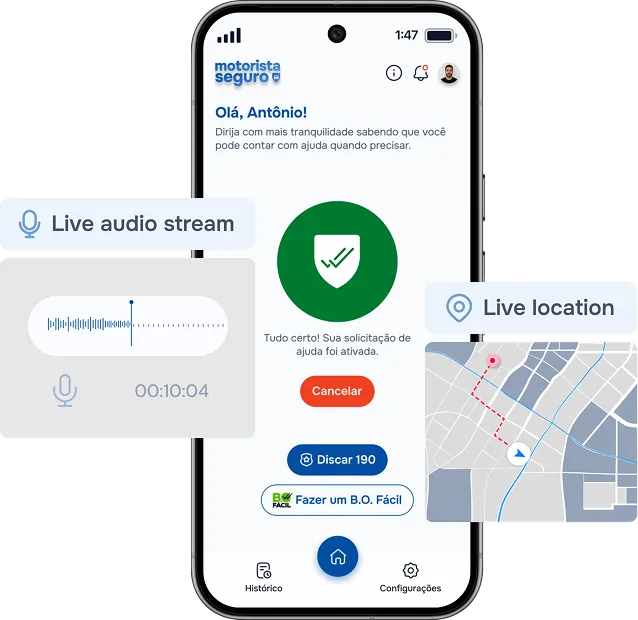
3Help is on the wayA silent alert, live location and audio go to the SSP-PI call centre.
01 — OVERVIEW
Asking for help without adding risk
Drivers needed a way to ask for help without exposing themselves to more danger. Traditional channels, such as calling 190, can be too slow or too visible in a threatening situation. A driver under threat may not be able to speak, explain where they are, or safely use a complex interface.
At the same time, public security teams needed structured, reliable information to understand what was happening, where the driver was, and how to coordinate a response.
HOW MIGHT WE…help drivers request emergency support quickly and discreetly, while giving public security teams enough information to respond effectively?
The answer is a panic app for real risk situations: robbery, express kidnapping, threats, pursuit. The driver activates one button and the app starts sending continuous location and ambient audio to a call centre, which triggers the right protocol: police, emergency contacts, an incident report.
One button. One phone. Someone on the other end who sees where you are and hears what is happening, in real time, with recordings that become evidence.
02 — RESEARCH
Millions depend on the road, few are protected on it
I ran desk research across public safety reports, government datasets, industry studies and local SSP-PI data. It showed a clear gap: millions of Brazilians depend on app-based driving for their income, yet drivers remain highly exposed to violence, theft and emergencies, often without immediate access to public safety services.
8k+
app-based drivers in Piauí exposed to daily risk on the road
344k+
vehicle thefts and robberies in Brazil in the last year
59%
of Brazilian app-based drivers have experienced violence or harassment
< 5 s
target time to trigger a silent alert under threat
Key findings
01Violence against drivers is frequent and underreported59.1% of drivers have experienced violence or harassment at work. Many incidents are never officially reported, leaving large blind spots in public safety data.
02Response time is criticalDocumented cases often involved kidnappings, armed robberies and situations where drivers could not call for help. Every second matters, so the alert has to be fast and discreet.
03Existing solutions leave gapsPlatform panic buttons usually work only during an active ride. Drivers stay vulnerable while waiting for rides, between trips, or when working across several platforms.
From research to design decisions
Research insightDesign decision
Emergencies happen under extreme stressOne-tap SOS activation
Drivers may be unable to speakSilent emergency trigger
Fast response saves livesDirect integration with SSP-PI dispatch
Crime data is fragmented and underreportedAutomatic incident registration and tracking
Drivers work across several appsPlatform-independent solution
Motorista Seguro is more than an emergency button. By connecting drivers directly to public safety operations and generating structured incident data, it can improve both emergency response and long-term public safety policy.
03 — AUDIENCE
Four drivers, one shared reality
Motorista Seguro serves app-based drivers who depend on the road for their livelihood. Despite differences in age, experience and hours, they share long shifts, constant exposure to unpredictable situations and a strong need to feel protected at work. I built four personas to capture the main user groups.
Carlos, 48Full-time driver
Six years on the apps and driving is his family’s only income. He spends 10 to 12 hours a day on the road, often taking rides in unfamiliar neighbourhoods to earn more.
Goals
Return home safely every day
Keep a stable income
Feel protected on long shifts
Pain points
Fear of robbery and assault
Little trust in platform safety features
Long hours mean more exposure
Lucas, 24New driver
Recently joined the apps to top up his income. Comfortable with technology, but has little experience spotting dangerous situations and feels unsure in unfamiliar areas.
Goals
Earn extra income safely
Gain confidence as a driver
Avoid risky situations
Pain points
Hard to recognise suspicious rides
Anxiety in unknown neighbourhoods
Doesn’t know emergency procedures
Patrícia, 41Night-shift driver
Works evenings and weekends, when demand is highest. The schedule pays more but exposes her to intoxicated passengers, isolated places and higher risk.
Goals
Work late with confidence
Get help fast in an emergency
Keep driving without risking safety
Pain points
Aggressive or unpredictable passengers
Worried about response times
Feels vulnerable driving alone
Roberto, 57Veteran driver
Years across several platforms and knows the city well. He has seen incidents involving other drivers and knows experience alone doesn’t prevent danger.
Goals
Stay safe while he keeps working
Protect his vehicle and livelihood
Reliable support when needed
Pain points
Growing worry about violent crime
No direct line to public safety
Current tools feel reactive
04 — GOALS
Four promises the product had to keep
1One touch away
Trigger a reliable alert in under 5 seconds, even without looking at the screen.
2Safe and discreet
No visible sign that the driver is asking for help. Protection can’t create new risk.
3Everything responders need
Send location, severity and identity automatically, so teams can act immediately.
4Trust through clarity
An official, calm and reassuring experience at every step of the flow.
05 — CORE FEATURES
From panic to a quiet, trackable call for help
Four features work together to turn a moment of panic into a fast, quiet and trackable request for help.
Feature 1
Main panic button
One large target on the home screen. A 3-second hold prevents accidental triggers and sends a silent alert: no sound, no call, no visible action.
Single-touch activation
Hold to confirm avoids false alarms
Silent alert sent instantly to responders
Feature 2
Floating panic button
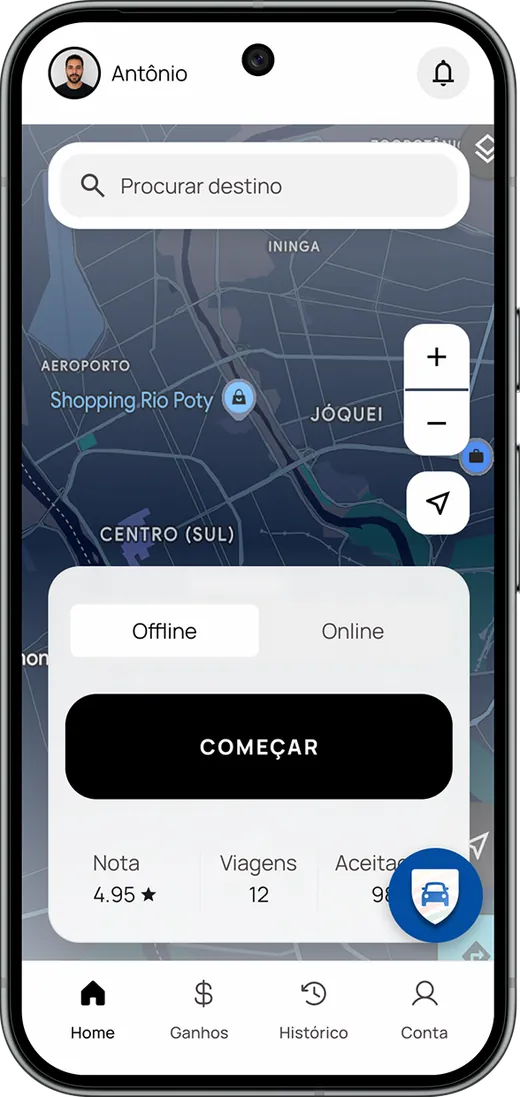
A draggable overlay that stays reachable while the driver uses another app, such as navigation or a ride-hailing platform. Help is always one hold away.
Draggable button floats over everything
Available whatever app is in use
The other app stays in focus; the screen never changes
Feature 3
Real-time incident monitoring
The moment an alert is triggered, the driver’s live location and audio go securely to the security team, giving them the context to assess the situation and coordinate a response.
Continuous GPS shared with responders
Live audio streamed during the incident
Cancel at any time, with confirmation
Feature 4
Emergency contact alerts
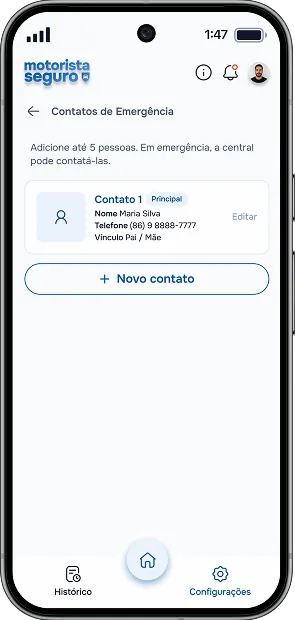
Trusted contacts can be notified in critical situations, so they are informed when it matters most.
Several emergency contacts
Instant alert notifications
Shared incident information
06 — SCREENS
The panic button, working
This is the home screen from Figma, built in code. Press and hold the red button on the phone for 3 seconds, the way a driver would, or let it play on its own. Let go early and nothing is sent: that is the protection against accidental alerts.
Olá, Antônio!Dirija com mais tranquilidade sabendo que você pode contar com ajuda quando precisar.
{{ msHint }}
Tudo certo! Sua solicitação de ajuda foi ativada.
{{ msStepLabel }}{{ msTitle }}
{{ msDesc }}
Responds to touch in under 50 ms
The button darkens while held
The phone vibrates once a second
3-second hold before anything is sent
Interaction specs from the Figma annotations. On the phone: pointer, or Tab to the button and hold Space.
Activation in six steps
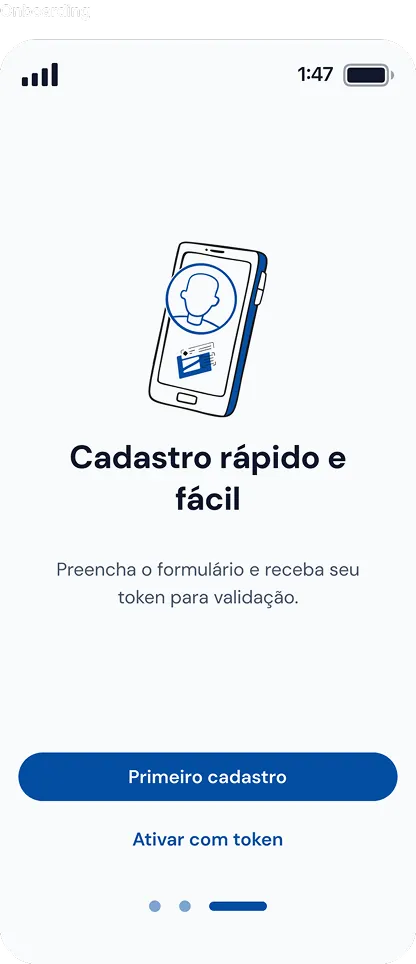
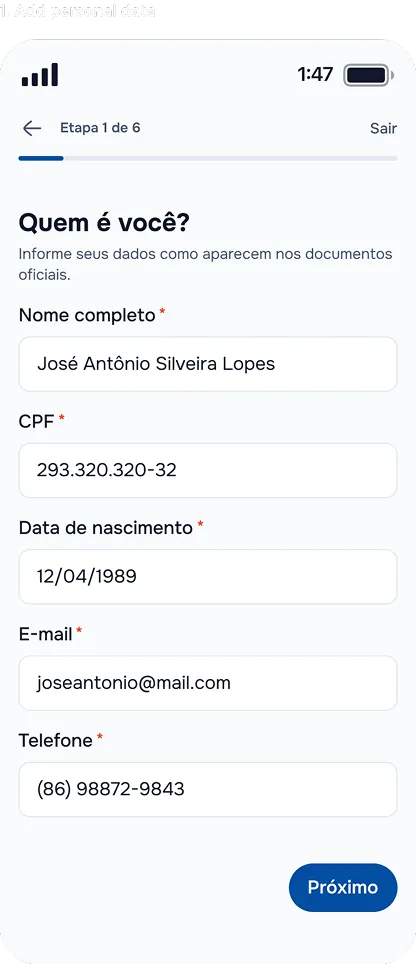
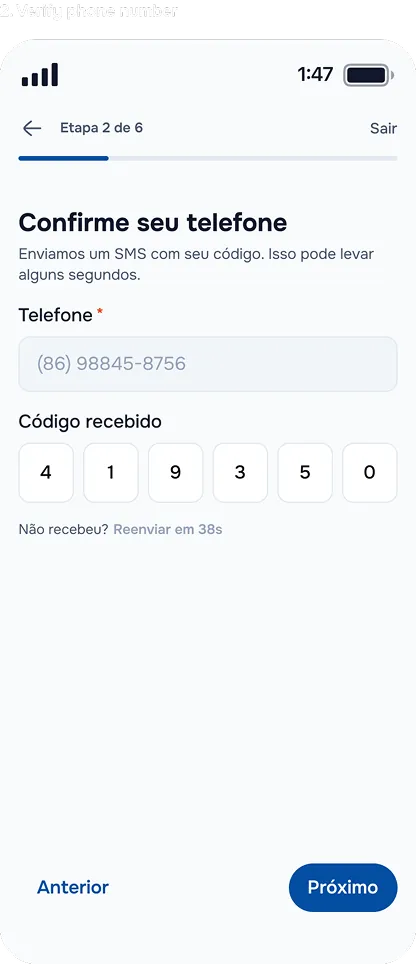
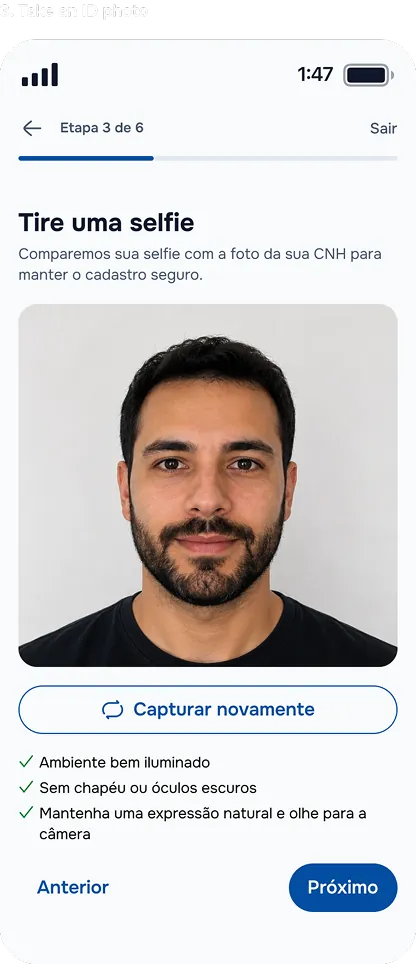
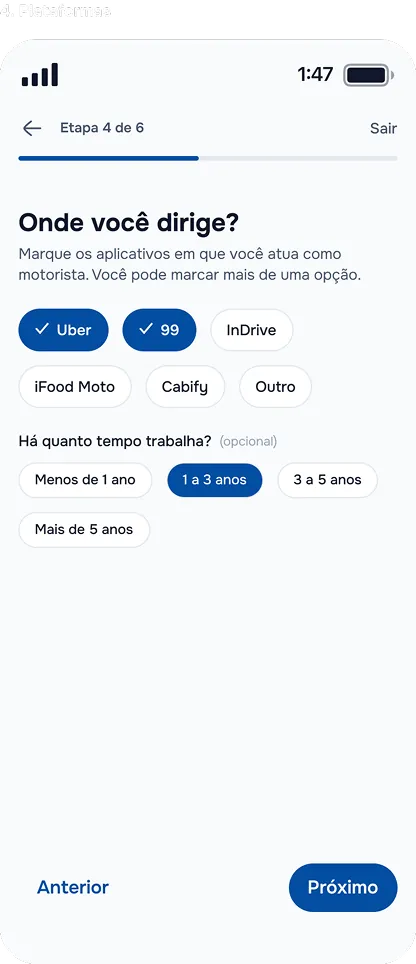
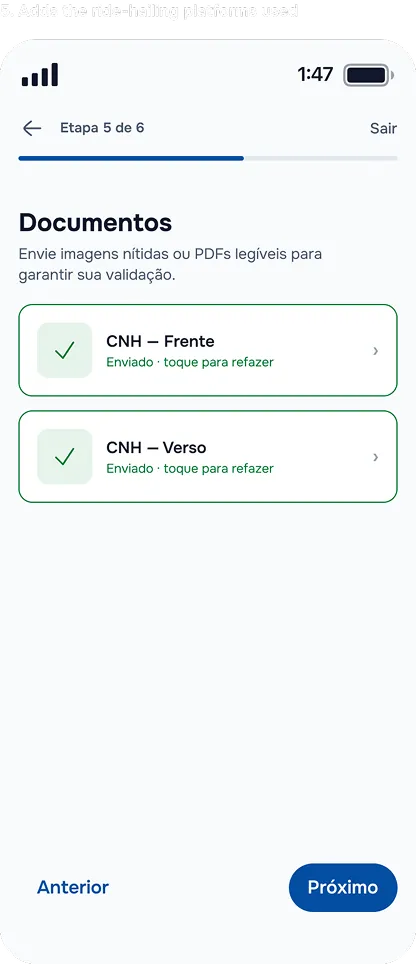
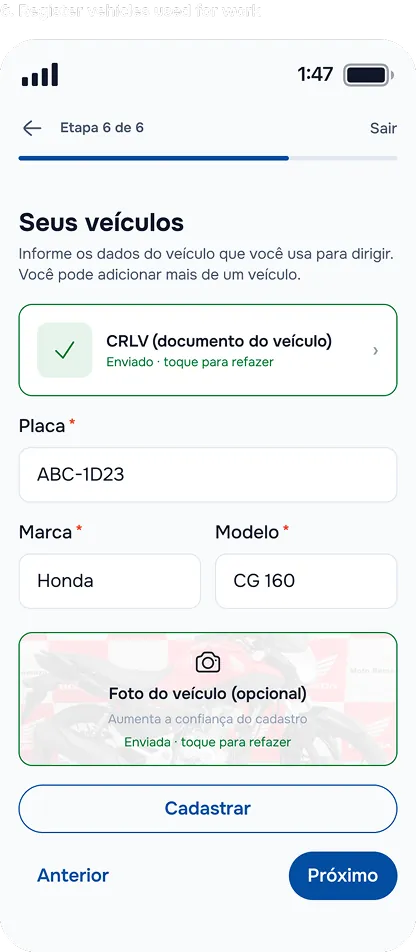
Drivers register once: personal data, phone check, a selfie matched to the driver’s licence, platforms, documents and vehicles. Then SSP-PI reviews and activates the account, so every alert comes from a verified driver.
Scroll sideways to see the whole flow.07 — LEARNINGS
Every decision was a decision about someone’s life
That reframes what good design means.
Design for the worst moment
Designing for someone with tunnel vision, a trembling hand and no time to think made the whole product simpler, for everyone, in every state.
Constraints come from the field
The risk levels, the copy and the flows only worked because they were shaped with the operators and officers who actually respond to emergencies.
Trust is a feature
In safety, perceived reliability matters as much as function. Calm tone, honest feedback and an official identity were deliberate design decisions.
Between simpler and more reliable, choose more reliable. Between more beautiful and more obvious in a panic, choose more obvious. Between faster to ship and more robust, choose more robust, even with a smaller scope.
08 — IMPACT
Adopted fast, in under two months
Launched on 16 June 2026, Motorista Seguro was quickly adopted by ride-hailing drivers in Piauí. In less than two months it recorded:
1,820+
registered drivers
1,041
verified drivers
1,084
registered vehicles
39
installs a day on average
These numbers back the product experience, especially the streamlined onboarding and fast access to the safety features.
Source: Piauí State Secretariat of Public Security (SSP-PI). Official site: motoristaseguro.pi.gov.br
More projects coming soon
DESIGN SYSTEM · GOVTECH · 0 → 1
OPALA
Building a shared design language for digital public services.
The official design system for the Government of Piauí's digital services, built at ETIPI: the first design system of a Brazilian state government. A shared foundation of tokens, components, accessibility standards, writing guidelines and documentation that product teams could actually adopt and scale.
ROLE
Product Designer · Design System team
SCOPE
Architecture · Tokens · Components · Docs
CONTEXT
Governo do Piauí · ETIPI
STANDARD
WCAG 2.2 AA
The system, laid out
One foundation under every public service.
Tokens, type, components and icons, built once and shared by every product team in the State of Piauí. Flip the mode: one token modifier, every component follows.
Primary#034ea2
Success#299656
Warning#fdb913
Critical#ef4123
Aa Public servicesMontserrat · Headline md · 30 / 700
CONTINUEButton · enabled
CONTINUEButton · disabled
Data visualisation
50+ icon categories
✓ Cadastro concluídoAlert · success
opl/pattern/fg/semantics/success/enabled/defaultToken grammar · 7 parts
Spacing
WCAG 2.2 AAcontrast in every token
01 — OVERVIEW
Standardise the logic, not the screens
The challenge wasn't a missing component library. Government products had evolved with their own interface decisions: colours, type, components and interaction patterns varied from one experience to the next. Every new product recreated the same decisions from scratch, and accessibility depended on individual implementations instead of a shared foundation.
Instead of standardising screens, we needed to standardise the logic behind them, so that a decision made once at the foundation would propagate to every interface built on top of it.
My role
I was one of the designers on ETIPI's design-system team. Together we shaped the architecture, the token model and naming conventions, the foundations, the component library and its documentation, and the governance that let other teams consume it. Coming from a front-end background, I pushed for every piece to be designed as something engineers would implement and maintain, not as Figma objects.
A design system is not a collection of components. It is infrastructure for making product decisions consistently, at scale.
02 — ARCHITECTURE
Four decisions made before any component was drawn
1Tokens as the source of truth
Every decision (colour, type, space, elevation, motion) is a token. Components reference tokens, never raw values, so a change at the foundation flows everywhere.
2A naming taxonomy before a library
A formal grammar for names, informed by EightShapes' token-taxonomy work, so designers and engineers read the same name the same way.
3Mode as a dimension, not a theme
Light and dark are a token modifier, not a second palette. Semantic colours resolve per mode, which kept the system to one model instead of two.
4Document the documentation
A meta-template (header, variants, properties table, changelog) so every page of the system is written and versioned the same way.
Anatomy of a token name
Reading a token should tell you where it is used and what it does. Every name follows the same seven-part grammar, so a new team member can guess a token they've never seen. Pick a part to see what it means.
Pattern, in a componentopl/pattern/fg/semantics/success/enabled/defaultused by Alert, Badge, Input…
Data typescolordimensionnumberstringboolean
Base
What the token is: the category it belongs to, the property it changes and the concept it expresses.
categorypropertyconcept
Modifiers
How it varies: the variant, the interaction state, its position on a scale and the mode it resolves in.
variantstatescalemode
Objects
Where it lives: the group, the component and the element inside that component it is bound to.
groupcomponentelement
03 — FOUNDATIONS
Dense by design
Six documented foundations (tokens, colour, typography, layout and spacing, naming and writing), each versioned with its own history. Below, the three visual ones: dense, because a system has to answer every question a product team will ask.
Colouropl/scheme/*
Primary#034ea2
Success#299656
Warning#fdb913
Critical#ef4123
Data visualisation · 10 steps
Foreground tokens resolve per mode
{{ f.n }}{{ f.t }}{{ f.c }}
Surfaces
Surface main#eef6ff
Surface moderate#c2defe
Scheme surface#f4f5f7
Surface inverted#011b39
Base palette → scheme colours (foreground, background) → pattern colours for surfaces and content, each resolved for light and dark mode. Contrast ratios are built into the tokens, not checked afterwards.
TypographyMontserrat · opl/typo/props/*
Public servicesHeadline md30px · 700 · 0px
Public servicesHeadline sm24px · 700 · 0px
Gov.PI CitizenTitle lg20px · 600 · 0.4px
Gov.PI CitizenTitle md18px · 600 · 0.4px
Access servicesBody lg20px · 400 · 0.4px
Access government servicesBody md16px · 400 · 0.4px
Access government servicesBody sm14px · 400 · 0.4px
CONTINUELabel md14px · 600 · 0.8px
CONTINUELabel sm12px · 600 · 0.8px
A size scale with semantic roles (headline, title, body, label) plus line-height, letter-spacing, weight and transformation rules, so hierarchy is a named decision rather than a per-screen choice.
Layout and spacingbase 4px · opl/gap
00px
xs24px
xs8px
sm12px
md16px
lg20px
xl24px
xl332px
xg40px
xg248px
xg356px
Grid · 12 columns
Breakpoints
xs< 576
sm576
md768
lg992
xl1200
xxl1400
Global dimensions on a 4px base, inset and gap tokens, semantic spacing shown on real government screens, responsive breakpoints from extra-small to extra-extra-large, and the grid.
04 — COMPONENT LIBRARY
Designed as behaviours, not screenshots
Thirty-plus components (buttons, inputs, selects, checkboxes, radios, switches, chips, badges, tabs, steppers, breadcrumbs, pagination, tooltips, alerts, dialogs, drawers, accordions, cards, carousels, tables, dropdowns and more), each with its own documentation page written from the same template.
For each one we defined the anatomy, the hierarchy of its elements, the variants that belong inside it and the interaction states it must carry, so accessibility and behaviour live in the component itself rather than being added during implementation.
What changes when an action becomes disabled?
How is keyboard focus communicated?
How should validation errors behave?
Which variations belong inside the component, and which call for a different pattern?
One page, every componentmeta template · v2.0
ButtonDone · v2.0
Documentationlink to spec and usage
Anatomyelements · slots · hierarchy
Variantsfilled · outlined · text · icon
Propertiestable: prop · type · default
Associated templateswhere it appears
Historyversion · date · description
The five states every component carries
{{ opBtnSpec }}{{ opBtnNote }}
Every documentation page links to the component's spec, lays out its elements and slots, and points to its associated templates. The states are coloured with Opala's own tokens.05 — ICONOGRAPHY
Organised by what people look for, not by shape
An icon set is only useful if people can find the icon they need. Opala's library is organised into more than fifty semantic categories, from navigation and files to transport, health and public services, each documented and versioned like any other part of the system.
Icon catalogueLucide-based · semantic categories
Shield / Protection
Gallery
Password, key & lock
Corporations
Lists
Map, GPS & location
Calendar
Email
Dashboard
Menu & settings
Messages
Layers & layout
Tags & bookmarks
Science
Search, filter
User & people
Charts
Plants & animals
Save, import, export
Favorites, likes & rating
Code
Tables
Book
Transport
Home & housing
Hardware
Folders
Weather
Alerts, alarms, time
Food & drink
Money, values & currency
Places
Text editing
Documents & files
Arrows
35 of 50+ categories. One documented panel per category, each with its own history.06 — LANGUAGE AND WRITING
Words as consistent as components
Public services speak to everyone. Opala includes a UX-writing guide (tone and voice, inclusive language, layout, content and a review checklist) so the words in an interface are as consistent and accessible as its components.
Write interactions clearly
Labels on buttons and menus must be objective. Avoid generic words.
RecommendedAceitar (Accept)
Not recommendedOk
Start with the goal of the action
Lead with the objective and the result of the interaction.
RecommendedConsulte seu extrato acessando as opções do perfil. (Check your statement via profile options.)
Not recommendedAcesse as opções do perfil para consultar seu extrato. (Go to profile options to check your statement.)
Careful with acronyms
Spell it out the first time. Up to three letters, all caps; four or more, only the first.
RecommendedSecretaria de Segurança Pública (SSP) · Detran
Not recommendedSSP · DETRAN
Tone and voiceConsistent, concise, direct
One institutional voice across every product: speak to one person, prefer the active voice, keep sentences short enough to read on a phone in a hurry.
InclusionLanguage that leaves no one out
Gender-neutral constructions, respectful terms for disability, no jargon, grounded in the state's own inclusive-communication guidance.
Do / don'tExamples, not rules
Every guideline is paired with a recommended and a not-recommended example, so teams can apply it without interpreting it.
07 — GOVERNANCE
A system for documenting the system
A system other teams depend on needs rules for how it changes. Opala ships with a status vocabulary, a changelog on every page, and a meta-template that makes the documentation itself consistent.
Meta componentsThe template that documents the system
In progressWhat is being built, visible to everyone
DeprecatedKept, marked, never silently removed
v2.0Tokens applied across all values and references; foundations and components re-bound to the token model.
v1.0First release: foundations, component library, icon catalogue and documentation template.
Versioned by pageChange is traceable
Each foundation and component page keeps its own history (version, date, description), so a team can see what moved and when, without asking.
Meta componentsDocumentation as a product
The page template, header, dividers, variant blocks and history tables are themselves components. Writing a new page means filling a structure, not inventing one.
08 — ACCESSIBILITY
The public-sector lens
Government software is not one product. Opala serves citizen-facing services, where clarity and digital literacy matter most, and dense internal systems full of tables, statuses and permissions. Accessibility was a system constraint aligned with WCAG 2.2 AA, so each requirement became a reusable decision instead of something every team reinterpreted.
AaContrast
Minimum ratios built into the colour tokens from the start, in both modes.
⌘Focus
A consistent, visible focus state defined inside each component.
!Feedback
Error and disabled states with clear cues that never rely on colour alone.
≡Hierarchy
Type and spacing scales that keep structure legible on any device.
For citizensClarity first
Services people use once or rarely, on any device or connection, so patterns favour legibility, guidance and accessible defaults.
For administrationBuilt for complexity
Operational tools heavy with data, states and permissions, so components hold up under real, unpredictable content.
09 — IMPACT
From individual screens to a shared product language
Opala moved recurring interface decisions away from individual screens and toward a shared product language: the foundation the Government of Piauí's digital ecosystem now builds on.
For teamsA common foundation
A shared base to design from, instead of solving the same interface problems again on every product.
For productsOne recognisable language
A coherent experience across different government services, without forcing them into one solution.
For usersAccessibility by default
Interaction and accessibility standards addressed once, at the system level, not per implementation.
10 — LEARNINGS
Deciding where consistency ends
The hardest part of a system isn't drawing it. It's deciding where consistency ends and flexibility begins, and writing that decision down.
Consistency vs. flexibility
Teams needed patterns they could trust, and room for products that solve very different problems. Settling when to extend a component versus add one was the most important design decision in the project.
Name things before you build them
The token taxonomy did more for adoption than any component. A name that reads the same to a designer and an engineer removes a whole category of handoff conversations.
Governance is part of the design
Status, changelogs and a documentation template aren't overhead. They are what turns a Figma file into infrastructure other people can rely on.
The strongest systems don't eliminate design decisions. They eliminate the need to keep making the same ones.
More projects coming soon
BRAND IDENTITY · WOMEN'S SAFETY · IN PROGRESS
ELA SEGURA
Calm and discreet every day. Unmistakable the moment someone needs help.
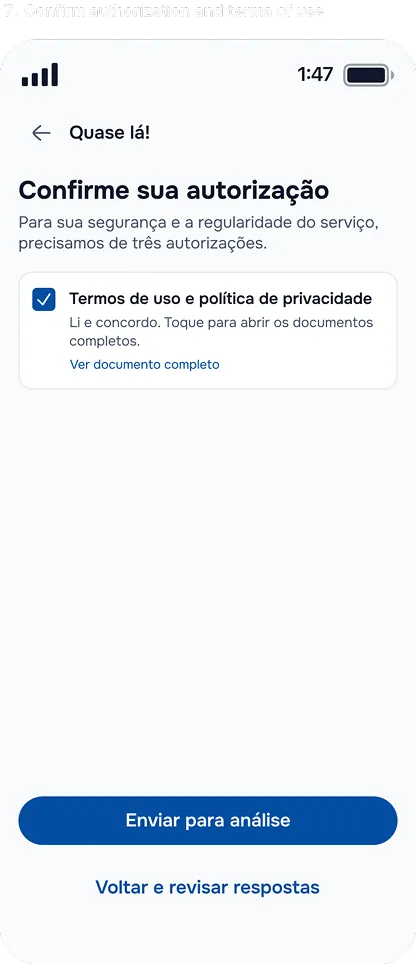
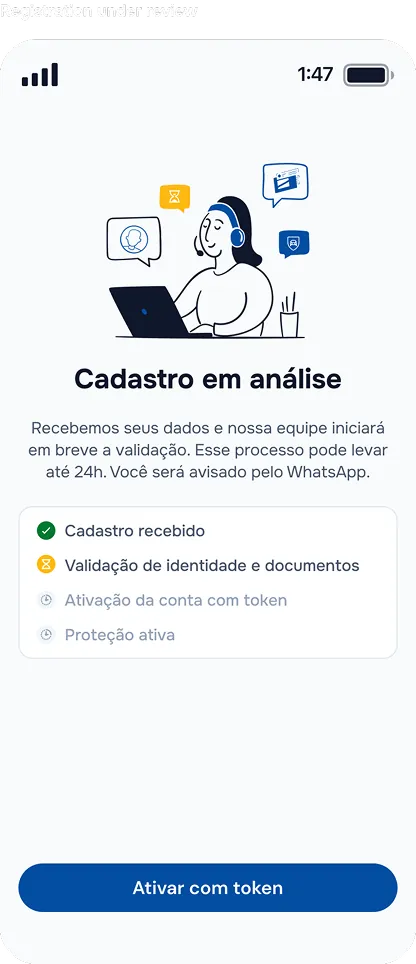
A complete identity for a personal-safety app for women in Piauí, Brazil: strategy, logo system, colour, type, patterns, shapes, illustration and a launch kit.
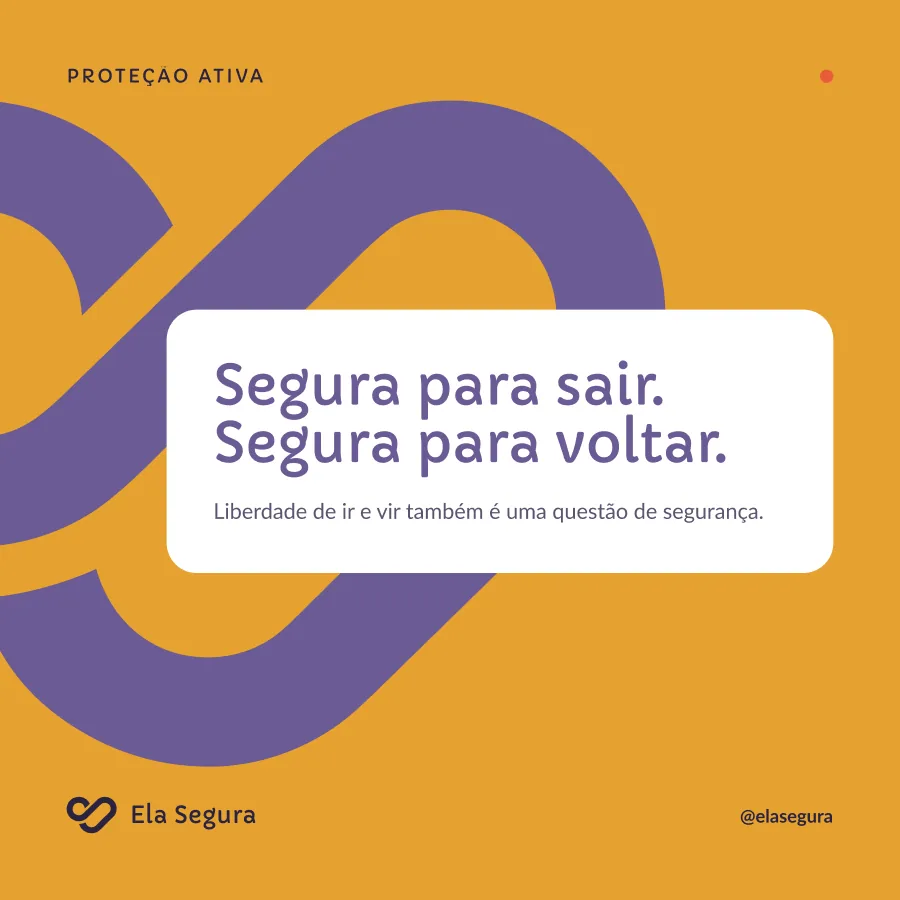
One symbol, two typefaces and a strict palette, so every post reads as part of the same rhythm.
01 — THE BRIEF
Safety design usually sells fear. This brand had to sell trust.
Ela Segura, “she is safe”, is a panic-button app. One press alerts a trusted network and shares live location until the user signals she's okay.
The category is full of shields, sirens and alarm red: design that makes safety feel like danger. Ela Segura needed the opposite: something a woman is happy to keep on her home screen, recommend to a friend, and trust without a second thought when it counts.
~70%
The insight that reshaped the audience
The first brief limited the app to women under court protective orders. Digging into the data, I found that nearly 70% of femicide victims had no protective order beforehand. That number changed the stakeholder's mind, and the audience became every woman, not only those already in the system.
Tension 01Calm, not passive
Quiet enough to live with every day, without ever reading as weak or decorative.
Tension 02Discreet, then immediate
Invisible by default; instantly clear and action-driven in an emergency.
Tension 03Human, not institutional
Warm and approachable for a mass audience, still credible enough to trust in a crisis.
02 — STRATEGY
Discreet by default. Immediate when it matters.
Technology that protects in silence until the instant you need it.
Purpose
Empower women with discreet, reliable protection technology for critical moments.
Positioning
“Ela Segura is the most discreet, reliable and immediate personal-safety technology on the market.”
Audience
Women aged 18 to 65University studentsWomen who travel for workWomen at riskRunners and outdoor athletesAny woman who values her safety
PillarDiscreet protection
Invisible safety, every day.
PillarImmediate response
Action in seconds when needed.
PillarNetwork of trust
Connected to the people you trust.
PillarHuman technology
Tech that understands and respects.
Tone of voice
Confident, not authoritarianWelcoming, not paternalisticDirect, not alarmistInformative, not technicalEmpowering, not victimising
Personality
Calm, not passiveStrong, not aggressiveHuman, not sentimentalTechnological, not futuristicProtective, not controllingSerious, but approachableMinimal, but not cold
Where it wins
vs. generic safety apps
More discreet · better design
vs. GPS trackers
More emergency features
vs. emergency services
More accessible · faster
Two modes, one brand
The same identity has to live quietly on a home screen and take over the instant help is called. Switch between them.
Connection, support and protection, in one continuous line
The symbol joins two continuous, interlocking curves: the user and her support network. It suggests presence, continuity and response, and can quietly evoke the initials E and S and a link, without resorting to shields or alarmist visual codes.
Two curves, one gesture
The user and the people she trusts, drawn as a single uninterrupted path.
An open centre
The negative space reads as a direct route to help.
Rounded terminals
They keep the mark human, calm and approachable at every size.
Versions and lockups
Horizontal for headers and documents; vertical for avatars, covers and square formats; the symbol alone only when the name is already nearby. Pick a version to see it applied.
Ela Segura
Ela Segura
{{ esVer.name }}: {{ esVer.note }}. Horizontal, vertical and symbol only. Minimum size: 22px high for the lockup, 15px for the symbol.
Clear space and misuse
Rules simple enough that partners and volunteers can apply them without a designer in the room. Nothing enters the clear zone (text, other logos, edges); the measure is half the symbol's height.
Distort
Off-palette colour
Outline
Rotate
Low contrast
Shadows and effects
On photos
Only the white or ink version, always over a calm area of the image. If needed, darken the photo with the primary at 60%.
Backgrounds
Primary, ink, light lilac or white. Ochre and orange only for campaign pieces, with the symbol in primary or white.
With patterns
Patterns use the symbol as texture. Never place a lockup on the texture without a clear, flat area.
04 — COLOUR AND TYPE
Purple for trust. Orange for action. Ochre for “you're protected.”
Every colour has one job. Orange is reserved for the panic button and alerts, so it never loses urgency; ochre marks the active-protection state. An emergency red sits outside the brand palette entirely, reserved for the interface.
A friendly, rounded display face for the voice; a highly legible workhorse for everything people need to read under stress.
Primary · CapriolaTitles, phrases, numbers
Aa EeSegura para sair. Segura para voltar.“Safe to go out. Safe to come back.”ABCDEFGHIJKLMNOPQRSTUVWXYZ abcdefghijklmnopqrstuvwxyz 0123456789
Secondary · LatoBody, captions, interface
Aa EeOne touch triggers your protection network: your location is shared and the call for help reaches people who can act.
Light 300Regular 400Bold 700Black 900Italic
TitleCapriola 40–112
SubtitleLato Bold 20–28
Body textLato Regular 14–20
05 — PATTERNS AND SHAPES
The symbol becomes texture
Three patterns turn the mark into surface, each with a defined job, so campaigns stay varied without ever drifting off-brand.
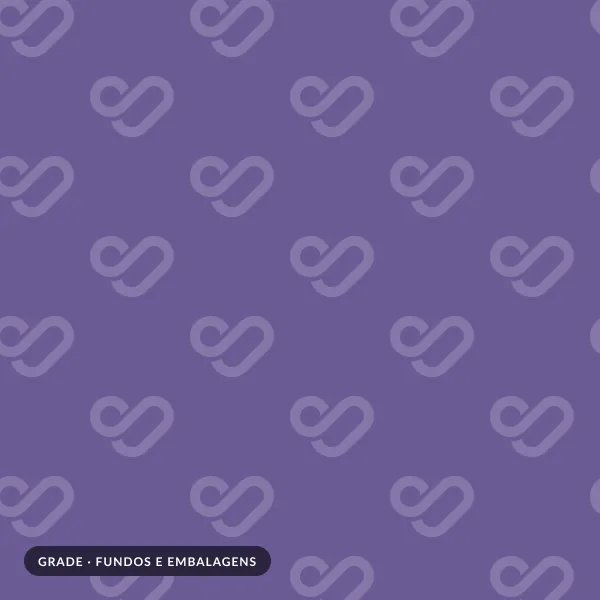
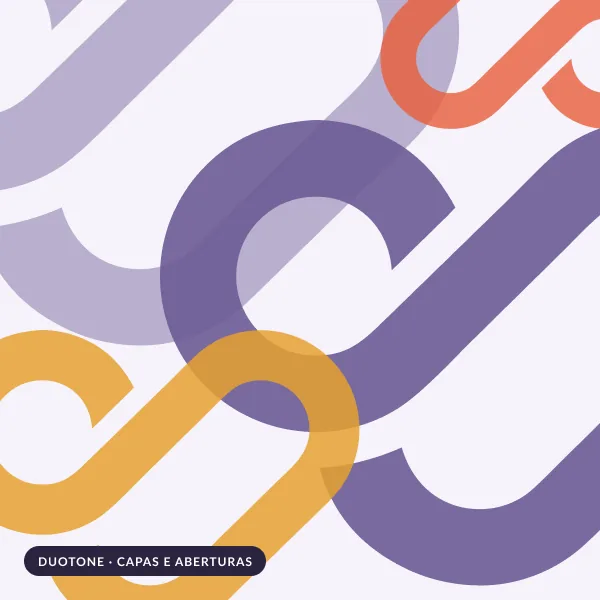
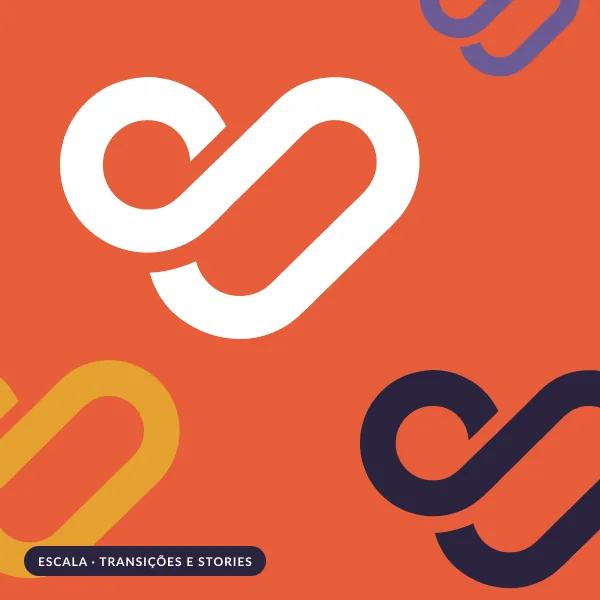
Grid · backgrounds and packagingDuotone · covers and openersScale · transitions and stories
Try the pattern system
The same symbol, three rules. Switch the pattern, or shuffle to generate a new layout inside the same rule.
Shapes and ornaments library
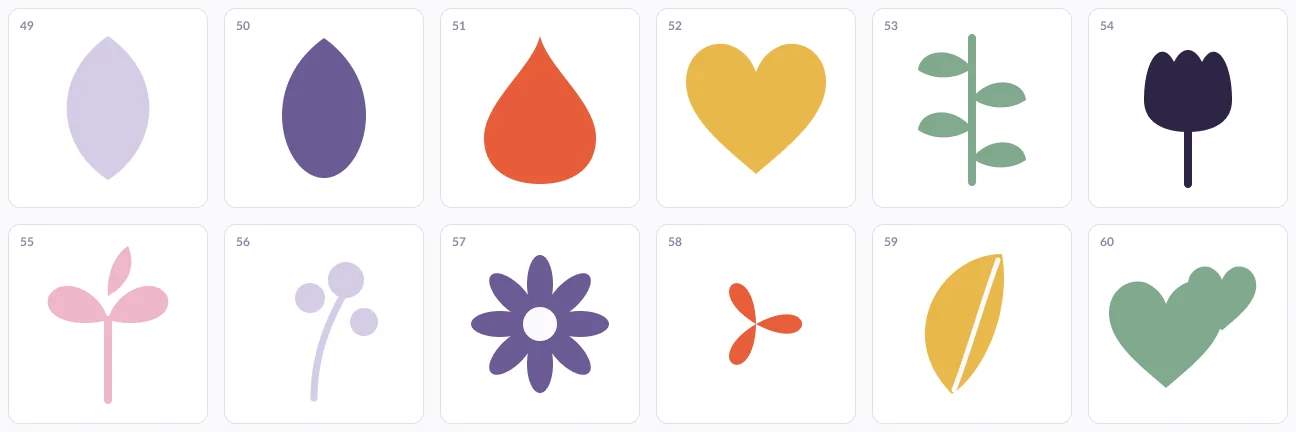
66 components for presentations, the info hub, empty states and print. Brand palette only: the emergency red stays out, reserved for the interface.
A · Organic forms Flowers, bursts and petals: welcome, growth, presence.B · Shelter Arches, domes and shadows: the protection that covers.C · Network and guardians Dots, rings and links: no one is alone.D · Waves and lines Calm movement, never the pulse of an alarm.E · Folk botanicals Leaves, sprouts and hearts: new beginnings, care, ground.F · Pattern tiles 200 × 200 repeatable tiles for slides, headers and print.
06 — ILLUSTRATION
A warm, hand-printed world that looks like the women it serves
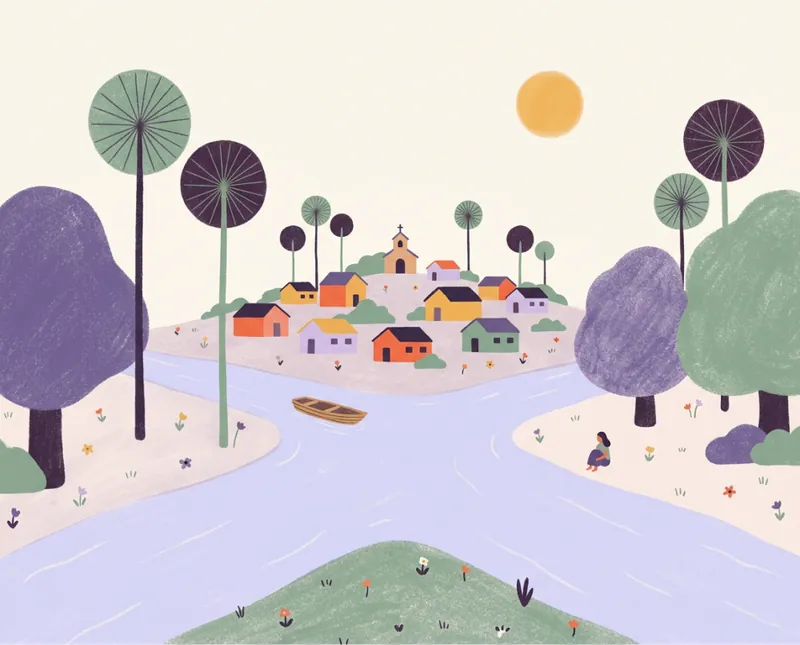
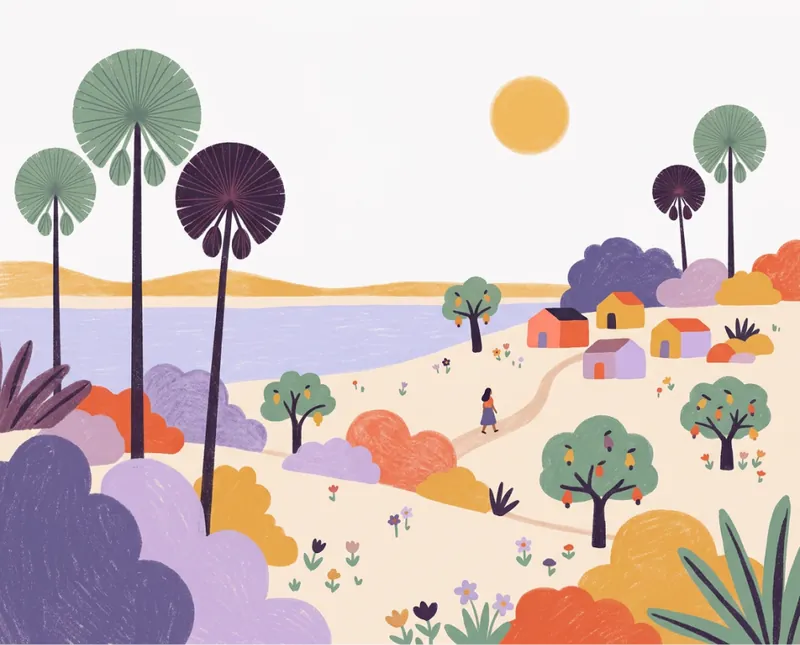
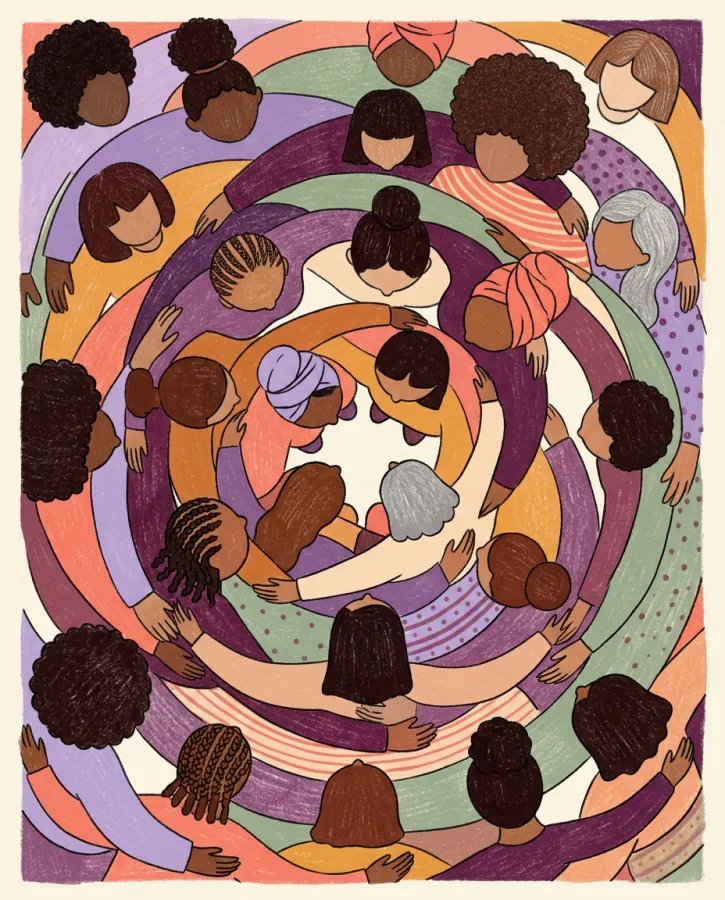
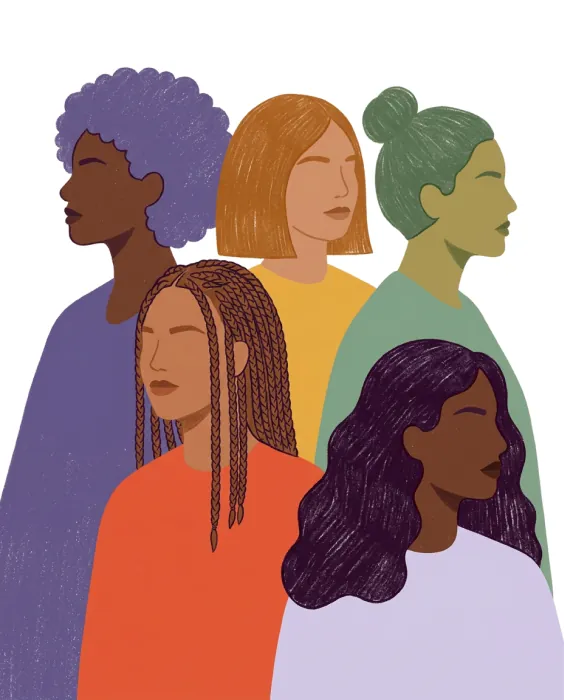
Flat shapes on cream paper with risograph grain. Women of every skin tone, hair texture and age: coily hair, braids, buns, headwraps, grey hair. And the places they live: carnaúba palms, cashew trees, rivers and the stone arches of Serra da Capivara.
A fixed style reference governs every new piece (palette, texture, faces, a clean vector symbol), so the library can keep growing without losing its hand.
Places of Piauí
Serra da CapivaraRiver townCoast and cashew trees
Collective and everyday
07 — APPLICATIONS
A launch kit, ready on day one
Profile avatars, social templates for feed, carousel, stories, WhatsApp status and YouTube, plus print: letterhead, poster and stickers. Every piece is built from the same parts: the symbol, two typefaces, four patterns and a strict palette.
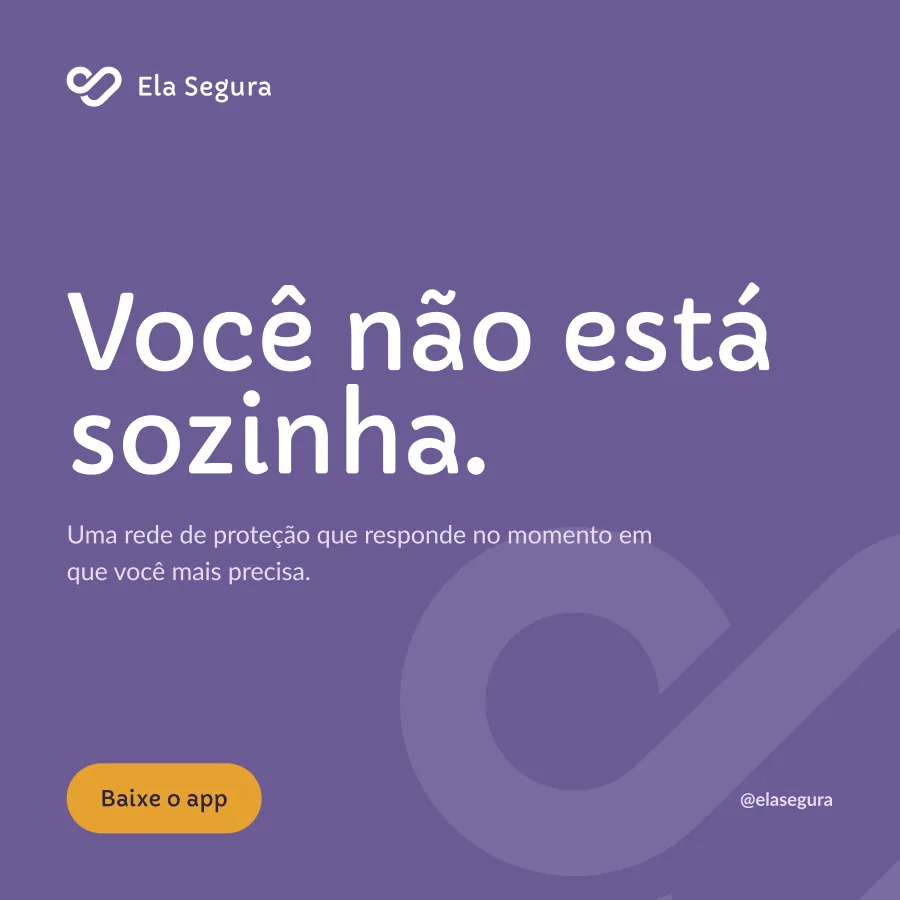
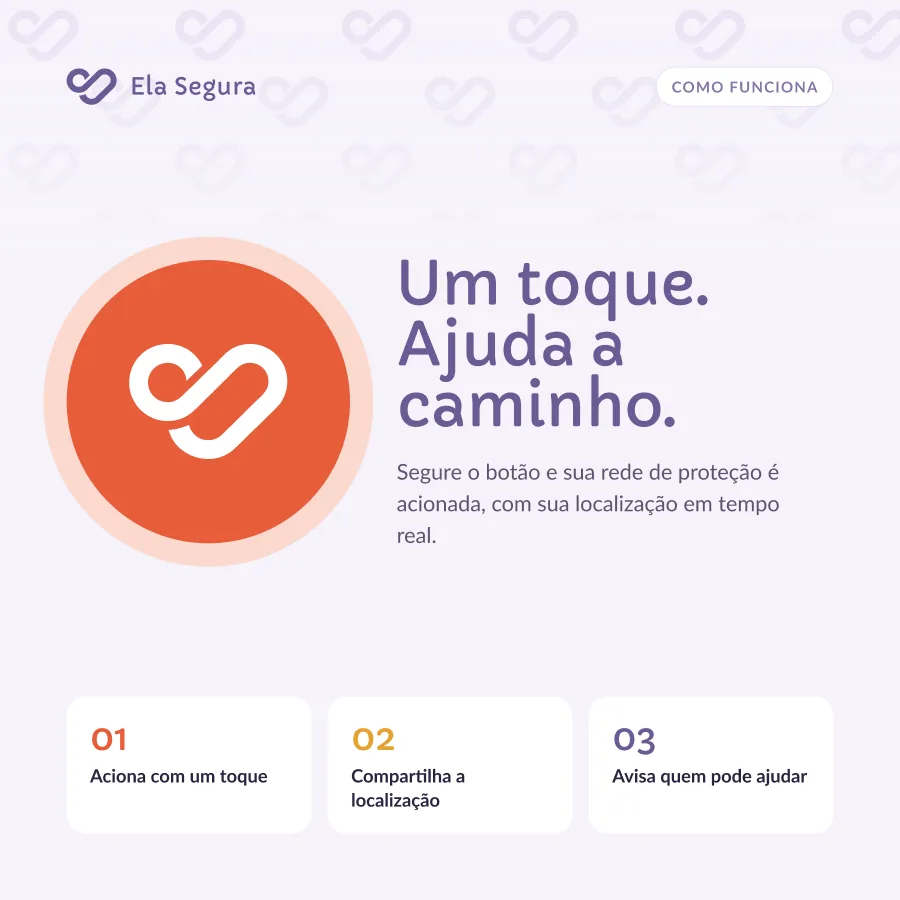
Manifesto, feature and quote templates, one per brand colour, so a grid of posts reads as a rhythm.
Manifesto · “You're not alone.”Feature · “One touch. Help on the way.”Quote · “Safe to go out. Safe to come back.”
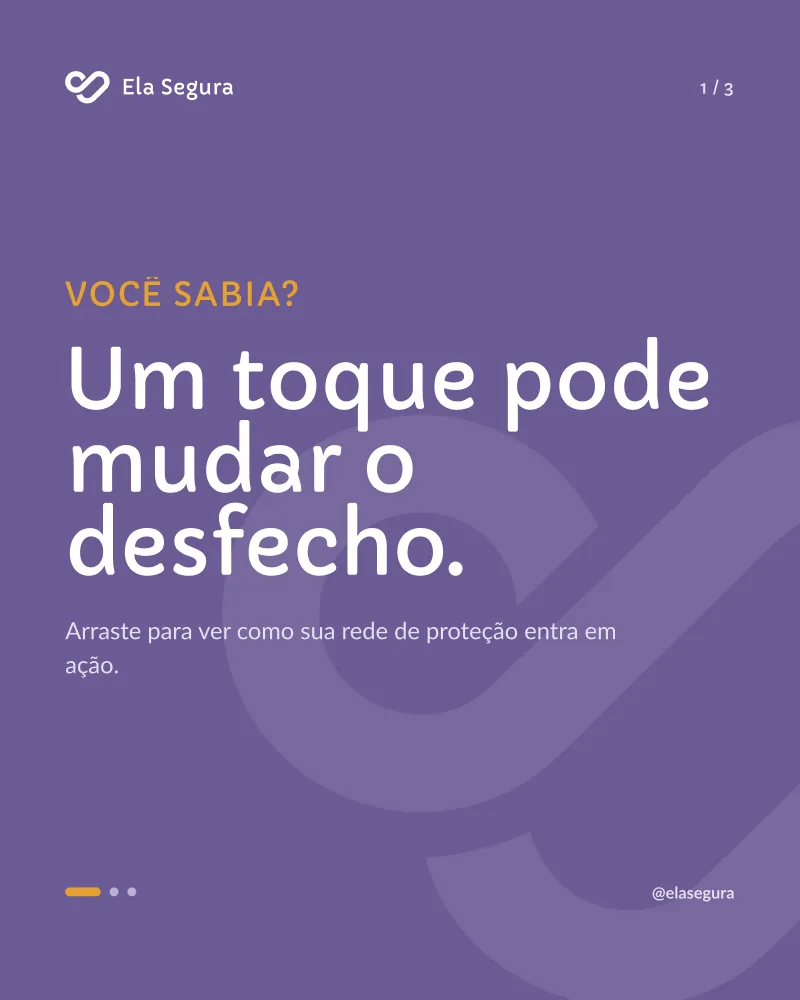
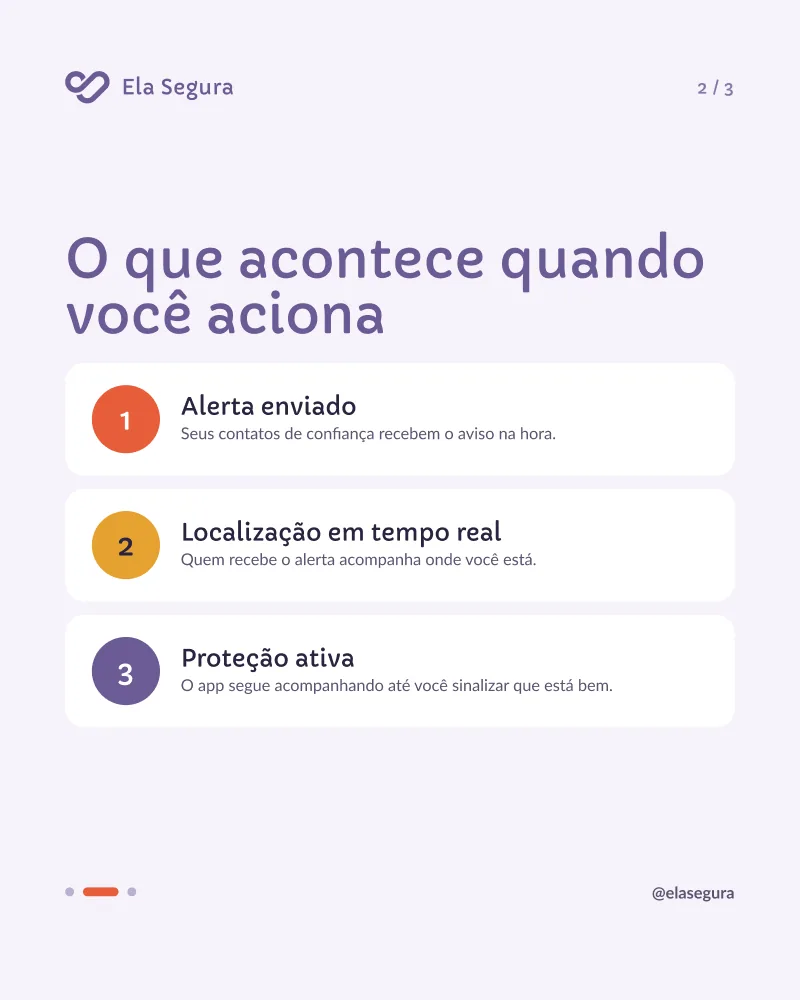
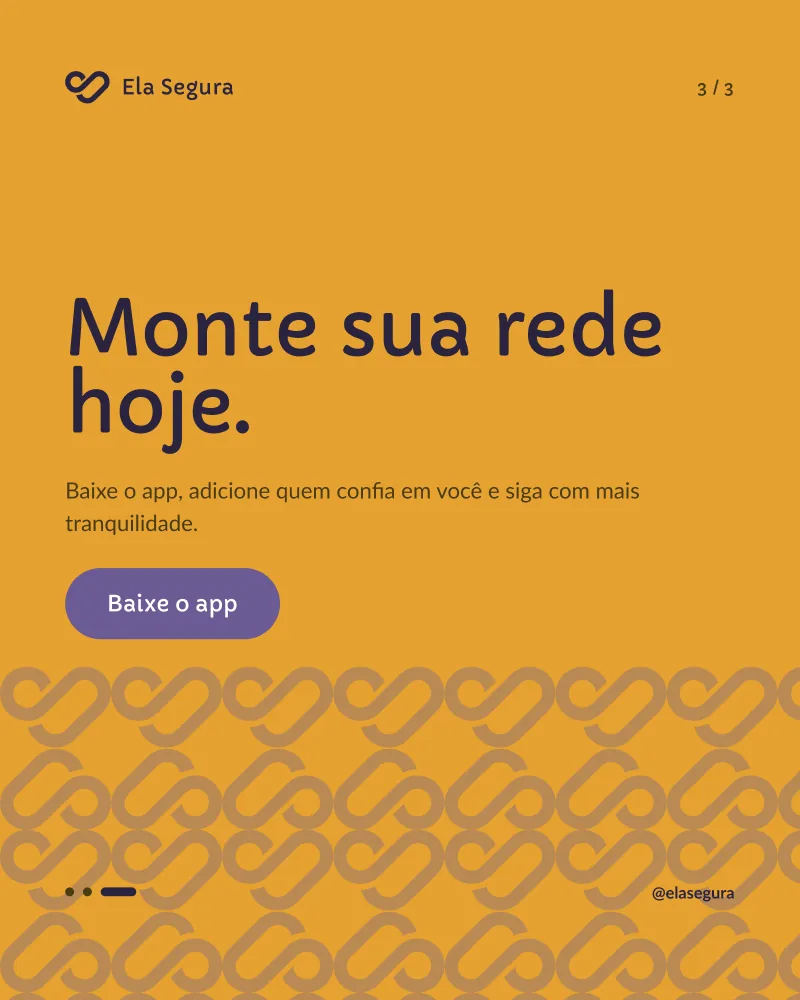
Social · carousel
A three-slide story (a hook, the mechanism, the call to action) with a progress indicator in each slide's colour.
1/3 · “Did you know? One touch can change the outcome.”2/3 · “What happens when you trigger it.”3/3 · “Build your network today.”
Stories, status and video
Vertical formats for Instagram and WhatsApp, where most women in the region share information, and a thumbnail system for tutorials.
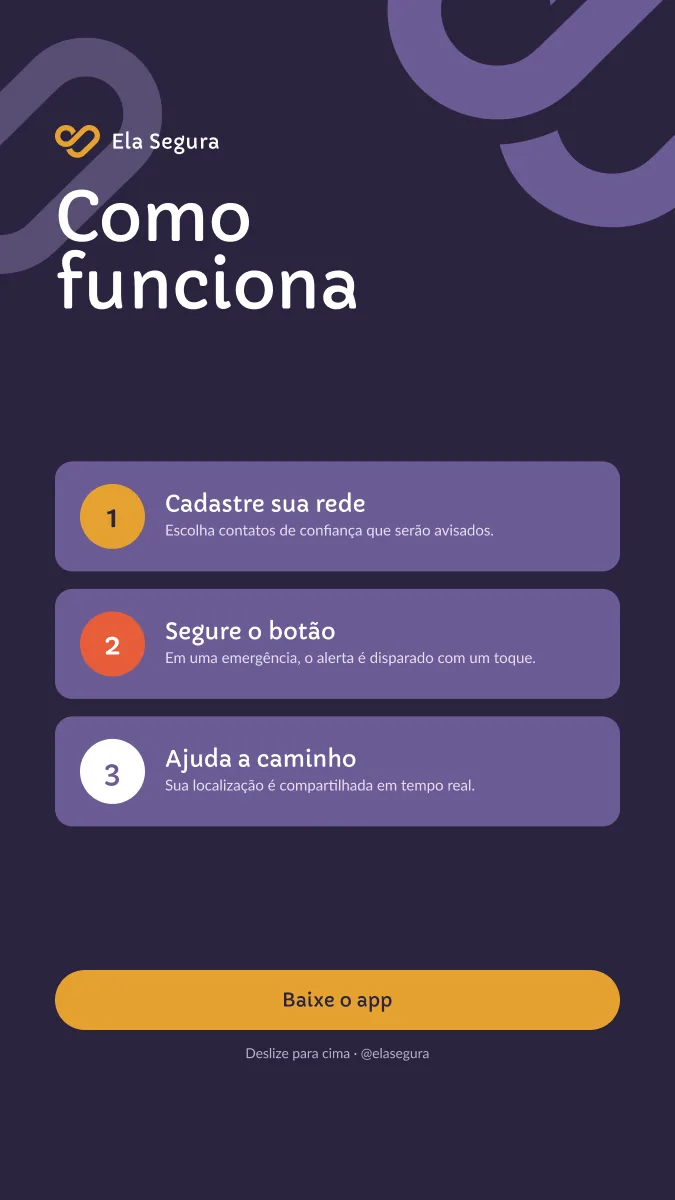
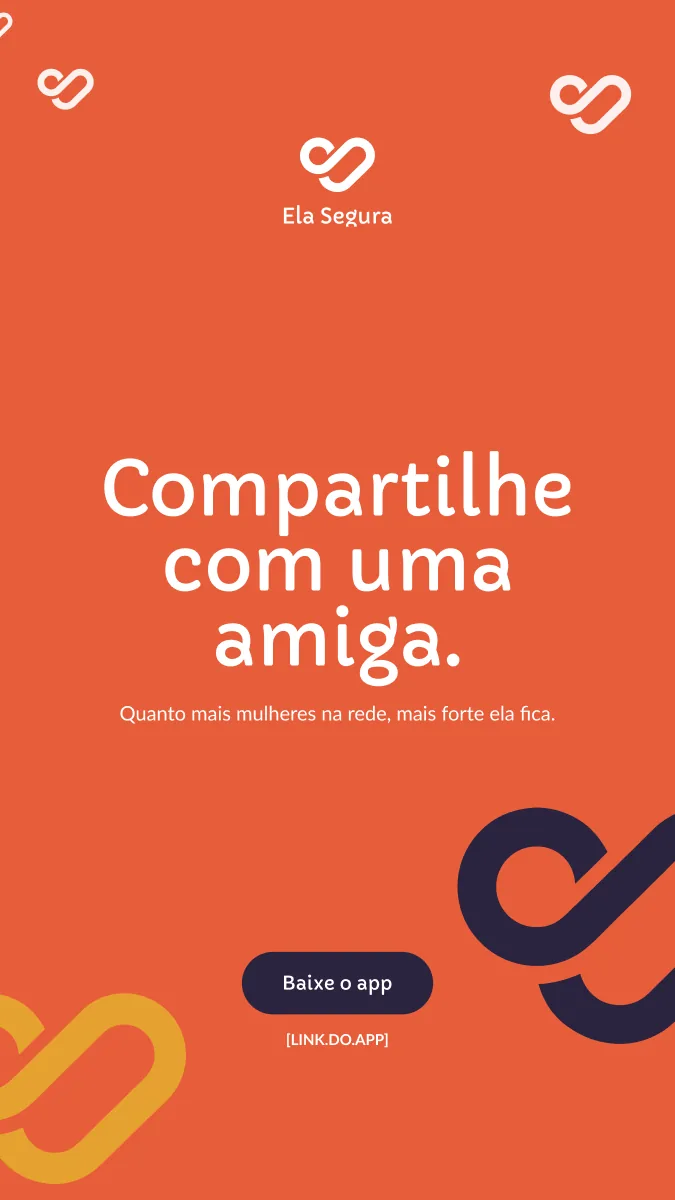
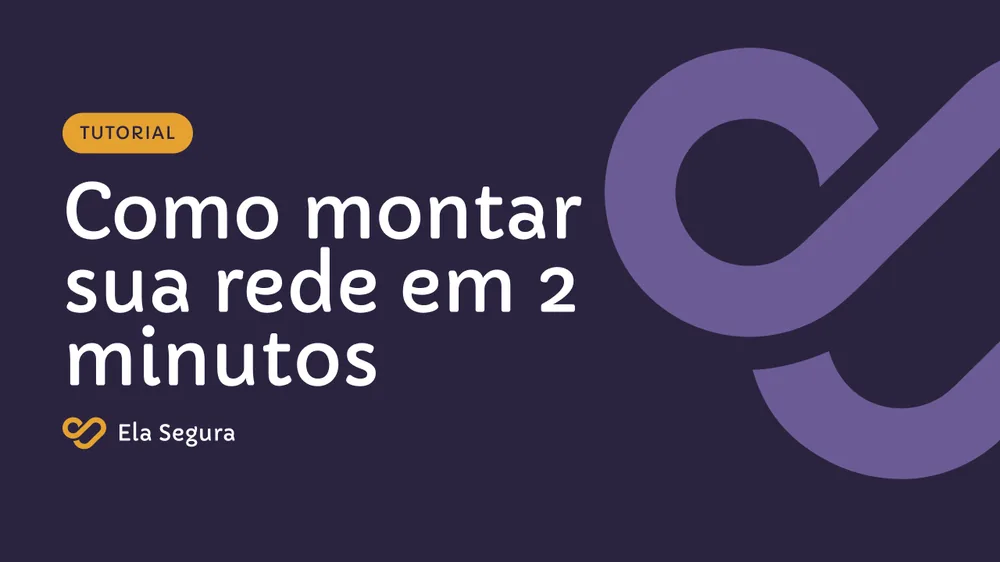
Story · “How it works”WhatsApp status · “Share it with a friend.”YouTube thumbnail · “How to set up your network in 2 minutes”
Print
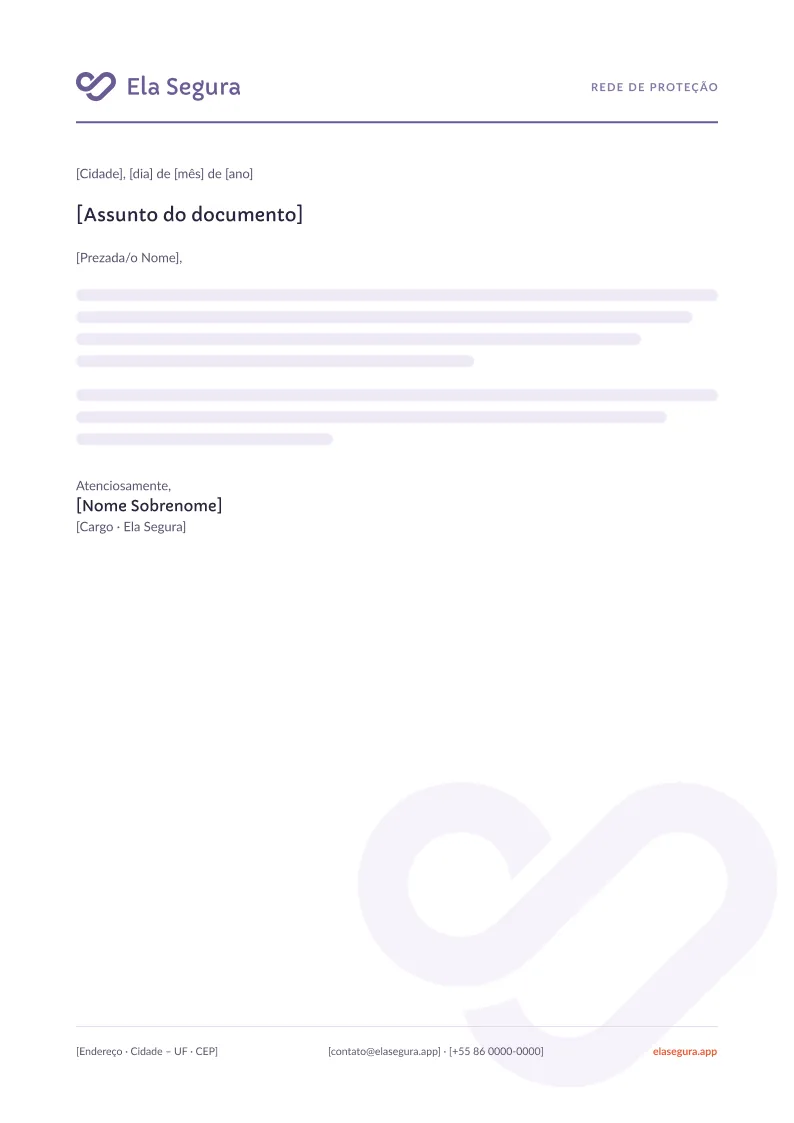
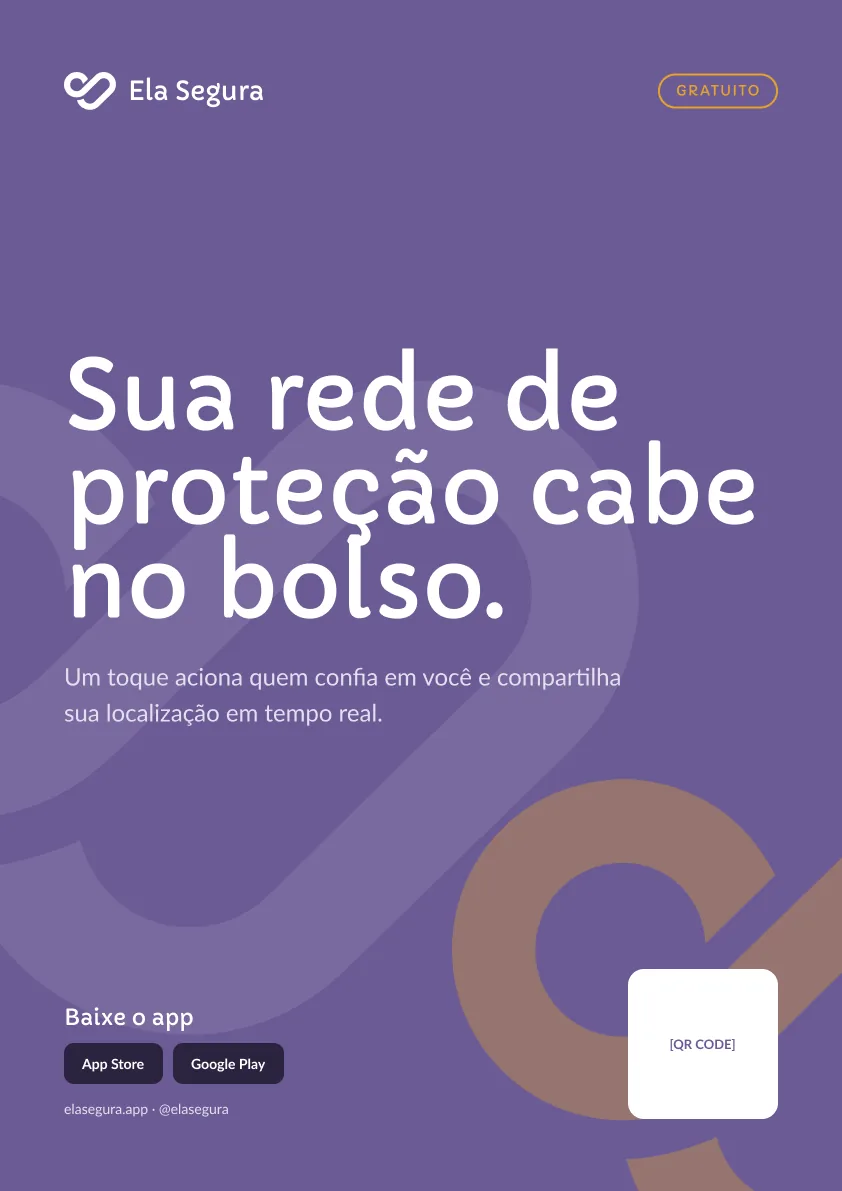
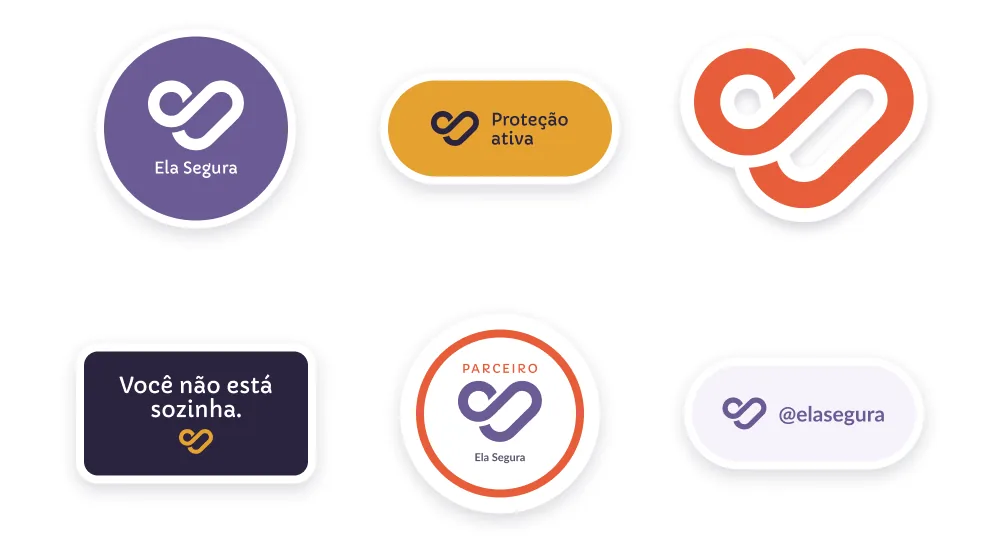
An A4 letterhead for partnerships and institutional letters, an A3 poster with QR code for clinics, universities and transit, and a sticker sheet.
Letterhead · A4Poster · A3 · “Your protection network fits in your pocket.”Stickers · matte vinyl, die-cut with a 3 mm white border, for laptops, phone cases and partner storefronts
08 — PROCESS
Four phases, AI in every one
01Research and positioningData on violence against women in the region, a competitor audit, stakeholder alignment, and the audience shift.
02Symbol and core systemSymbol exploration, colour roles, type pairing, contrast checks and the two brand modes.
03LibrariesPatterns, 66 shape components and an illustration style reference, all built as reusable Figma components.
04Applications and guidelinesLaunch kit, usage rules and a brand book anyone on the team can apply.
AI in the loop
I used AI in every phase, not to skip steps but to move through each one faster: synthesising research, pressure-testing positioning and tone, widening symbol exploration, and scaling illustration and template production inside a locked style reference. The decisions, curation and rules stayed human.
More projects coming soon
BRAND IDENTITY · LANDING PAGE · 2026
ABALY
Less paper, more presence.
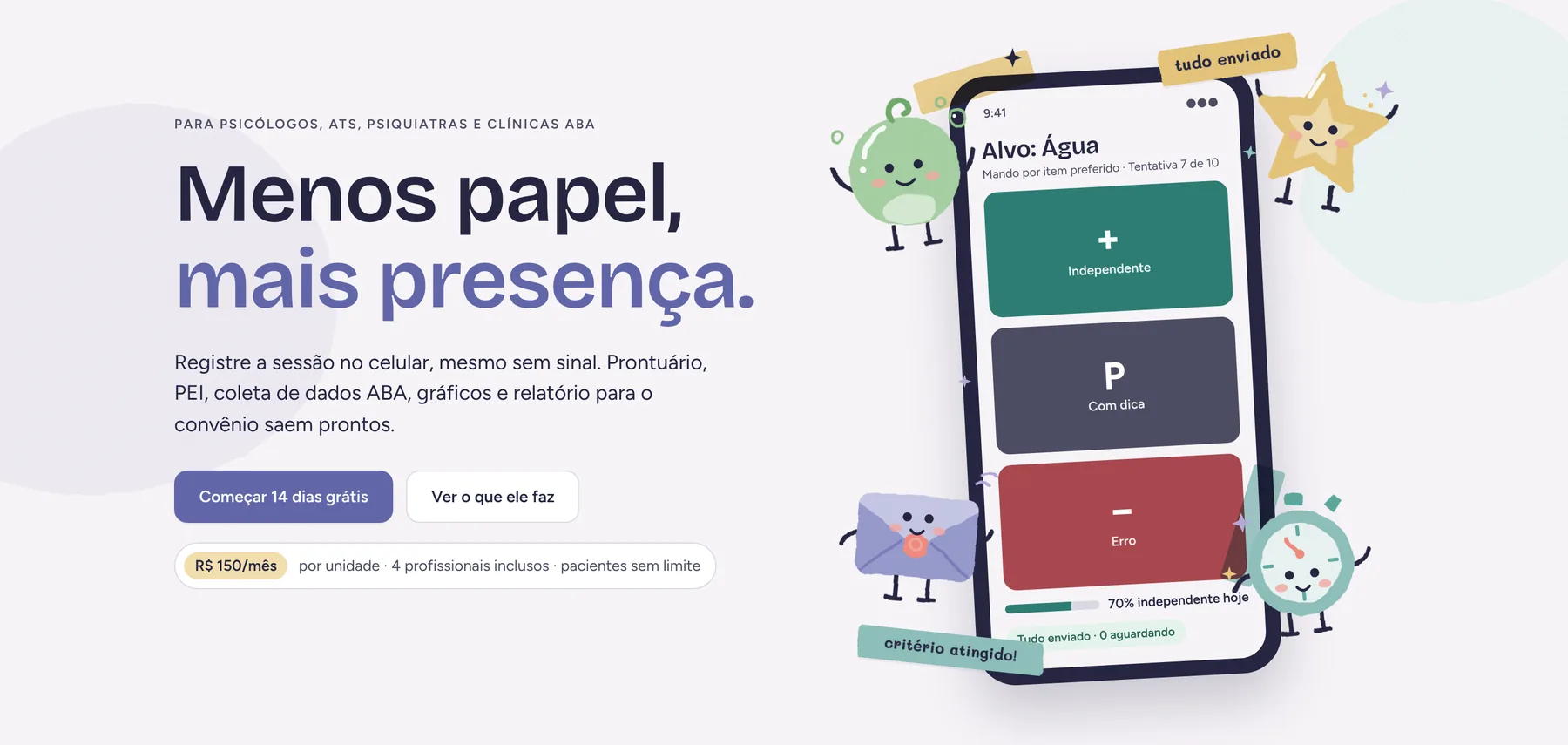
A brand for Abaly, the web app ABA therapy clinics in Brazil use to run sessions: record every trial on a phone, watch progress turn into charts, sign clinical notes and hand the insurer a ready report. I built the identity system, the illustration language and the design tokens, then designed and coded the public landing page.
The same brand on the desk and in the therapist's hand: periwinkle for actions, Mist for the ground, illustration only where it helps.
01 — CONTEXT
ABA clinics run on paper, and the paper follows the therapist home
Applied behaviour analysis is data-heavy by design. A single session produces dozens of trial records, each one marked independent, prompted or error, and every month those records have to become charts and a progress report for the insurer.
The clinics I designed for do this on printed sheets, evening spreadsheets and WhatsApp threads. Sessions often happen at the patient's home or school, with weak signal. Abaly replaces all of that with one app, and the brand had to make that switch feel safe. The previous site used a generic navy and teal look that said nothing about the work.
What “paper” meant for the clinician
Trial sheets on a clipboard
during the session
Copying data into a spreadsheet
at night
Updates lost in WhatsApp
all week
Charts and reports built by hand
on weekends
Constraints that shaped the brand
LGPDChildren's health data
No photos or drawings of children, anywhere. Characters and materials tell the story.
CodebaseThe platform already existed
The system had to ship as tokens and styles a coded product could adopt, not as new components.
CollectionOne screen stays neutral
The data-collection screen carries no brand colour. Clinical meaning is never decorative.
pt-BRPortuguese first
Written for Brazilian clinicians; English and Spanish are translations of it.
02 — STRATEGY
Promise attention, not digitisation
Positioning came first: for ABA analysts, therapy aides and small clinics in Brazil, Abaly is the workspace that turns every recorded trial into charts, signed notes and insurer reports. Generic clinic software has no ABA engine; specialist ABA tools hide prices and cap patients. Abaly does deep collection at a published small-clinic price. From there, four traits every later decision had to pass.
Careful
Clinical records are legal records. Nothing is deleted, nothing is vague.
Warm
The audience spends its days on the floor with children. Rounded forms and plain words.
Calm
Dense information with quiet lines. One accent at a time, no alarm colours for ordinary states.
Plain-spoken
The therapist's own vocabulary: PEI, alvo, tentativa, critério de domínio.
ConsideredRegistre a sessão. O resto sai pronto.
“Record the session. The rest comes out ready.” Accurate, but any SaaS product could say it. It describes a feature and leaves the person out.
Chosen taglineMenos papel, mais presença.
“Less paper, more presence.” “Paper” is everything that pulls the clinician out of the session. “Presence” is the attention left for the child, the family and the team. Two parallel halves, one promise.
03 — WORDMARK
The hand-drawn wordmark became the brief
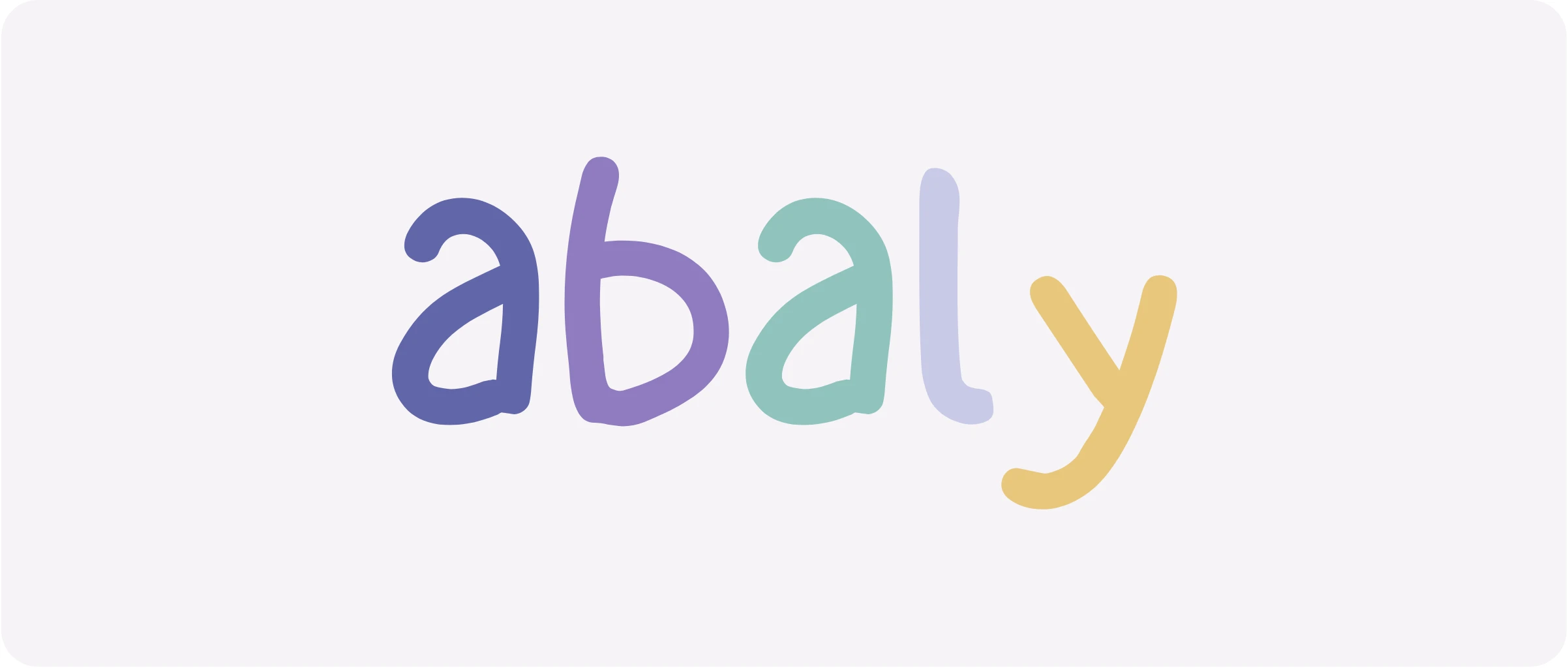
The starting point was a five-letter wordmark: lowercase, hand-drawn, each letter a different colour and a little off its baseline. It looks like something made at a table with a child, which is exactly where the product is used.
I treated it as the brief. The wordmark brings the play; the rest of the system brings the order. Soft shapes and crayon colours come from the letters; disciplined type and a strict colour rule keep clinical screens calm. Two letter colours sat between scale steps, so I mapped them onto the palette for the re-export.
a#6266A9Periwinkle 500
b#8F7CBFLavender 700 · was #9785C3
a#90C3BETeal 500
l#C9CAE7Periwinkle 100 · was #CBCCEA
y#E8C77DMarigold 500
Six versions, one rule each
{{ abWm.name }}
{{ abWm.use }}
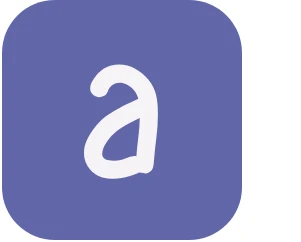
The first “a” alone is the app icon and favicon: one colour, centred in a square with a 22% corner radius. It never gets its own colours and never replaces the wordmark where the wordmark fits.
04 — COLOUR
Four hues, one that leads, and none that means anything clinical
Periwinkle carries the brand, Lavender supports it, Teal gives it air, and Marigold is the single highlight, used the way a therapist circles the one number that matters on a sheet. Each hue is a five-step scale, so the same colour works as a button, a field or a wash. The neutrals are tinted toward periwinkle, and Ink replaces black everywhere.
PeriwinklePrimary · buttons, links, the active state
700#4D518E
500#6266A9
400#7B7FC0
300#9A9DD0
100#C9CAE7
LavenderSecondary · soft fields, illustration
700#8F7CBF
500#B6A7D7
300#CBC1E4
200#DED8EE
100#F1EEF7
TealSupport · second series, calm states
700#5EAAA1
500#90C3BE
300#AED5D0
200#CDE7E3
100#EDF7F6
MarigoldAccent · once per layout, never a warning
700#8F6F2E
600#B89342
500#E8C77D
200#F2DEAE
100#FBF4E4
NeutralTinted toward periwinkle · Ink replaces black
Ink#252641
Slate#4C4D63
Stone#8C8DA3
Line#D9D9E3
Mist#F6F3F7
Proportion in any layout
Mist and white· Periwinkle, the one strong element· Lavender or Teal field, never both· Ink text· Marigold, once
The rule I protected hardestBrand colour never carries clinical meaning.
On the collection screen the response buttons keep their own semantic colours, and every response also has a glyph: + independent, P prompted, − error. Marigold is not a warning and Teal is not “success”. The brand shows up there only as the words “Tudo enviado”.
Try it: record a few trials on the phone. Each tap queues, then sends.
Alvo: ÁguaMando por item · Tentativa {{ abTrialN }} de 10
{{ d.g }}
{{ abStatus }}
Contrast, checked pair by pair (WCAG 2.1)
AaInk on Mist13.3:1AA text
AaSlate on Mist7.5:1AA text
AaPeriwinkle 700 on Mist6.6:1AA text
AaWhite on Periwinkle 5005.3:1AA text
AaInk on Marigold 5009.0:1AA text
AaInk on Teal 5007.5:1AA text
AaWhite on Teal 7002.7:1decorative only
AaMarigold on Teal1.2:1decorative only
Every approved pair is documented with its ratio, so nobody has to guess whether Teal can carry white text. It can't.05 — TYPE AND VOICE
Friendly headlines, disciplined text
The wordmark is the only hand-drawn element. Type around it is set, not drawn: a grotesque with some character for headlines, a humanist sans for everything people read and tap, a mono for the numbers clinicians check, and a rounded handwriting face kept for encouragement stickers only. Every face carries the full Portuguese and Spanish character set. Dates are dd/mm/aaaa and money is R$ 1.250,00.
Bricolage GrotesqueDisplay · 600, 700 · never below 20px
Coleta de dados sem papel
FigtreeText and UI · 400, 500, 600 · 16–17px, line height 1.5
A analista desenha o PEI, o AT aplica os programas em casa ou na escola, e cada tentativa vira um ponto no gráfico. Nada é apagado: registros são anulados, notas assinadas ganham adendos.
Like a good supervisor: direct, specific, never alarmed
The product handles legal records and children's health data, so the voice stays calm about data: no exclamation marks around saving, signing or deleting, and consequences explained in one sentence before anything irreversible. It also respects the people involved. Abaly writes criança autista, the term the Brazilian autistic community prefers, and never talks about cure or normality. The price is written out in full, with no “starting at”.
DoTudo enviado. 0 toques aguardando.“All sent. 0 taps waiting.” States the fact; the aide knows it's safe to close.
Don'tÓtimo! Seus dados foram sincronizados com sucesso 🎉“Great! Your data was synced successfully.” Celebrates a routine event.
DoCritério de domínio atingido em “Água”. Confirmar domínio e mudar a fase?“Mastery criterion met for ‘Water’. Confirm and change phase?” The system suggests, the supervisor decides.
Don'tParabéns! A criança dominou o alvo!“Congrats! The child mastered the target!” Makes a clinical claim the system shouldn't make.
DoNotas assinadas não mudam. Para corrigir, escreva um adendo.“Signed notes don't change. To correct one, write an addendum.” The rule and the way forward.
Don'tErro: operação não permitida.“Error: operation not allowed.” Says what was refused, not why or what to do.
06 — ILLUSTRATION
Chalk, gouache and cut paper, drawn so it could be engineered
Everything should look made by hand at a session table: flat cut shapes with chalk grain, slightly wobbly edges, dot-eyed faces with cheeks, sparkles and handwritten words. Five ingredients, always the same, in three sizes: 160px for cards, 240px for screens, 480px for the site.
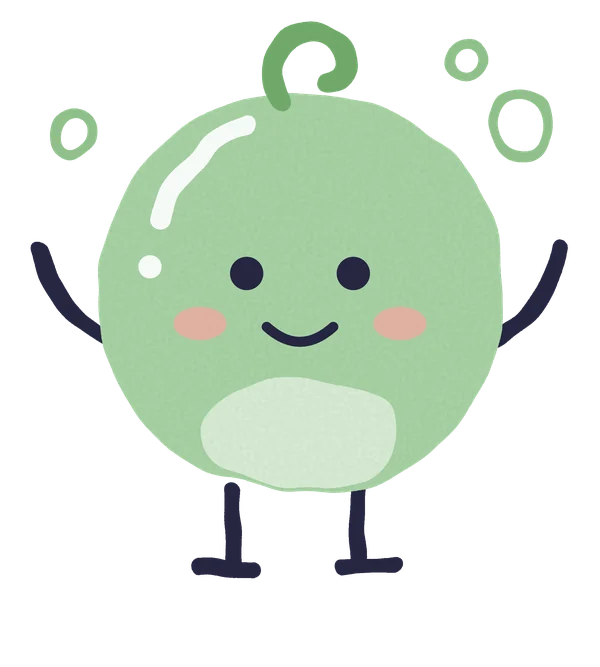
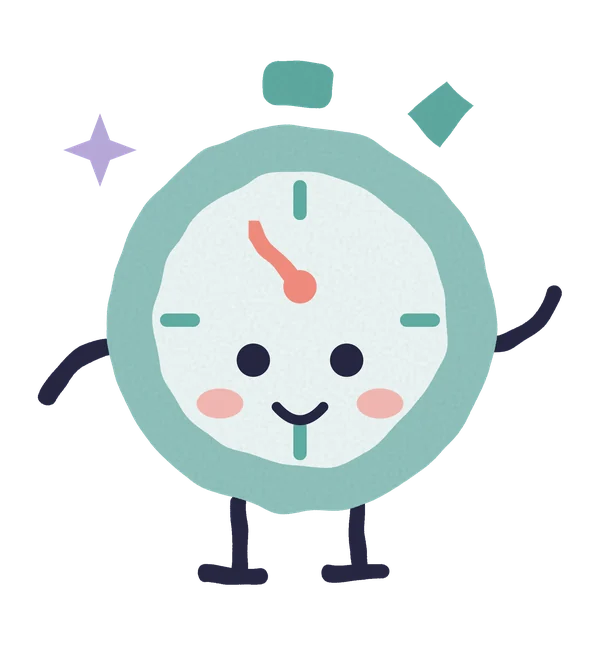
Characters, not portraits. Five objects from the session table, a bubble, a star, a stopwatch, an envelope and a crayon, stand in for anyone, so the brand never needs to draw or photograph a child. Each one has a job, and it only shows up when that job is happening.
BolhaWelcomes. First steps, onboarding and empty lists.EstrelaCelebrates. Criterion met, target mastered.CronômetroKeeps time. Agenda, sessions and reminders.EnvelopeDelivers. Sent, synced, reports and messages.GizPlays and draws. Library, drafts and notes.
1Cut shape
Flat, grainy, trembling edge. Three colours at most.
2Chalk line
Thick, round-tipped, imperfect. Ink or a palette colour.
3Face
Two dots, two cheeks, a small mouth. A straight mouth for errors.
4Sparkles
One to five per piece. They mean “something good happened”.
5Handwritten word
Mali, lowercase, inside a shape. Confirmation and encouragement only.
How the texture works
The chalk look is not painted. It is an SVG filter stack: fractal noise warps every edge, a second noise layer multiplies grain into the fill. One source file renders as textured PNG and WebP for the web and opens as clean flat vectors in Figma and Illustrator. That made a library of more than a hundred pieces practical to produce and keep consistent.
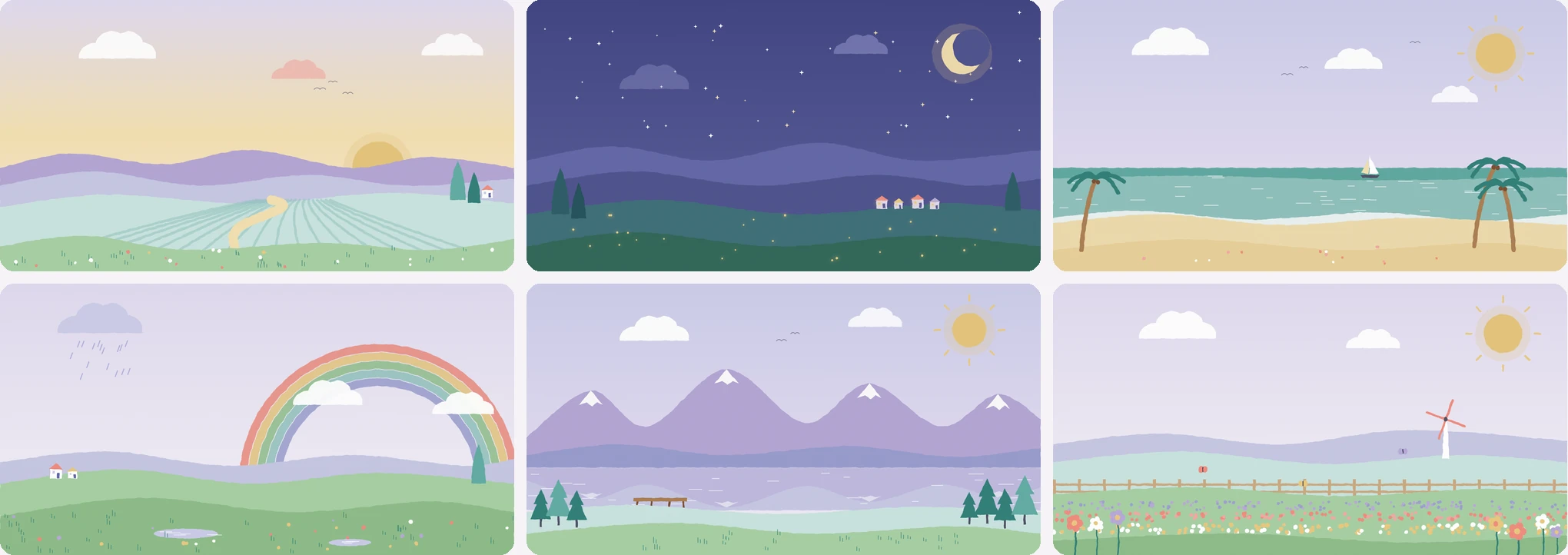
The chalk icon set from the landing page: collection, PEI, charts, records, agenda, insurer reports and PIX finance. Same filter, same three colours at most, drawn instead of screenshotted.A landscape series for heroes and greeting bands, built from the same ridge, cloud and sun parts.
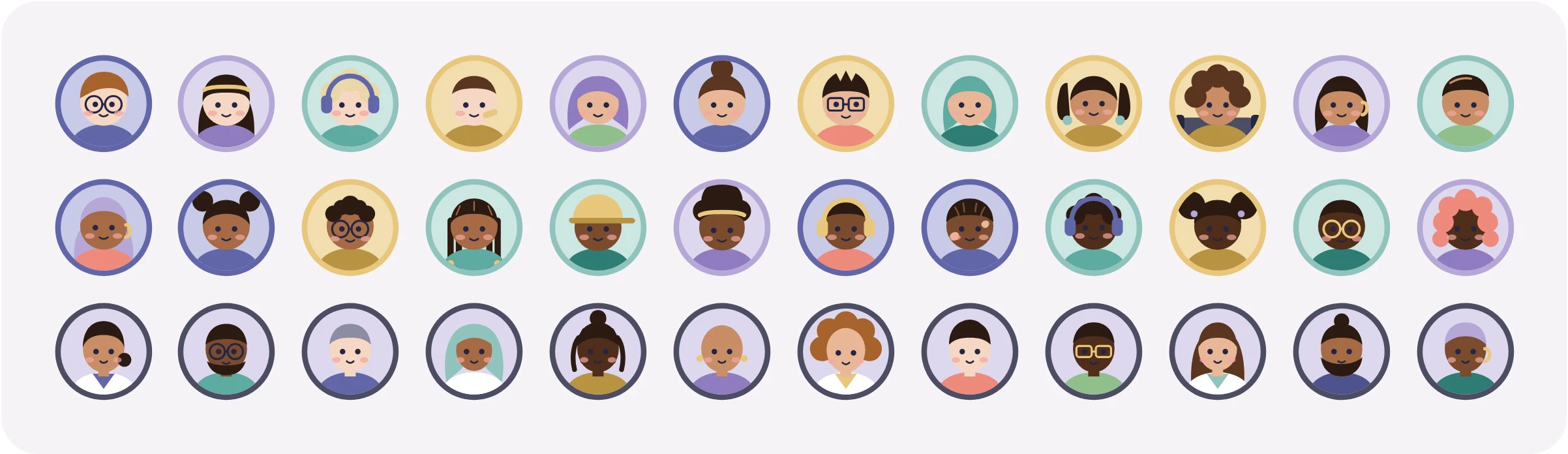
36 people, nobody identifiable
Clinics pick an avatar for each patient, so names never need a photo next to them, even in the agenda or the session bar. Twenty-four patient avatars and twelve for the team.
Diversity is designed in, not added. Six skin tones, each across four avatars; coily, curly, straight, braided, locs and shaved hair; glasses, noise-cancelling headphones, a hearing aid, hijab, cap, a wheelchair, vitiligo. Clothes use all four hues, with no pink-for-girls reading. Every face is neutral-happy: the expression belongs to the character, not to the child's day.
Patients: hue ring and a 200-step disc. Team: Slate ring, narrower face, collar. At 24 and 32px the ring and the hair carry recognition, so fine accessories may disappear.07 — SYMBOLS AND TOKENS
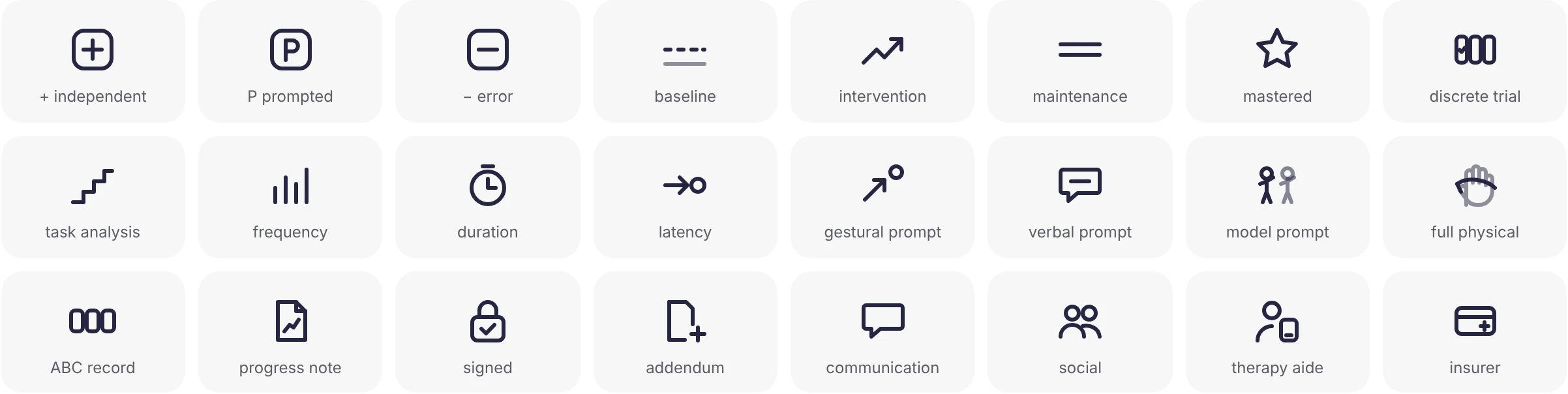
Lucide for the interface, 77 symbols for the clinic
Interface icons come from Lucide, at 20px with a 1.8 stroke so the line lands at 1.5px on screen. Clinical concepts had no icons anywhere, so I drew a domain set on the same grid and stroke: responses, phases, recording types, prompt levels, targets, behaviours, records, areas, roles, access and intake. Symbols that carry meaning always come with a word.
24 of the 77, shipped as one SVG sprite with ids like aba-fase-dominado.
Tokens, not components, for a product that already existed
A new component library would have been a rewrite nobody asked for. I shipped the identity as a token layer the existing components could adopt: colour for light and dark themes, type, spacing, radius, shadow, motion and layers, each with a usage note. One source file, tokens.json, generates CSS variables, a Tailwind v3 preset, a Tailwind v4 theme and TypeScript names. Change a value once and regenerate.
Cards and inputs separate with a 1px border, not shadow; shadows only on things that float. Errors show a caption under the field, never colour alone. Disabled is Stone on a muted fill.
Motion that only confirms
Four micro-animations in the whole product: a counter that hops 2px when a trial is recorded, a check that closes when everything is sent, a lock that closes on signing, and the mastery seal. Nothing moves on the collection screen except the counter.
08 — LANDING PAGE
A landing page that sells by showing the work
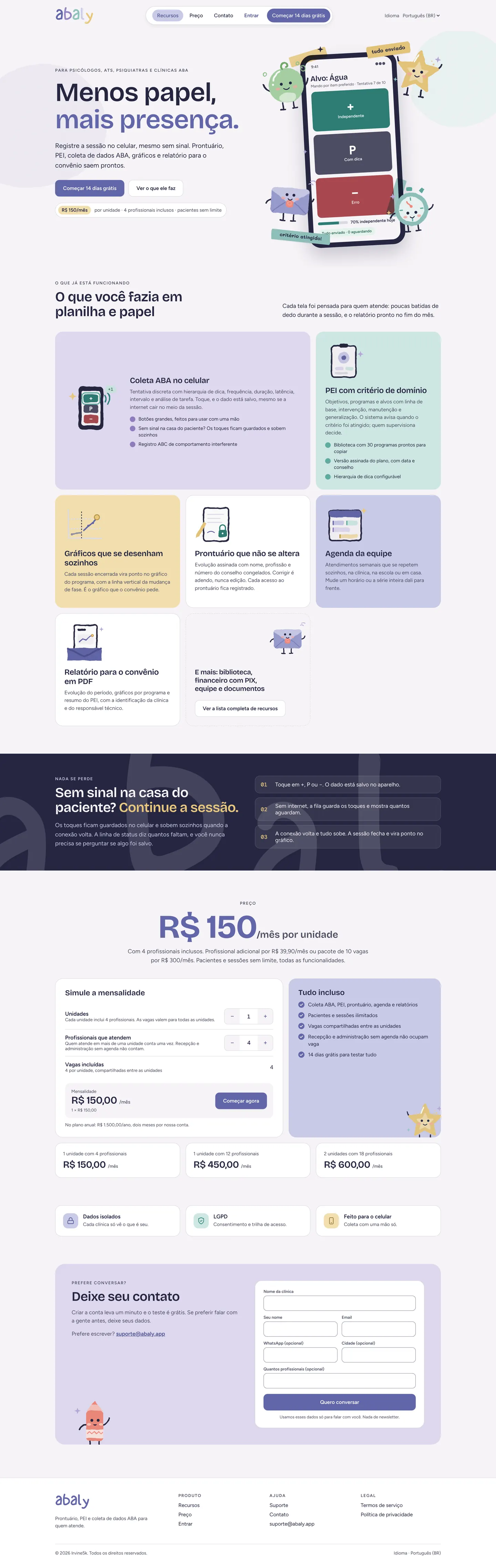
The old site was a generic navy and teal page that could have belonged to any clinic software. The new one had three jobs: show the product doing its core task in the first screen, speak to psychologists, therapy aides, psychiatrists and ABA clinics in their own vocabulary, and state the price plainly. It is also where the brand is allowed to be loud: full palette, display type, the characters, the stickers. I designed it section by section and built it myself as the production page.
Scroll inside the frames to read the whole page, at 1440px and at 390px. Or open the live site at abaly.app.
01The thesis and the product in one view
The tagline leads, and the phone shows the one screen that matters most: data collection, with the + P − buttons. Four of the characters gather around it, with tape and two handwritten stickers: tudo enviado, critério atingido. Under the calls to action, the price is already there: R$ 150/mês por unidade · 4 profissionais inclusos · pacientes sem limite.
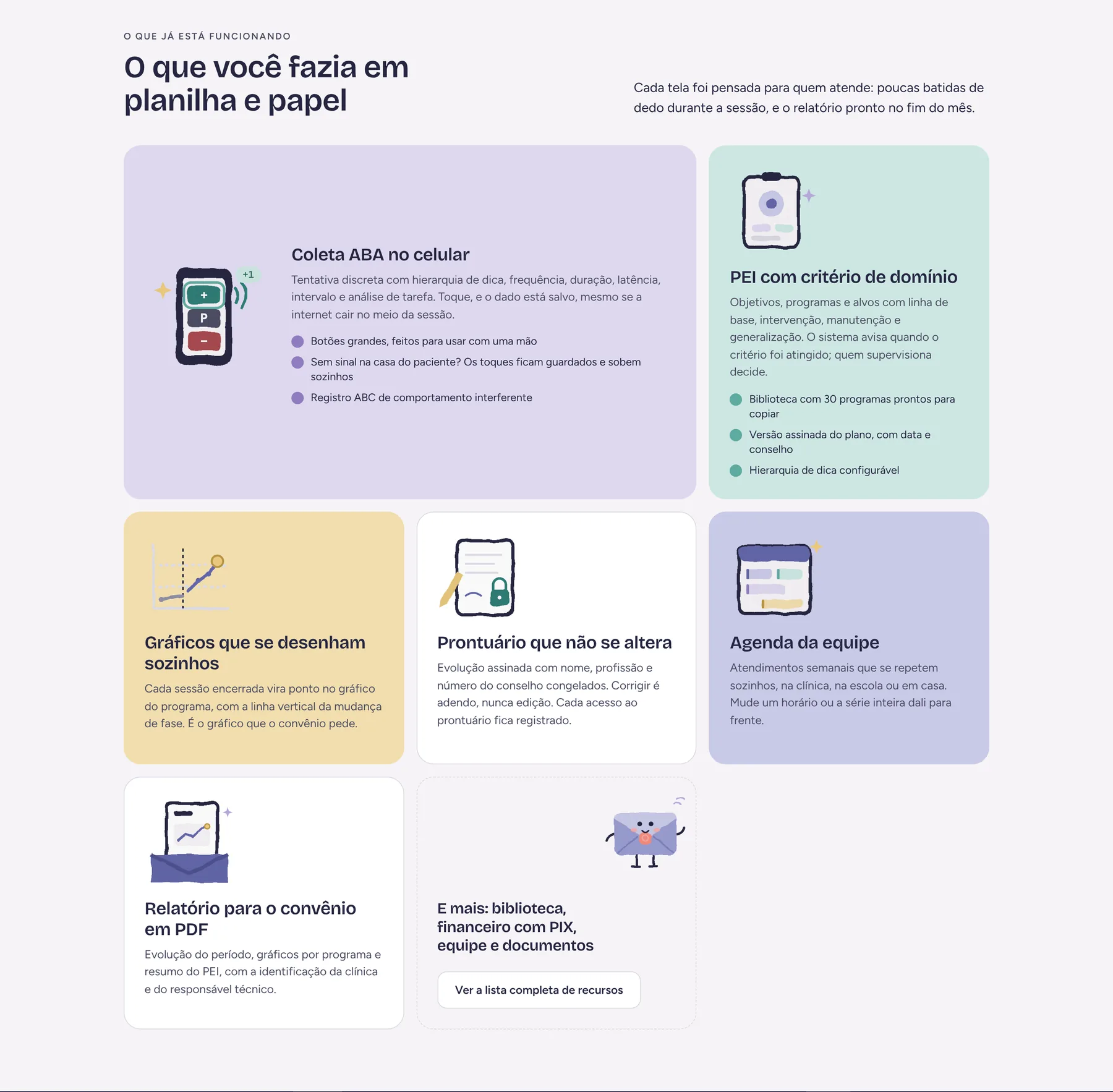
02What you used to do on paper
Five capabilities in a bento of brand tints, each with a custom chalk icon instead of a screenshot, and a sixth card, with the Envelope, for everything else. Data collection gets the widest card because it is the reason clinics switch. Every card is written in the clinic's own words: PEI, critério de domínio, convênio.
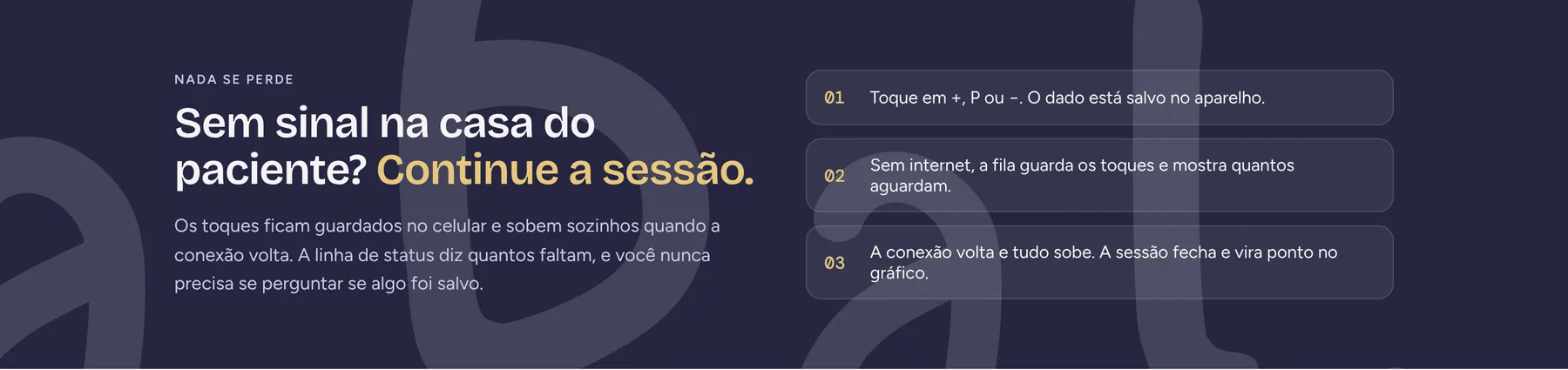
03Answering the biggest objection
Home and school sessions often have no signal. An Ink band with the wordmark's letterforms in the background explains the offline queue in three steps, so the doubt is settled before anyone asks.
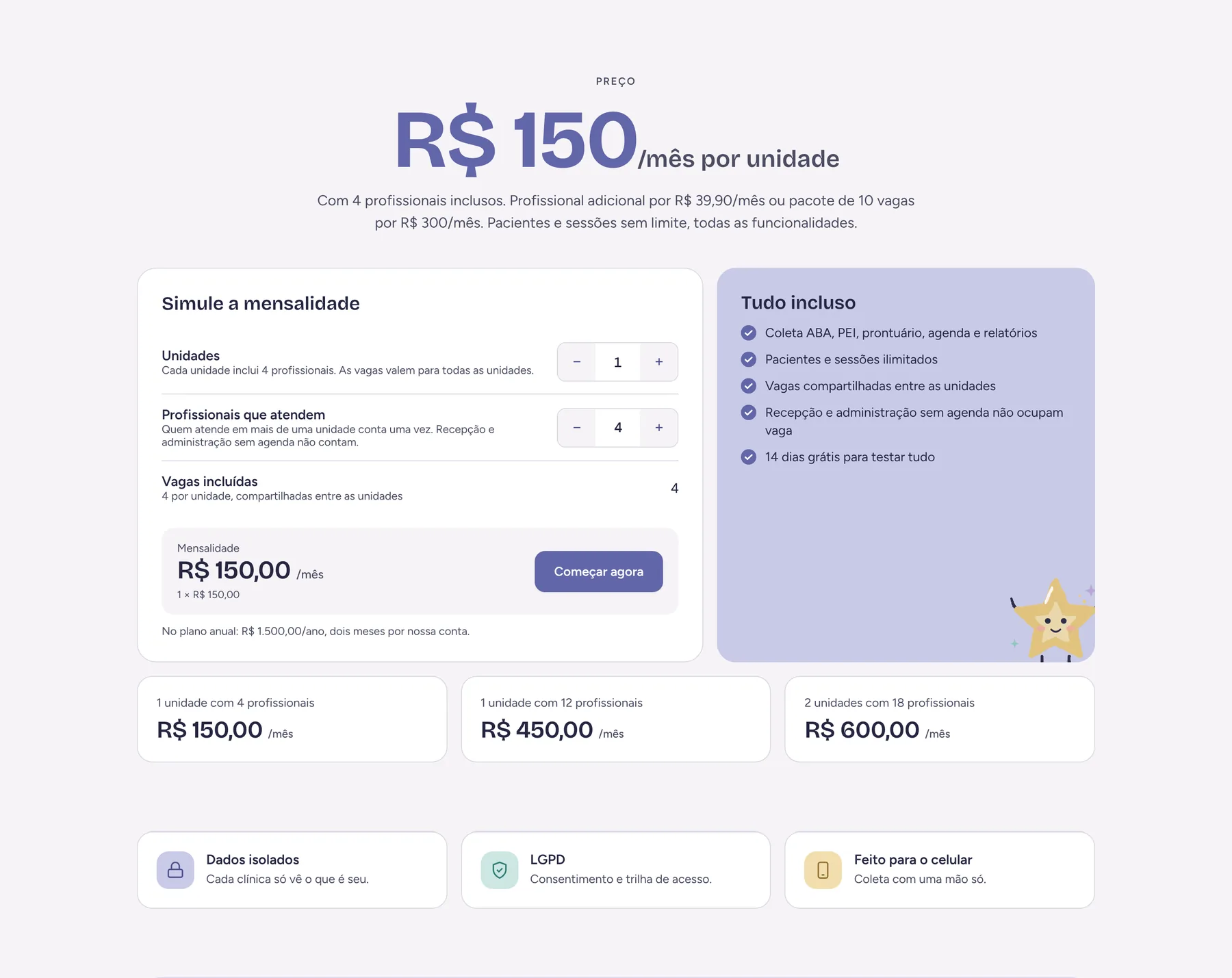
04A price you can calculate yourself
The voice rules say no “starting at” and no “talk to sales”. So the page has a simulator: units and professionals with steppers, the cheapest combination of extra seats chosen automatically, the annual price at ten months, and three worked examples underneath. A trust row closes the section: isolated data, LGPD, built for the phone. Try it below, with the real rules.
UnidadesCada unidade inclui 4 profissionais
Profissionais que atendemQuem atende em mais de uma unidade conta uma vez
Vagas incluídas4 por unidade, compartilhadas entre as unidades
{{ abSimSlots }}
MENSALIDADE{{ abSimTotal }} /mês
{{ abSimBreak }}
No plano anual: {{ abSimAnnual }}/ano, dois meses por nossa conta.
The same rules the live page runs: R$ 150 per unit with 4 seats, extra seats at R$ 39,90 or a pack of 10 for R$ 300, and the cheapest mix picked automatically.
05For people who want to talk first
Creating an account takes a minute, but some clinic owners want a conversation. A short form, a direct support address, and one line of reassurance: Usamos esses dados só para falar com você. Nada de newsletter.
Illustrations live in the page
The characters and icons are inline SVG using the same chalk filter as the brand library, so they stay sharp at any size and weigh almost nothing.
Accessible by construction
Real buttons and links, a label on every field, labelled − and + steppers, the simulator total announced with aria-live, visible focus everywhere and reduced motion respected.
Ready to publish
Favicon set, PWA icons, web manifest and a share image ship in the same folder, with a README that lists the routes and the form endpoint to connect.
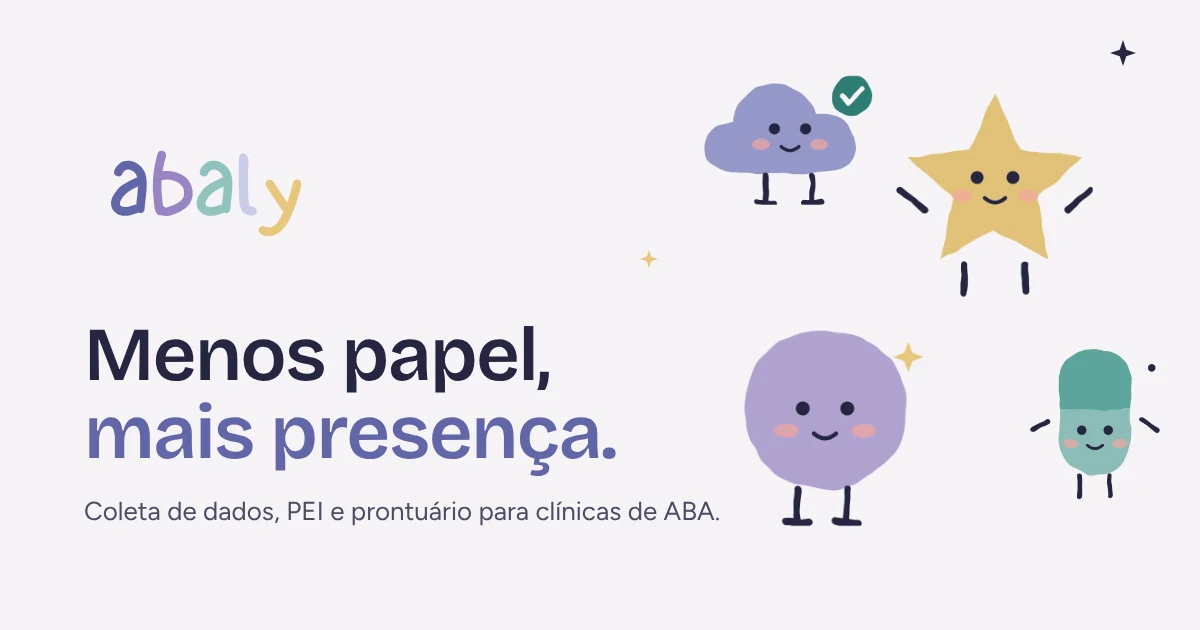
Share image for links on WhatsApp, LinkedIn and Instagram.09 — PRODUCT
Loud on the site, quiet in the workspace
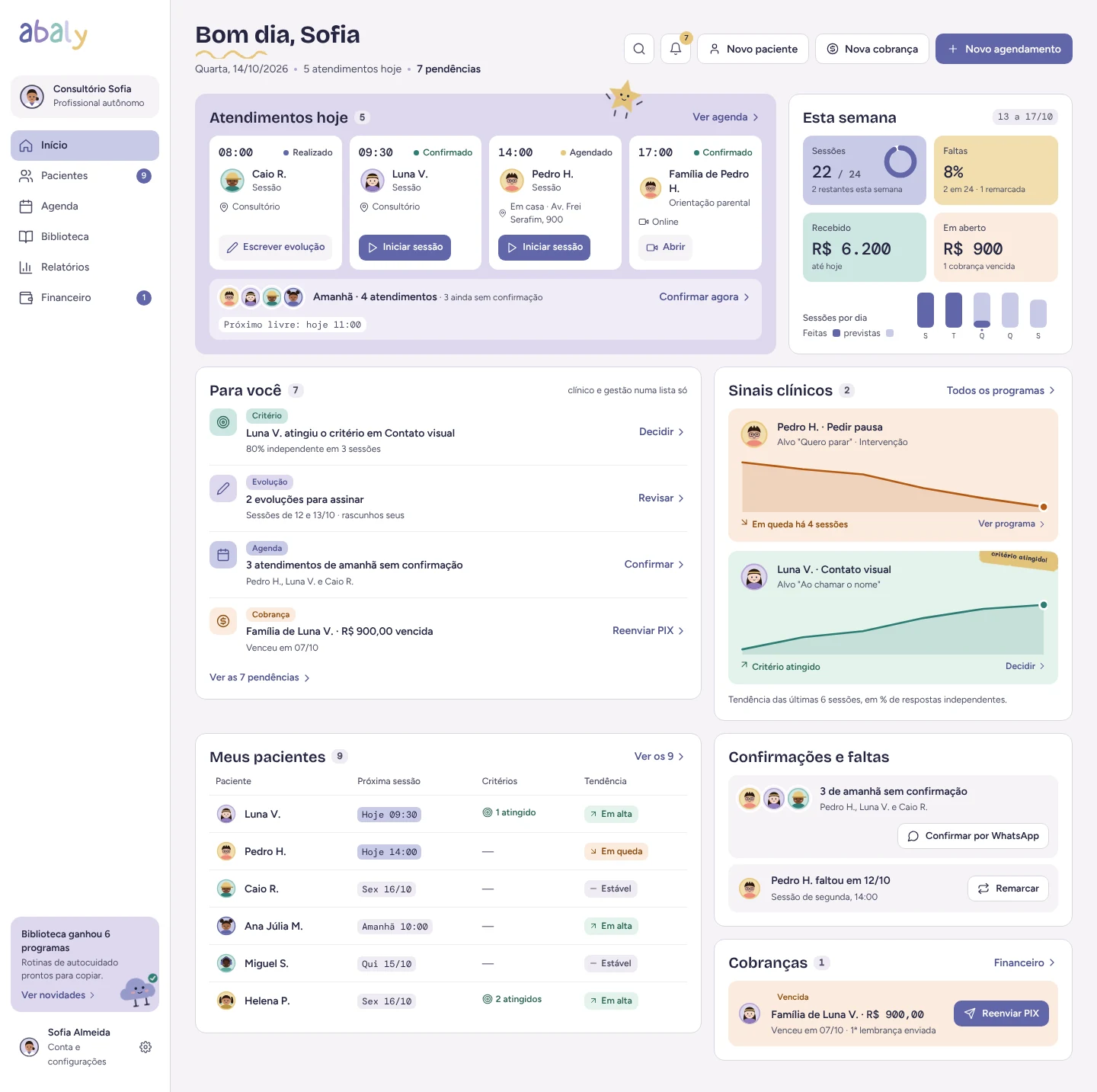
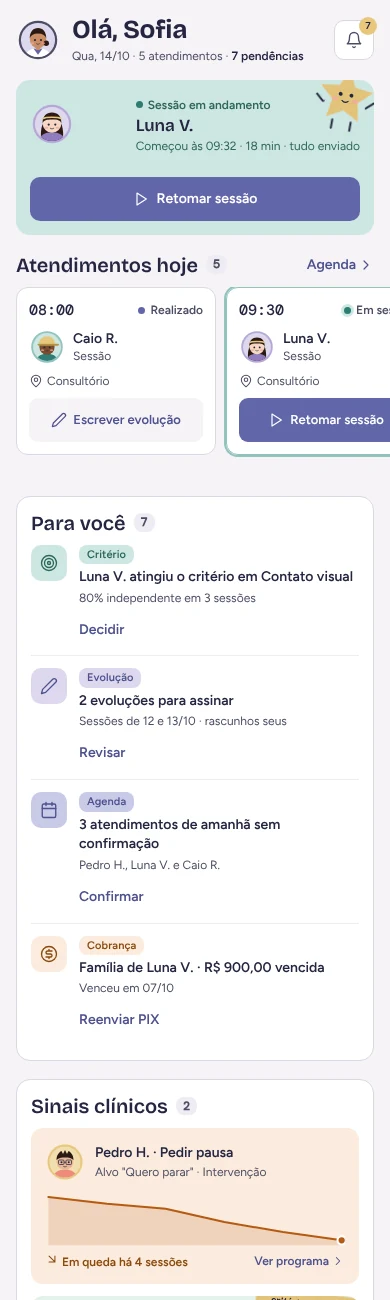
Inside the app the brand steps back. The wordmark goes one-colour in the sidebar, the ground is Mist and Periwinkle marks the active item and the primary button. Illustration appears only in empty states, onboarding and success moments, never inside data collection, signed notes or alerts.
I redesigned the home as modules by profile instead of a fixed “Today” list, so each person opens the app on the work that is theirs.
Home for an independent professional. Clinical signals and tasks use the product's semantic colours; brand colour stays on navigation and actions.10 — PROCESS
Every phase, faster, with AI in the loop
The deadline was short, so I kept every phase of the process and used AI to move through each one faster, not to skip any. Claude worked as a design partner and as a production tool; I made the calls and reviewed every output.
01Strategy and voicePositioning, traits and tagline options drafted and pressure-tested with Claude against the clinic's real vocabulary, then cut by hand.
02Identity systemScales, contrast pairs and type scale defined in Figma and checked with scripts, so every documented ratio is computed, not eyeballed.
03Illustration pipelineCharacters and scenes authored as SVG with a shared filter stack, rendered in bulk with Playwright to textured PNG and WebP, and reviewed piece by piece.
04BrandbookSeventeen chapters in Portuguese, with an English edition, written as rules people can apply without asking.
05Landing pageDesigned in the brand system and coded as production-ready HTML and CSS, with the price simulator in a few lines of plain JavaScript. Checked at desktop and phone widths before handoff.
06ProductApp screens built as real HTML and pushed into Figma as native layers for the team.
07HandoffA package for developers with tokens in five formats, 97 production illustrations with alt text, 77 symbols, favicons and a phased implementation guide written so Claude Code or Cursor can apply it one commit at a time.
More projects coming soon
{{ noteDate }}
How I work
Every project moves through the same phases, from understanding the problem to shipping and refining. What changes is the pace. I adapt the depth of each phase to the deadline, and I use AI throughout to move faster without skipping any of them.
My process
UnderstandBefore I design anything, I make sure I understand the goal, the users and the constraints. I review analytics, competitors and existing flows, and I help shape what the feature should be, not just how it should look. AI helps me synthesize research and spot patterns quickly.
ExploreI sketch directions broadly before committing to one. With AI, I can explore more options in less time, which leads to better decisions earlier.
DesignI design in Figma on top of a design system, so every screen is consistent and ready to build. Components, tokens and states are defined before code starts, which means fewer surprises during implementation.
BuildI turn designs into production-ready code in React, TypeScript and Tailwind, or in Framer and Webflow when a team needs to keep editing the site after launch. I build against the Figma frame, so the result matches the design down to spacing, type and states. Claude and Cursor speed up the build, and I review every line for quality.
Prototype and validateWhen an idea needs proof, I build a working prototype instead of a static mockup. Real interactions reveal problems that static screens hide.
Ship and refineLaunch is a starting point. I iterate based on user feedback and analytics, adjusting both the design and the implementation until the product performs as intended.
What I care about
Pixel precision: what ships should match what was designed.
Motion with purpose: animations and micro-interactions should guide, give feedback and make the product feel alive, not just decorate it.
Systems over one-offs: reusable components and tokens keep products consistent as they grow.
Accessibility by default: contrast, states and keyboard support are built in from the start.
I’m Iana, a multidisciplinary designer with 6 years in product and technology. I take interfaces from concept to production-ready code, caring as much about the last pixel and the smallest animation as about the product decisions behind them.As Head of Product Design at VOPI, a studio building custom SaaS platforms, CRMs and mobile apps, I lead design for Civia, an AI agents platform governments use to serve citizens at scale. I’ve shipped landing pages, mobile apps, dashboards and operational tools, along with the design systems behind them.